
Customer expectations have skyrocketed. Instant answers, 24/7 availability, and personalized support are no longer perks; they're the standard. But how can teams deliver this without burning out? The answer lies in adopting the right AI tools for customer service. This guide moves beyond the hype to give you a practical, in-depth look at the 12 best platforms available today. We provide direct links and screenshots for each tool to help you make an informed decision quickly.
This resource is designed to help you find the best solution for your specific needs, whether you run a small ecommerce shop using Gorgias or manage a global enterprise with Salesforce Service Cloud. We will break down AI-powered help desks like Zendesk and Intercom, standalone chatbots such as Ada, and powerful agent-assist tools that make every reply faster and more accurate. Understanding the fundamentals of AI agent deployment best practices is critical before making a choice, as it ensures a smooth integration into your existing workflows.
In this list, you'll find detailed analysis, key features, and honest assessments of limitations for each platform. Our goal is to equip you with the information needed to automate resolutions, empower your agents, and ultimately create better customer experiences.
Table of Contents
- 1. Voice Control Pro
- Key Features & Use Cases
- 2. Intercom (Fin AI + AI-first help desk)
- Pricing & Key Features
- Pros & Cons
- 3. Zendesk AI
- Pricing & Key Features
- Pros & Cons
- 4. Salesforce Service Cloud with Einstein for Service
- Pricing & Key Features
- Pros & Cons
- 5. Freshdesk (Freshworks) with Freddy AI
- Pricing & Key Features
- Pros & Cons
- 6. Genesys Cloud CX + Genesys AI
- Pricing & Key Features
- Pros & Cons
- 7. Google Cloud Contact Center AI (CCAI Platform and Conversational Agents)
- Pricing & Key Features
- Pros & Cons
- 8. HubSpot Service Hub with Breeze AI
- Pricing & Key Features
- Pros & Cons
- 9. Gorgias (Helpdesk + AI Agent) — ecommerce-focused
- Pricing & Key Features
- Pros & Cons
- 10. Tidio with Lyro AI
- Pricing & Key Features
- Pros & Cons
- 11. Ada
- Pricing & Key Features
- Pros & Cons
- 12. Forethought (Solve)
- Pricing & Key Features
- Pros & Cons
- 12 AI Customer Service Tools — Feature Comparison
- Choosing the Right AI Tool for Your Team
- Matching the Tool to Your Business Model
- Starting Small and Measuring Impact
1. Voice Control Pro
Voice Control Pro excels as an exceptional productivity tool for customer service professionals by fundamentally changing how agents interact with their software. It allows staff to dictate responses directly into any application, from CRMs and ticketing systems to chat windows, reportedly at speeds up to four times faster than typing. This direct-input method means agents can maintain their workflow and context without juggling windows, significantly speeding up reply times for emails, support tickets, and live chat.
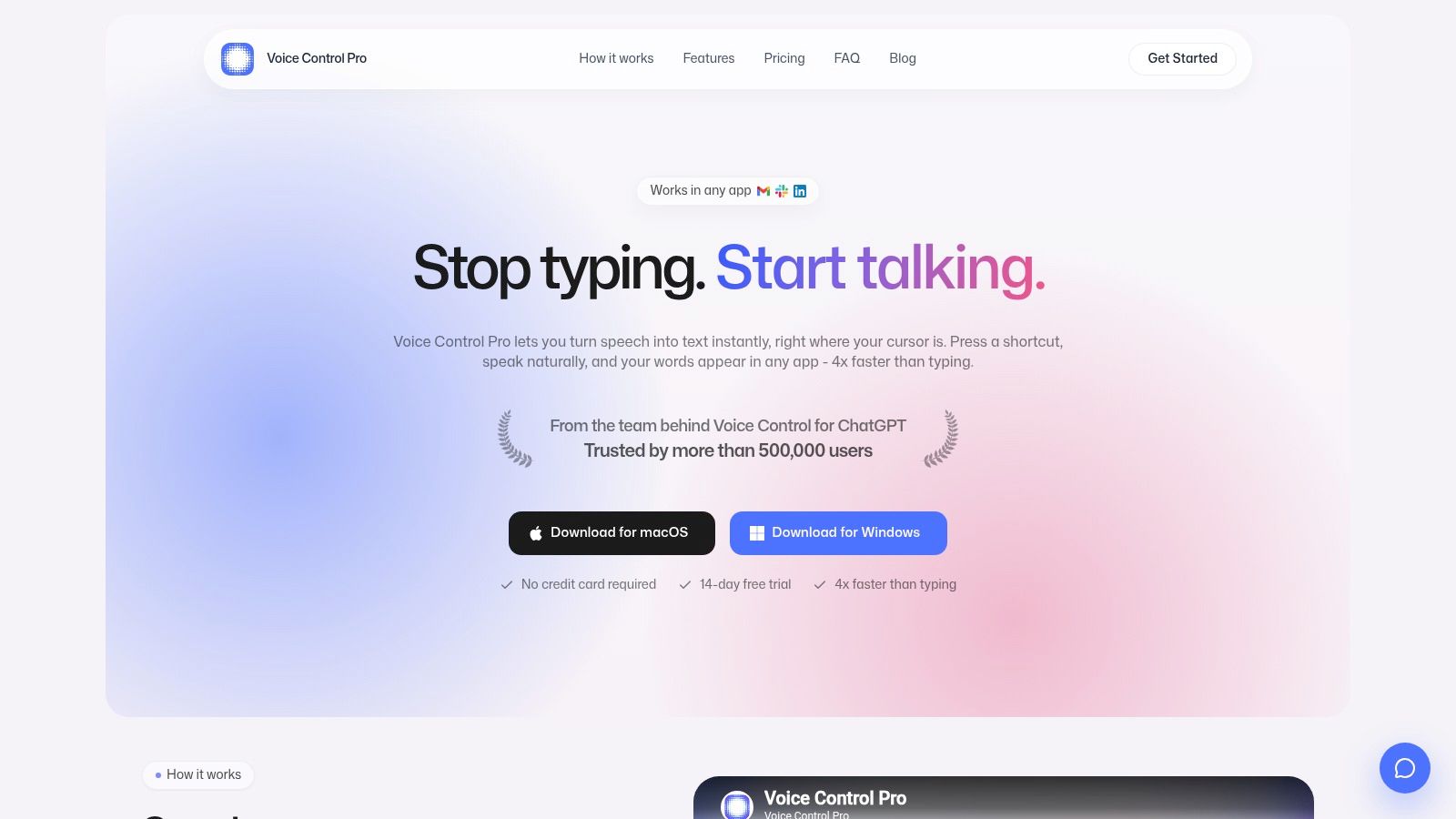
This tool stands out among AI tools for customer service because it moves beyond simple transcription. Its built-in "Hey Max" assistant adds a layer of intelligence, enabling agents to rewrite selected text for tone, summarize long customer inquiries, or even ask contextual questions about on-screen content. Privacy is another key differentiator; "Fly Mode" and a free local-only mode offer on-device processing for handling sensitive customer data securely.
Key Features & Use Cases
- Fast, Seamless Dictation: A global hotkey lets you speak and have polished text appear wherever your cursor is. This is ideal for drafting detailed support emails or quickly responding in fast-paced chat environments.
- Hey Max Assistant: This feature can rewrite a drafted reply to be more empathetic, summarize a customer's issue from a long email, or launch necessary applications with a simple voice command.
- Privacy-Focused Modes: Fly Mode processes all dictation locally, ensuring no customer data is sent to the cloud. This is critical for teams in healthcare, finance, or other regulated industries.
- Cross-Platform Support: Works on both macOS and Windows without requiring specific integrations for each app your team uses.
The basic version offers unlimited local dictation for free. The advanced "Max" tier, which unlocks over 99 languages, customizable text cleanup, and the full Hey Max assistant, requires a paid upgrade. Pricing is not publicly listed, so interested teams should test the free version first to evaluate its accuracy and fit.
Website: https://voicecontrol.pro
2. Intercom (Fin AI + AI-first help desk)
Intercom presents a fully integrated platform where AI isn't an afterthought but the core of the customer service workspace. Its standout feature, Fin, is an AI agent that operates across chat, email, and even voice channels, aiming to resolve customer issues without human intervention. This tight integration means there are no synchronization lags between the AI and the help desk, creating a fluid experience for both customers and support agents.
Unlike many AI tools for customer service that function as add-ons, Intercom is built as an AI-first system. It also includes Copilot features within the shared inbox to help agents draft replies and summarize conversations instantly. This focus on native AI makes it a strong choice for teams that want a single, unified solution for both automated and human-led support.
Pricing & Key Features
Intercom’s pricing is unique with its outcome-based model for Fin, where you pay per successful resolution. While this aligns cost with value, it can also lead to variable monthly bills that depend entirely on AI performance and query volume.
- Fin AI Agent: Automates resolutions across chat, email, and voice (Fin Voice).
- Agent Copilot: Assists human agents with drafting, rephrasing, and summarizing conversations.
- Unified Workspace: Combines the AI chatbot, shared inbox, and help center in one platform.
- Outcome-Based Billing: A "pay-per-resolution" model for its AI agent.
Pros & Cons
| Pros | Cons |
|---|---|
| Tightly integrated AI-native help desk, preventing sync issues. | True cost is variable and depends on resolution rates. |
| Outcome-based billing aligns your spending directly with AI value. | Complex pricing with add-ons can be difficult to forecast. |
| Extends AI capabilities to voice support without a separate system. | May be overly complex for very small teams with simple needs. |
Website: https://www.intercom.com
3. Zendesk AI
Zendesk integrates AI across its established Support Suite, offering a layered approach for teams already familiar with its platform. Rather than presenting a standalone AI product, it embeds intelligence to assist customers via AI agents, guide support staff with a Copilot, and help admins with automated triage and intent detection. This makes it an ideal choice for organizations looking to add AI capabilities to their existing Zendesk ecosystem without a complete operational overhaul.
Unlike single-purpose bots, Zendesk's AI tools for customer service are designed to work within a mature support framework. The Agent Copilot provides reply suggestions and summarizations directly in the agent workspace, with some features included in higher-tier plans. For those exploring other efficiency gains, learning about voice dictation for customer support can offer additional productivity boosts. Zendesk's approach gives admins clear governance over AI usage and costs.
Pricing & Key Features
Zendesk's AI is available as an add-on to its Suite plans, with AI Agents billed per "automated resolution." This means costs are tied to the volume of inquiries the AI successfully handles on its own, while Copilot features are often bundled into existing subscription tiers.
- AI Agents: Automated bots that resolve customer queries, billed per successful resolution.
- Agent Copilot: Provides in-context assistance for agents, including reply drafting and conversation summaries.
- Intelligent Triage: Automatically detects intent, language, and sentiment to route tickets to the right agent.
- Robust Marketplace: Access to a large ecosystem of third-party apps and integrations.
Pros & Cons
| Pros | Cons |
|---|---|
| Familiar toolset for teams already invested in the Zendesk ecosystem. | The "automated resolution" pricing model can feel opaque initially. |
| Agent Copilot features are included with many standard Suite plans. | Some of the more advanced AI capabilities are locked behind higher tiers. |
| Strong administrative controls for managing AI usage and costs. | Can be more complex than needed for teams wanting a simple AI-only bot. |
Website: https://www.zendesk.com
4. Salesforce Service Cloud with Einstein for Service
For organizations already embedded in the Salesforce ecosystem, Einstein for Service offers a deeply integrated AI layer directly within the Service Cloud. Rather than a separate add-on, Einstein functions as a native intelligence engine, powering everything from AI-driven chatbots and voice agents to a Service Assistant that helps human agents in real time. It provides case summaries, drafts replies, and suggests next-best actions grounded in your own knowledge base.
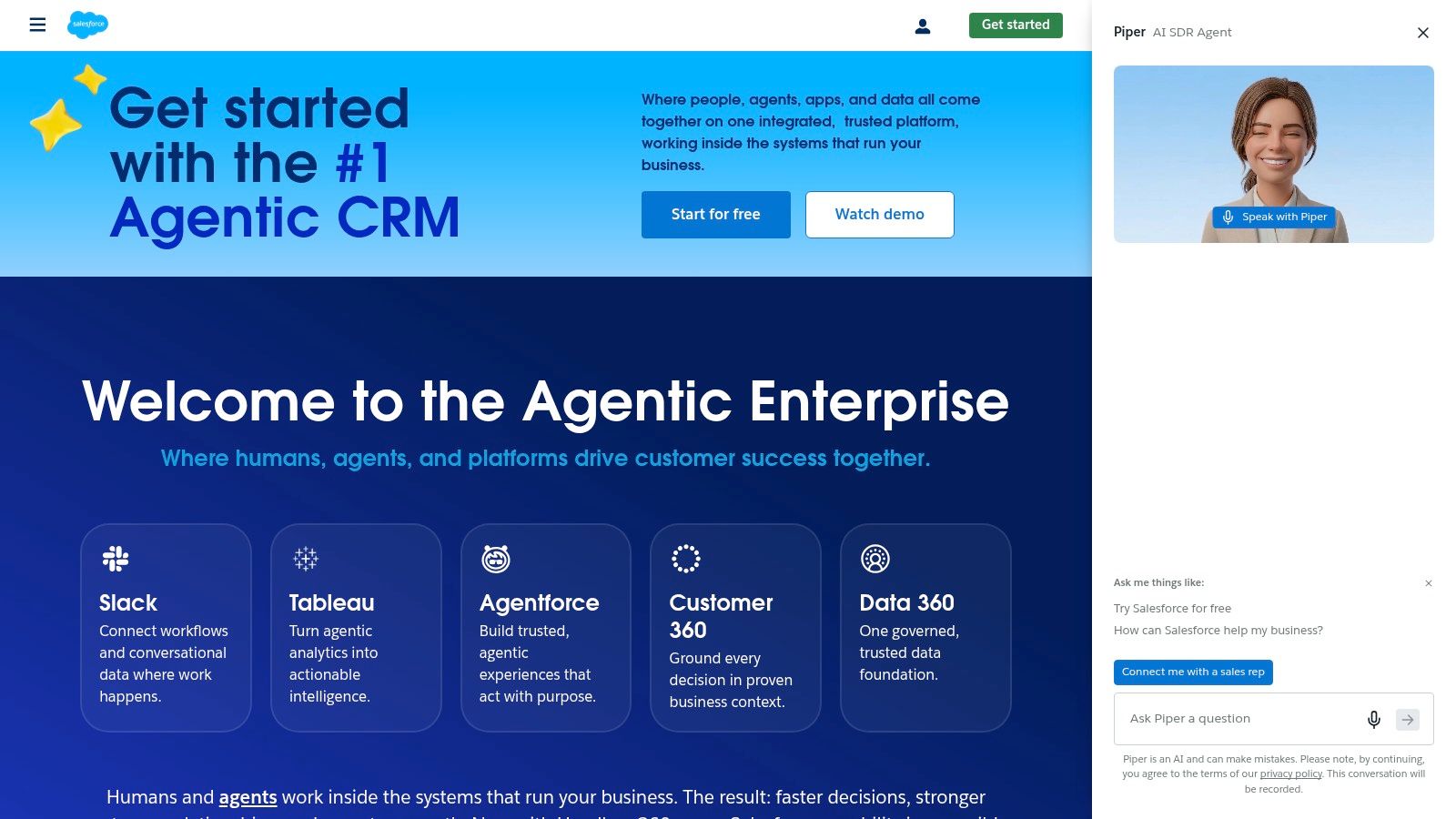
This CRM-native approach is what makes it one of the most powerful AI tools for customer service if you are a Salesforce customer. Because it connects directly to Sales and Marketing Cloud data, the AI has a full contextual view of the customer, allowing for highly personalized and effective support interactions. The tight integration ensures data governance and security are managed within a single, familiar platform.
Pricing & Key Features
Salesforce uses a consumption-based model where AI usage is tracked through Einstein Requests and Data 360 Credits. This provides flexibility, allowing you to apply credits across various AI features, but it requires careful monitoring to manage costs effectively.
- Generative AI Assistant: Provides drafts, summaries, and next-best actions within the agent console.
- Knowledge-Grounded Bots: Automates chat and voice support using answers from your CRM and knowledge articles.
- Credit-Based Consumption: AI usage is tracked via Einstein Requests and Data 360 Credits.
- Tight CRM Integration: Connects seamlessly with Sales, Marketing, and other Salesforce clouds.
Pros & Cons
| Pros | Cons |
|---|---|
| Single platform for CX, CRM, and data governance. | Requires deep alignment with the Salesforce stack to be effective. |
| Flexible consumption model works across different AI use cases. | Credit-based billing needs careful forecasting to avoid surprises. |
| Enterprise-grade security and compliance are built-in. | Implementation depth and proper configuration are critical for ROI. |
Website: https://www.salesforce.com
5. Freshdesk (Freshworks) with Freddy AI
Freshdesk brings its AI capabilities to the forefront with Freddy AI, an intelligent agent designed to automate resolutions, assist human agents, and optimize support workflows. It operates across an omnichannel workspace, including chat, email, and social media, providing a consistent experience. The platform is aimed at teams looking for a modern, user-friendly support system with predictable AI pricing.
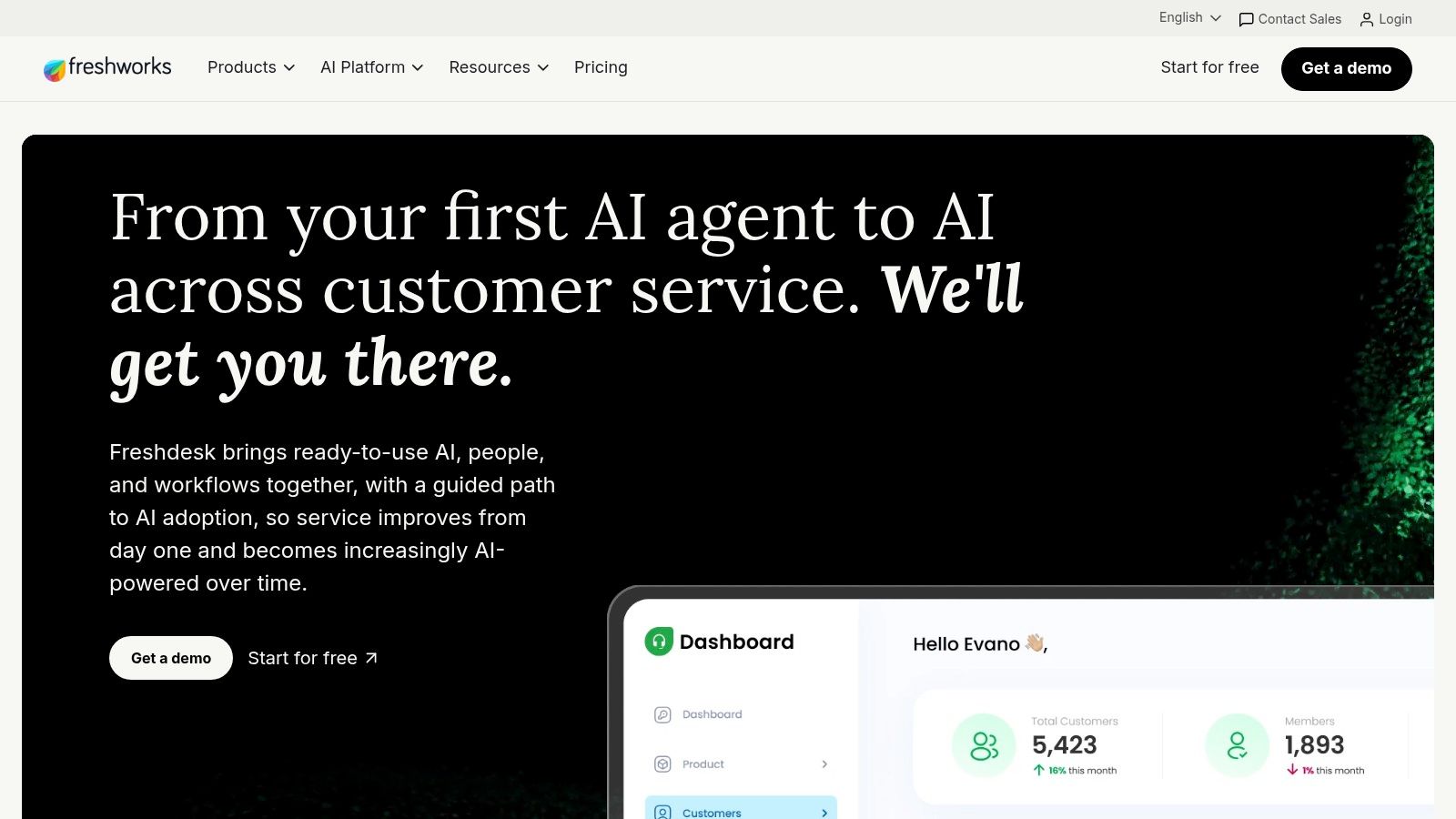
Unlike systems with complex, per-resolution billing, Freshdesk’s approach simplifies cost forecasting for its AI tools for customer service. It also includes an Agent Copilot that provides reply suggestions and conversation summaries, helping agents work more efficiently. This focus on a friendly interface and straightforward AI packaging makes it an attractive option for small to mid-market businesses wanting a fast time-to-value.
Pricing & Key Features
Freshdesk prices its AI features through "Freddy" agent sessions, offering a clear, session-based model that is easy to understand and budget for. This allows teams to purchase AI capacity in predictable bundles.
- "Freddy" AI Sessions: Provides self-service automation through a session-based pricing model.
- Agent Copilot: Offers reply suggestions, conversation summaries, and field suggestions to boost agent productivity.
- Omnichannel Workspace: Unifies support across chat, email, social media, and telephony channels.
- CRM & Commerce Integrations: Connects with other business systems for a more complete customer view.
Pros & Cons
| Pros | Cons |
|---|---|
| Clear session-based AI packaging simplifies cost modeling. | Some AI features differ between Freshdesk and Freshchat products. |
| Friendly agent UI leads to a quick and easy implementation. | Advanced governance and features may require more expensive tiers. |
| Offers competitive price-performance for SMB and mid-market teams. | Can feel less unified if using separate Freshworks products. |
Website: https://freshdesk.com
6. Genesys Cloud CX + Genesys AI
Genesys Cloud CX delivers an enterprise-grade Contact Center as a Service (CCaaS) platform where native AI is deeply integrated for both digital and voice channels. It is designed for large-scale, omnichannel contact centers that require robust telephony and scalable AI capabilities. Its native voicebots and digital bots, paired with AI-powered predictive routing, optimize how customer interactions are handled from the very first touchpoint.
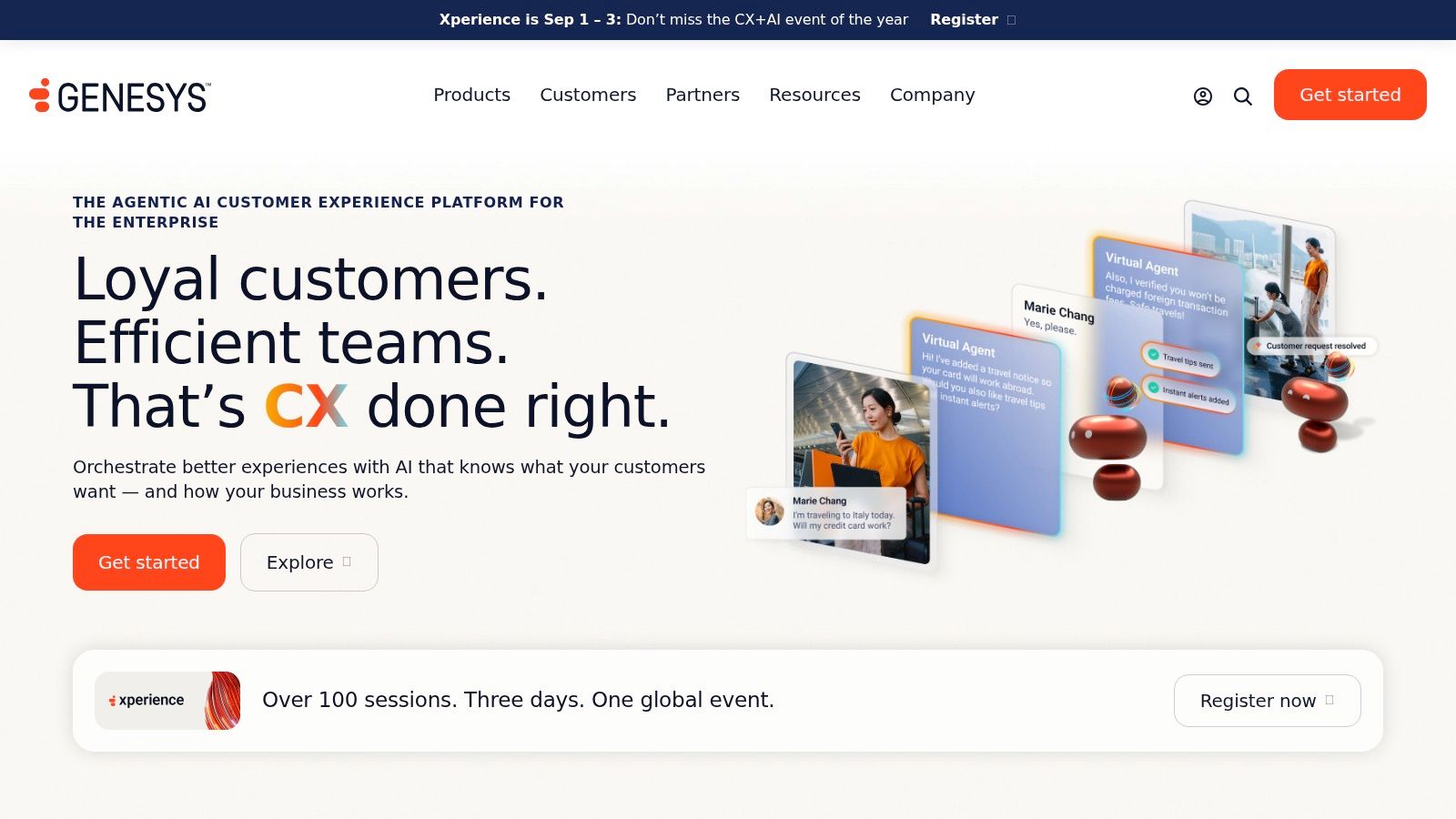
Unlike point solutions, Genesys provides a complete suite of AI tools for customer service, including Agent Assist which provides agents with real-time transcription and guidance. A key strength is its deep integration path with Salesforce, creating a unified view of the customer across both CRM and CX platforms. This makes it a go-to choice for enterprises aiming to connect their customer service operations directly with their sales and marketing data.
Pricing & Key Features
Genesys pricing is multi-faceted, often combining per-seat licenses with AI usage fees, which can make budgeting complex. Implementation is also typically a significant project requiring certified partners, reflecting its enterprise focus.
- Native Voicebots and Chatbots: Deploys AI-powered bots across voice and digital channels.
- Predictive Routing & WEM: Uses AI for workforce engagement management and to route customers to the best-fit agent.
- Agent Assist: Offers support for agents with features like those found in real-time transcription software.
- Deep Integrations: Provides a strong integration with Salesforce and allows for bring-your-own-bot connectors (e.g., Dialogflow).
Pros & Cons
| Pros | Cons |
|---|---|
| Strong telephony and omnichannel reliability at scale. | Pricing is multi-component (seats + AI usage) and can be complex. |
| Rich AI toolset for workforce and routing optimization. | Implementation typically requires expert partners and is a major project. |
| Global reach and enterprise-grade compliance and security. | May be too powerful and costly for smaller businesses. |
Website: https://www.genesys.com
7. Google Cloud Contact Center AI (CCAI Platform and Conversational Agents)
Google’s CCAI is a builder-centric platform that provides the powerful components needed to construct a custom contact center solution. Rather than a pre-packaged help desk, it offers a suite of services, including Dialogflow CX for creating advanced conversational virtual agents and Agent Assist for providing real-time guidance to human representatives. It's designed for teams that want to embed Google's mature NLP and large language models directly into their existing architecture.
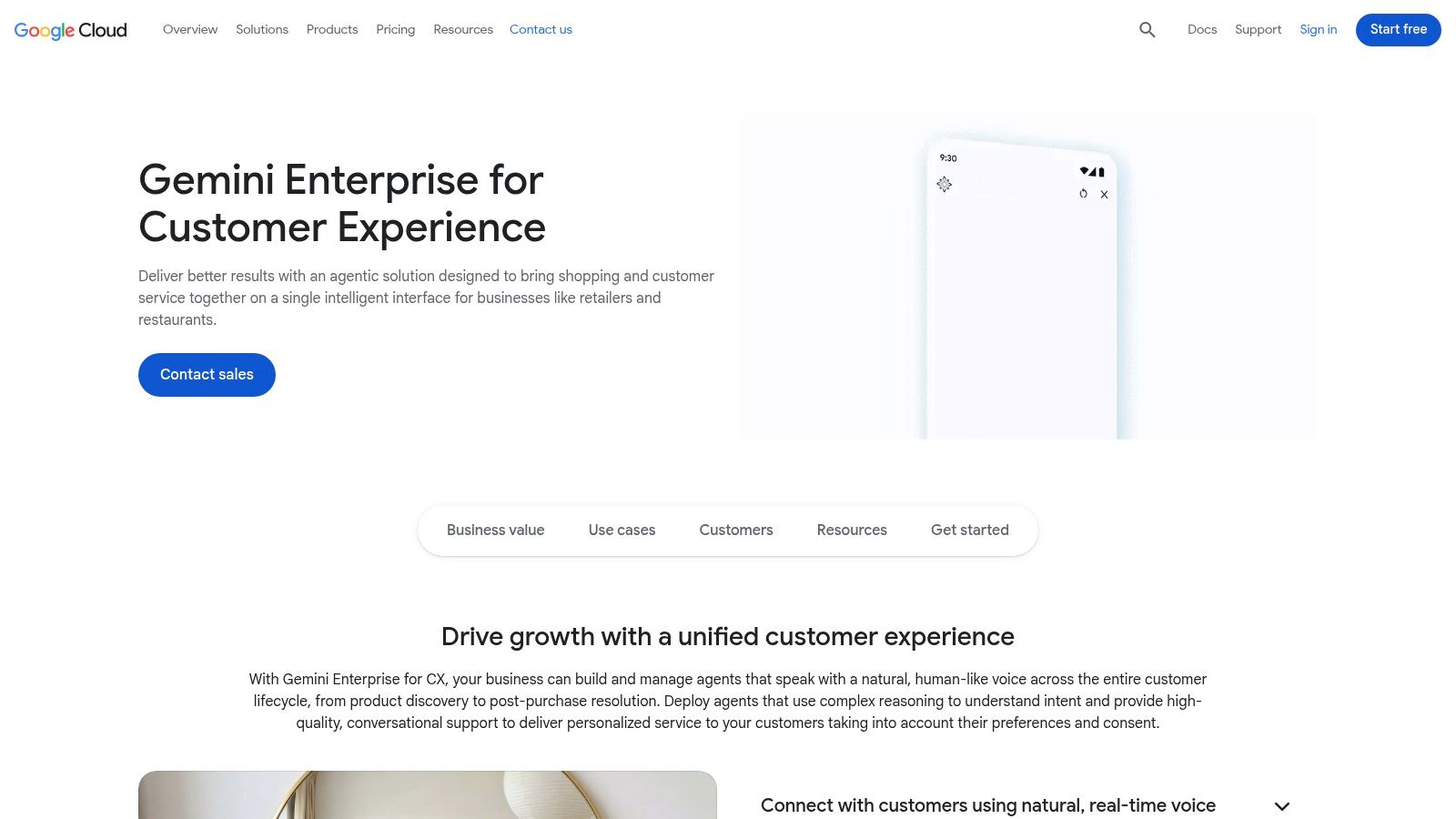
This approach makes CCAI one of the more flexible AI tools for customer service, as it doesn't lock you into a single vendor's ecosystem. You can integrate its virtual agents, powered by the same technology behind Google Assistant, with most major CCaaS and CRM platforms. This modularity is ideal for organizations that require bespoke automations, such as advanced voice dictation in AI chatbots, and deep control over their AI infrastructure.
Pricing & Key Features
Google CCAI operates on a pay-as-you-go, usage-based model, giving businesses granular control over costs. You pay for what you use across different services, such as telephony minutes, conversational turns with your virtual agent, or Agent Assist usage, which requires careful monitoring to manage expenses effectively.
- Dialogflow CX: Advanced virtual agent builder for creating stateful, multi-turn conversations.
- Agent Assist: Provides real-time suggestions, article recommendations, and conversation summaries to agents.
- CCAI Platform: A full, cloud-native contact center stack including telephony and IVR.
- Pay-As-You-Go Billing: Granular, usage-based pricing across all platform components.
Pros & Cons
| Pros | Cons |
|---|---|
| Flexible architecture allows for building custom solutions. | The DIY approach requires significant solution design and governance. |
| Mature NLP and excellent multi-language support. | Managing multiple cost meters (telephony, agent turns) can be complex. |
| Integrates well with third-party CCaaS/CRM and Google services. | Better suited for technical teams with development resources. |
Website: https://cloud.google.com/contact-center
8. HubSpot Service Hub with Breeze AI
HubSpot Service Hub integrates its help desk, omnichannel inbox, and knowledge base with its native Breeze AI. This creates a cohesive environment for teams already invested in the HubSpot ecosystem, providing a unified view of the customer across service, marketing, and sales interactions. Breeze AI assists with generating replies, routing tickets, and enriching conversation transcripts, making it one of the more integrated AI tools for customer service.
The platform's main advantage is its deep connection to the HubSpot CRM. This allows support teams to see the full customer journey, leading to more contextual and personalized service. Instead of a separate AI tool, Breeze AI is woven into the existing workflows, powered by a credits-based system that also covers other AI features across the platform.
Pricing & Key Features
HubSpot's pricing can be complex, as access to more advanced AI features often requires higher-tier plans. AI capabilities are fueled by HubSpot Credits, which are included in paid plans but can also be purchased as add-ons, so teams should monitor their usage.
- Breeze AI: Provides reply suggestions, smart routing, and transcript enrichment.
- Unified Platform: Combines help desk, knowledge base, and customer feedback tools.
- Cross-Hub Integration: Offers deep data sync with HubSpot's Marketing and Sales Hubs.
- Credits-Based AI: A flexible model for using AI agents and other generative features.
Pros & Cons
| Pros | Cons |
|---|---|
| Excellent data reporting for a full customer lifecycle view. | Credits and seat-based pricing can add complexity and cost. |
| A balanced and expanding feature set for SMB and mid-market teams. | Some key AI features are locked behind higher-tier plans or are new. |
| Frequent AI enhancements are rolled out across the entire platform. | Best suited for teams already using the HubSpot CRM. |
Website: https://www.hubspot.com/products/service
9. Gorgias (Helpdesk + AI Agent) — ecommerce-focused
Gorgias is a help desk built specifically for ecommerce brands, centralizing communications from email, chat, social DMs, and SMS. Its deep integration with Shopify and other platforms places customer order data directly within the support ticket, giving agents immediate context. The platform’s AI Agent is designed to automate common commerce-related resolutions like order status checks, refunds, and cancellations without human input.
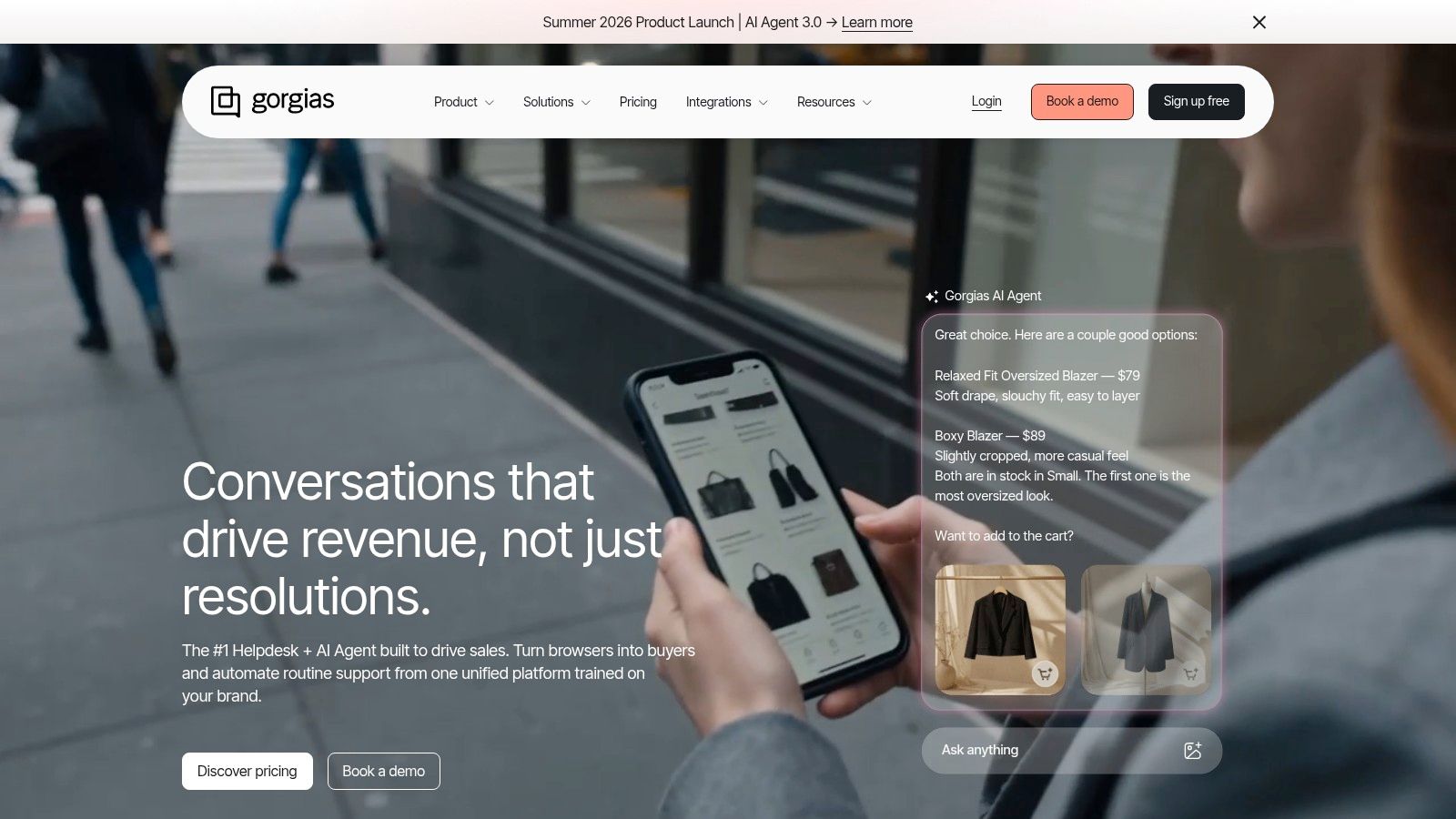
Unlike general-purpose AI tools for customer service, Gorgias focuses on revenue generation and retention with its pre-sales chat features and revenue attribution. It is an ideal fit for direct-to-consumer brands that need to manage high volumes of support requests tied directly to sales and order fulfillment. Its clear administrative controls also make it easy to manage usage and add-ons.
Pricing & Key Features
Gorgias pricing is based on ticket volume tiers, with an additional fee for resolutions completed by the AI Agent. This model can lead to variable costs, but it ties AI spending directly to its performance.
- AI Agent: Automates replies and executes commerce actions like refunds or order edits.
- Native Integrations: Deep connections with Shopify, BigCommerce, Meta, and TikTok.
- Automation Suite: Includes macros, rules, intent tagging, and a self-serve portal.
- Pre-Sales Tooling: "Convert" features for proactive chat and revenue attribution.
Pros & Cons
| Pros | Cons |
|---|---|
| Best-in-class Shopify integration for actionable context. | Pricing combines ticket tiers and AI fees, creating variable costs. |
| AI is specialized for common ecommerce customer intents. | Less suited to complex B2B or non-commerce support workflows. |
| Clear admin panel to manage plans, usage, and billing. | Can become expensive for stores with very high ticket volumes. |
Website: https://www.gorgias.com
10. Tidio with Lyro AI
Tidio combines live chat, an omnichannel inbox, and its Lyro AI agent into one accessible platform. It’s designed for small to midsize teams, especially in e-commerce, who need a solution that is fast to set up and offers transparent pricing. Lyro, powered by Claude models from Anthropic, handles customer queries, while the visual "Flows" builder allows for simple drag-and-drop automation for FAQs and agent handoffs.
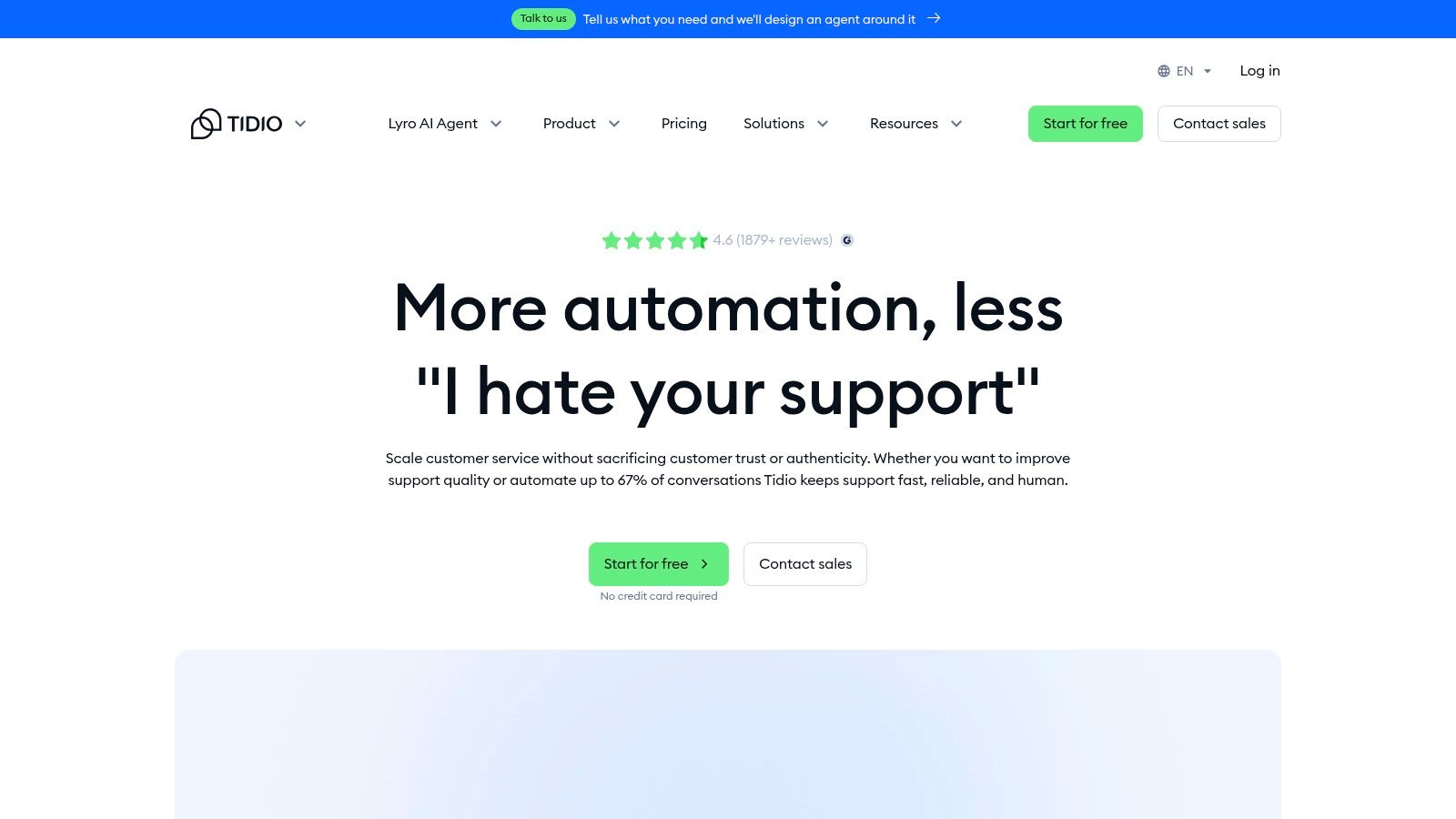
Unlike enterprise-focused suites, Tidio makes AI tools for customer service approachable with a free entry-tier and modular add-ons. This allows businesses to pilot AI chat capabilities without a large upfront commitment. The platform consolidates conversations from web chat, email, Facebook, and Instagram into a single inbox, making it a practical starting point for building an omnichannel support strategy.
Pricing & Key Features
Tidio’s pricing begins with a generous free plan, with optional paid add-ons for Lyro AI and automation Flows. This modular approach allows teams to scale features as they grow, though the total cost can increase as more add-ons are needed.
- Lyro AI Chat Agent: A conversational AI agent built on Claude models to automate customer answers.
- Visual “Flows” Builder: A no-code tool to create custom automation for lead qualification and support triage.
- Omnichannel Inbox: Consolidates customer messages from web chat, email, and social media channels.
- Modular Pricing: A free base plan with optional upgrades for AI, Flows, and premium features.
Pros & Cons
| Pros | Cons |
|---|---|
| Very fast to deploy with an intuitive, user-friendly interface. | Add-ons mean the true cost is often higher than the base plan. |
| Flexible pricing makes it easy to pilot AI on a small scale. | Lacks the depth needed for complex back-office integrations. |
| Lyro AI is available across plans, including the free tier. | Best suited for SMBs; may not scale for large enterprise needs. |
Website: https://www.tidio.com
11. Ada
Ada provides an enterprise-grade conversational AI platform designed for automating customer service at scale across chat, messaging, email, and voice channels. It stands out by focusing on orchestration, governance, and security, making it a strong fit for large, complex organizations that need tight control over their customer experience automation.
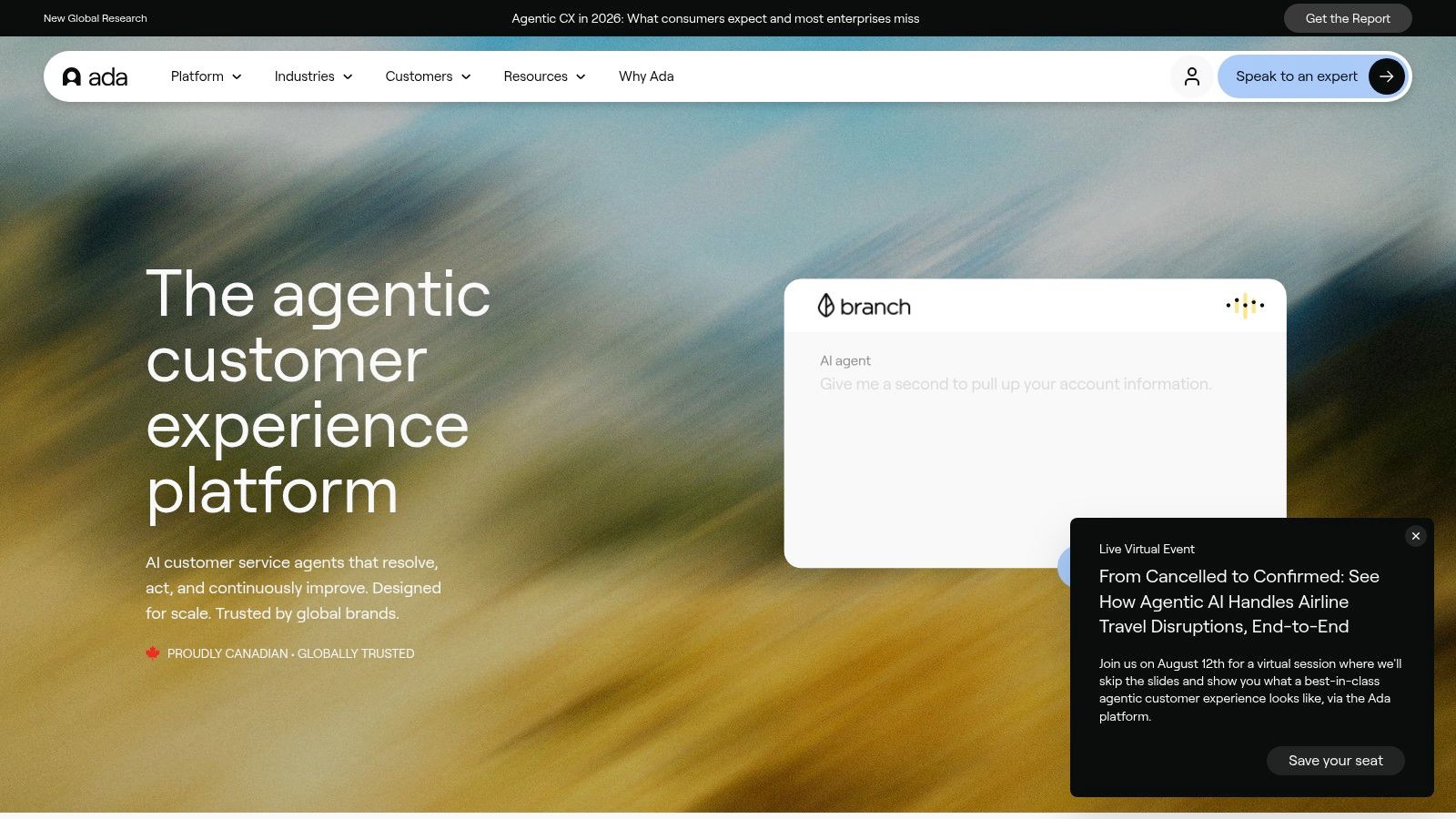
Unlike simpler chatbots, Ada is built for high-volume, global operations with compliance needs. Its combination of generative AI with deterministic flows allows businesses to maintain brand consistency while performing complex back-end actions. This makes it one of the better AI tools for customer service when deep integration and administrative control are primary requirements. The platform requires dedicated internal ownership to design and operate effectively, but it offers powerful scalability in return.
Pricing & Key Features
Ada uses a quote-based pricing model, which reflects its enterprise focus and typically involves a longer sales and implementation cycle. This approach is common for platforms requiring significant customization and integration work.
- Generative & Deterministic Flows: Combines predictable, rule-based conversations with flexible generative AI.
- Omnichannel Coverage: Deploys across web chat, mobile apps, WhatsApp, Instagram, SMS, and voice.
- Knowledge & Action Integration: Grounds responses in your help center and connects to back-end systems for actions like order lookups.
- Enterprise Administration: Includes tools for managing intents, A/B testing, and detailed analytics.
Pros & Cons
| Pros | Cons |
|---|---|
| Ideal for complex, global CX programs with compliance needs. | Quote-based pricing and longer sales/implementation cycles. |
| Strong governance features and designed for high scalability. | Requires dedicated team resources to design and manage effectively. |
| Broad channel support and deep integration capabilities. | May be too powerful and costly for small to mid-sized businesses. |
Website: https://www.ada.cx
12. Forethought (Solve)
Forethought positions its platform around an autonomous agent named Solve, which is engineered to manage the entire ticket lifecycle from start to finish. It integrates with major help desks to intercept customer queries, understand intent by reasoning over your documentation and past conversations, and provide a complete resolution without human handoff. The core philosophy is to deliver business outcomes, not just conversational support.
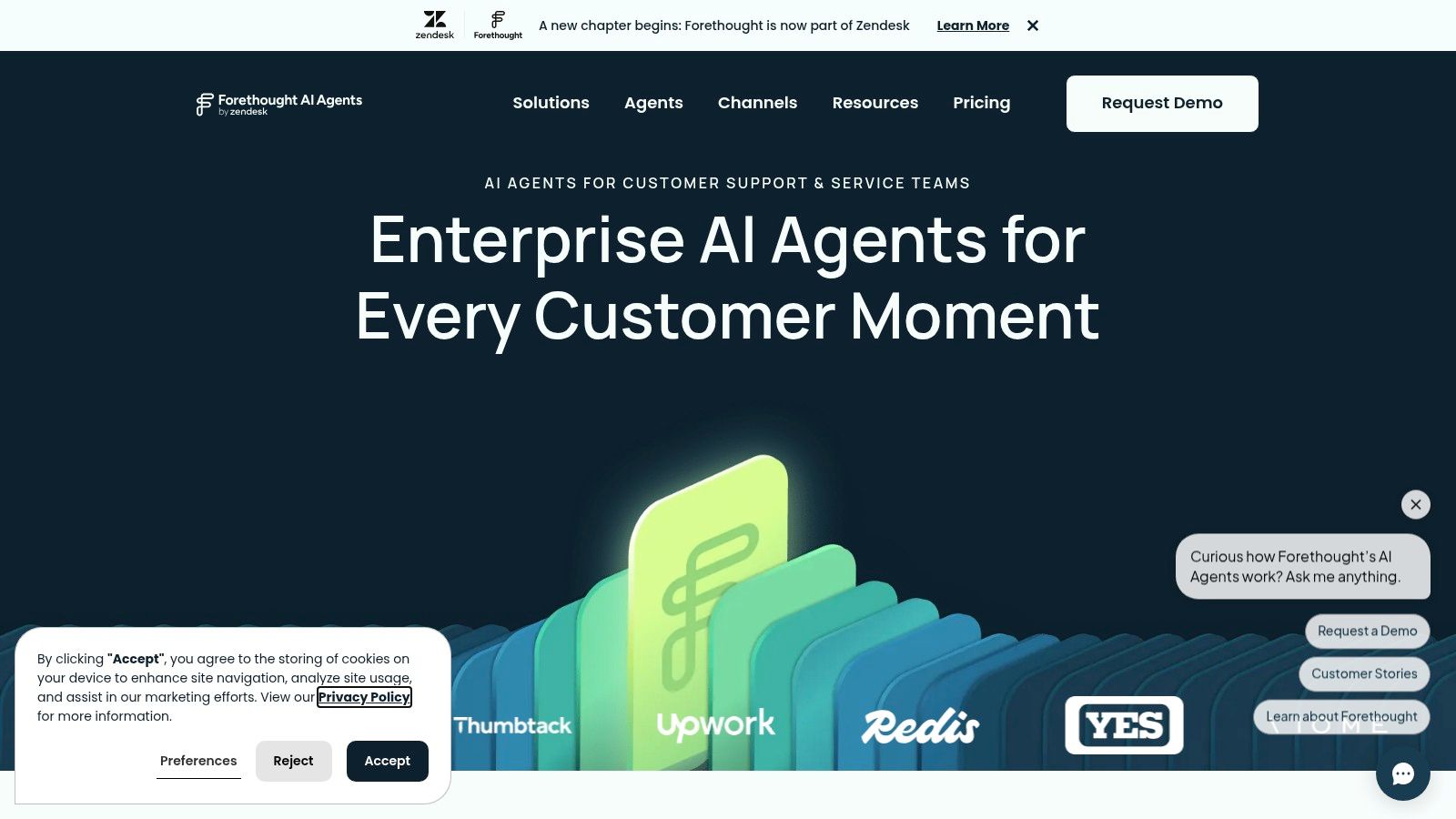
Unlike many AI tools for customer service that act as simple deflection bots, Forethought focuses on true resolution and measures its success accordingly. It provides deep analytics on cost per resolution and deflection rates, tying AI performance directly to business metrics. This makes it an appealing choice for enterprise-level teams that need to demonstrate clear ROI from their AI investment and have a strong security posture.
Pricing & Key Features
Forethought uses an outcome-based pricing model, combining a platform fee with a per-resolution cost. This requires contacting their sales team for a custom quote, as public pricing is not available. The model is designed to ensure you only pay for successful outcomes.
- Solve Agent: An autonomous AI agent for end-to-end ticket resolution.
- Knowledge Ingestion: Reasons over documents, help articles, and past conversations to find answers.
- Omnichannel Connectors: Integrates with major CX stacks like Zendesk, Salesforce, and Freshdesk.
- Outcome Analytics: Tracks cost per resolution, deflection rates, and CSAT impact.
Pros & Cons
| Pros | Cons |
|---|---|
| Performance is measured on business outcomes like resolutions. | Pricing is not public; a sales consultation is required. |
| Strong focus on knowledge base quality and analytics. | Effectiveness depends heavily on the quality of your knowledge data. |
| Enterprise-grade security and deep help desk integrations. | Can be a complex implementation for smaller teams. |
Website: https://forethought.ai
12 AI Customer Service Tools — Feature Comparison
| Product | Core features ✨ | UX / Quality ★ | Value & Pricing 💰 | Target audience 👥 | Unique selling points 🏆 |
|---|---|---|---|---|---|
| Voice Control Pro 🏆 | ✨ Cross‑app dictation, Hey Max assistant, Fly Mode (local), global shortcut | ★★★★★ Fast (up to 4× typing), seamless insert | 💰 Free local mode; Max upgrade unlocks 99+ languages, cleanup, history (price N/A) | 👥 Writers, knowledge workers, devs (macOS & Windows) | 🏆 Privacy-first local processing; instant polished insertion; on‑screen Q&A & rewrite tools |
| Intercom (Fin AI) | ✨ Omnichannel help desk + Fin AI (chat, email, voice) | ★★★★ Tight AI-native workflow, agent copilot | 💰 Outcome-based (pay on resolution); cost varies with volume | 👥 Midmarket→enterprise customer support teams | ✨ AI-first help desk; voice + chat resolution billing |
| Zendesk AI | ✨ AI agents, Copilot, intent detection, triage | ★★★★ Familiar support UX, admin controls | 💰 Billed by automated resolutions; some Copilot in plans | 👥 Organizations using Zendesk | ✨ Mature ecosystem, governance and marketplace |
| Salesforce Service Cloud (Einstein) | ✨ Console assistant, generative drafts, bots, knowledge grounding | ★★★★ CRM-integrated agent assist & summaries | 💰 Credit-based (Einstein Requests / Data 360); forecast needed | 👥 Enterprises standardized on Salesforce CRM | ✨ CRM-native AI, tight Sales/Marketing integration |
| Freshdesk (Freddy) | ✨ Freddy agent sessions, Copilot, omnichannel workspace | ★★★★ Friendly UI, quick time-to-value | 💰 Session-based AI pricing — predictable packaging | 👥 SMB→midmarket support teams | ✨ Clear session pricing, competitive SMB price-performance |
| Genesys Cloud CX + AI | ✨ Native voicebots, Agent Assist, predictive routing, WEM | ★★★★ Strong telephony UX at scale | 💰 Seats + AI usage/tokens (multi-component pricing) | 👥 Large contact centers, enterprise telephony | ✨ Enterprise-grade telephony, workforce optimization |
| Google Cloud CCAI | ✨ Dialogflow CX agents, Agent Assist, CCAI Platform | ★★★★ Mature NLP, multi-language support | 💰 Pay-as-you-go; multiple meters (telephony, LLM) | 👥 Builders, cloud-native contact centers | ✨ Flexible builder platform; deep Google Cloud integration |
| HubSpot Service Hub (Breeze AI) | ✨ AI replies, routing, transcript enrichment, credits | ★★★★ Integrated service + CRM data view | 💰 Credits model for AI features; varies by hub | 👥 SMB→midmarket using HubSpot CRM | ✨ Cross-hub reporting and unified lifecycle data |
| Gorgias (ecommerce) | ✨ AI agent + commerce actions, Shopify integrations | ★★★★ Commerce-focused ticket UX | 💰 Ticket tiers + AI resolution fees (variable) | 👥 Ecommerce/Shopify merchants | ✨ Best-in-class Shopify data & commerce actions |
| Tidio (Lyro AI) | ✨ Lyro (Claude), Flows builder, omnichannel inbox | ★★★ Fast to deploy, approachable UI | 💰 Free tier; modular add-ons for AI/flows | 👥 Small businesses, ecommerce pilots | ✨ Quick setup, Anthropic models for chat |
| Ada | ✨ Generative + deterministic flows, omnichannel, back-end actions | ★★★★ Enterprise orchestration & governance | 💰 Quote-based enterprise pricing | 👥 Large enterprises with CX ops teams | ✨ Strong governance, security, scalable automation |
| Forethought (Solve) | ✨ Autonomous Solve agent, knowledge ingestion, analytics | ★★★★ Outcome-focused resolution UX | 💰 Platform fee + per-resolution economics (pricing via sales) | 👥 Enterprises seeking automated ticket resolution | ✨ End-to-end autonomous resolution; outcomes & analytics |
Choosing the Right AI Tool for Your Team
Navigating the crowded market of AI tools for customer service can feel overwhelming, but the journey to finding the right solution starts with a clear understanding of your own team’s needs. The ideal tool is not a one-size-fits-all product; it is the one that aligns with your specific goals, integrates smoothly with your current technology, and fits within your budget.
As we've explored, the platform you choose has significant consequences. For large organizations already invested in ecosystems like Salesforce or Zendesk, their native AI suites-Einstein for Service and Zendesk AI-present the most direct path to implementation. These tools offer deep, built-in connections that minimize disruption and speed up adoption.
Matching the Tool to Your Business Model
The specific nature of your business is a critical factor. Ecommerce brands operating on platforms like Shopify will find immense value in a deeply integrated helpdesk like Gorgias, which is built from the ground up to manage the unique demands of online retail. Its direct access to order history and shipping data automates a massive volume of common customer inquiries.
Conversely, small to mid-sized businesses and startups might find the all-in-one solutions from Tidio or Freshdesk more appealing. These platforms often provide a faster setup, more transparent pricing tiers, and a robust set of features that can scale as the business grows. For teams looking to build a highly custom solution, platforms like Ada or Forethought offer powerful, specialized AI agents that can be configured to address very specific support workflows.
Starting Small and Measuring Impact
The key to successful AI adoption in customer service is to begin with a defined, manageable problem. Don't try to solve everything at once. Instead, identify your biggest pain point. Is it long first-response times? A high volume of repetitive questions? Agent burnout from tedious administrative tasks?
Once you have a clear goal, select a tool that directly addresses that challenge and start a pilot program with a small group of agents. This approach allows you to:
- Measure tangible results: Track metrics like ticket deflection rates, resolution times, and customer satisfaction scores (CSAT).
- Gather crucial feedback: Collect insights from both your agents and your customers to understand what’s working and what isn’t.
- Iterate and refine: Use the data and feedback from your pilot to adjust your strategy before a full-scale rollout.
Ultimately, integrating AI tools for customer service is an iterative process of testing, learning, and adapting. The right technology will not replace your human agents but will instead empower them, freeing them from repetitive work so they can focus on building meaningful customer relationships.
***
Ready to give your agents a personal productivity boost? Voice Control Pro empowers individual support agents to draft replies, navigate CRMs, and complete tasks using only their voice, reducing strain and increasing speed across all your applications. Supercharge your agent efficiency by trying Voice Control Pro today.