
A client call has just ended. You need the decisions in your CRM, a polished follow-up in Gmail, and a searchable record of the discussion, but the right Mac transcription tool depends on where the text needs to go. A meeting notetaker, a private file transcriber, a video editor, and a dictation utility solve different problems.
The strongest choice might be text inserted at your cursor in any app. It might be offline processing for sensitive interviews, collaborative meeting capture, transcript-based editing, or a human-reviewed document where mistakes carry real consequences. This roundup compares those workflows directly, including accuracy dependencies, cloud versus local processing, privacy, pricing structures, hardware requirements, setup effort, and plan limits. It also separates live dictation, file transcription, meeting capture, media editing, and manual playback, rather than treating every product as interchangeable. For additional context on podcast workflows, see this podcast transcription review.
Independent Mac testing illustrates why the distinction matters. One 2026 benchmark reported Apple Dictation at 89.3% general accuracy and 76.0% on technical content, while its strongest offline option reached 97.1% and 94.2% under controlled conditions on a MacBook Pro M2 Pro. The benchmark details the accuracy and latency trade-off. The list below starts with the most frictionless writing workflow, then moves through private transcription, meetings, media, teams, and manual correction.
Table of Contents
- 1. Voice Control Pro
- Where it earns its place
- 2. MacWhisper
- Accuracy without per-minute billing
- 3. Aiko
- A useful tool for quick captures
- 4. Otter.ai
- The cost of meeting convenience
- 5. Descript
- Strong editing, more plan complexity
- 6. Notta
- Useful for mixed-language and distributed work
- 7. Trint
- An enterprise decision, not a casual download
- 8. Sonix
- 9. Express Scribe
- Built for controlled review
- 10. Rev
- When review is worth the cost
- Top 10 Mac Transcription Software Comparison
- Choose by Workflow, Not Feature Count
1. Voice Control Pro
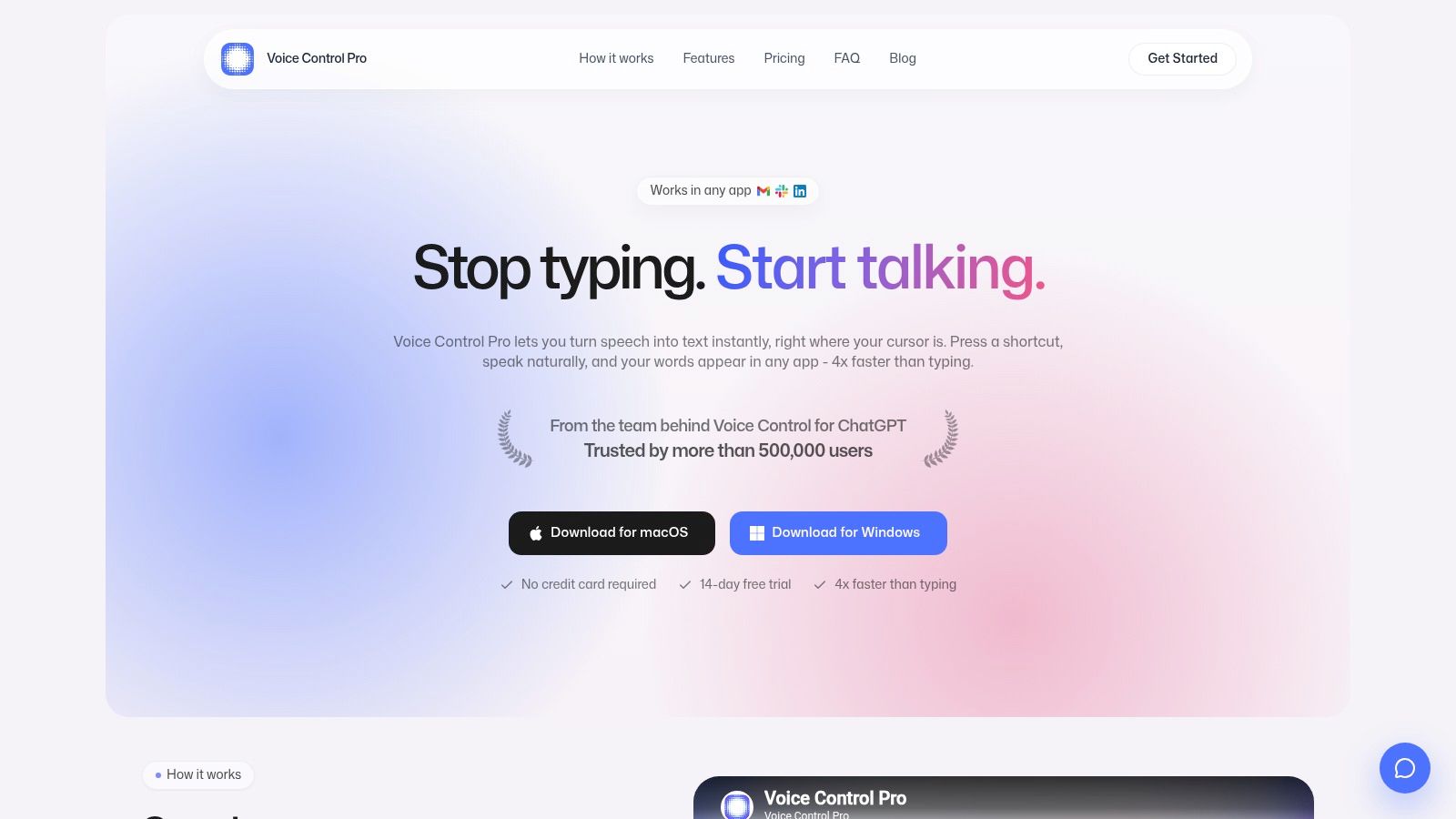
Voice Control Pro is the best fit when transcription means speaking directly into the app where the work is happening. Hold a global shortcut, speak naturally, release it, and the cleaned text appears at the cursor in Slack, Gmail, documents, notes, CRMs, or another Mac application. You don't need to record a file, open a separate editor, or copy a transcript between windows.
That cursor-level behavior is the important distinction. Meeting tools create a transcript to review later. Voice Control Pro helps you write the email, update the support ticket, draft the report, or refine the prompt now. Its Mac dictation workflow guide is useful if you're deciding whether system-wide insertion suits your routine better than a meeting recorder.
Where it earns its place
The built-in Hey Max assistant extends the tool beyond raw dictation. It can rewrite selected text, answer contextual questions about what's on your screen, and launch installed apps by voice. That reduces the small but repeated cost of switching from a draft to an AI tool, then back to the draft.
Privacy controls are practical rather than decorative. Fly Mode keeps processing local and pauses cloud features, while the free local mode provides on-device dictation. Cloud processing enables refinement and history, but you can choose the local path when the content is confidential or you're working without a dependable connection.
Practical rule: Use Voice Control Pro when the destination matters as much as the transcript. If the text must appear inside a CRM field or email composer, a file-based transcriber adds unnecessary steps.
The free tier includes cloud-processed usage capped at 2,000 words per week, while Voice Control Pro Max costs $9 per month and adds unlimited cloud transcription, history, advanced cleanup, a custom dictionary, and the full Hey Max toolkit. A 14-day trial is available without a credit card. The trade-off is that advanced cloud features require the subscription, and the product is currently desktop software for macOS and Windows rather than a public mobile client or a documented enterprise SSO platform.
2. MacWhisper
MacWhisper is the straightforward choice for private, file-based transcription on a Mac. Drag in an audio or video file, select the appropriate Whisper model, and let the application process it locally. That model matters: smaller models can be more practical on older hardware, while larger models may improve results for accents, noisy recordings, or technical vocabulary at the cost of more system resources.
The workflow is intentionally different from Voice Control Pro. MacWhisper is built around recordings and exports, not instant insertion into whichever field currently has focus. It supports batch processing, subtitle exports such as SRT and VTT, and multiple languages. Journalists, researchers, and podcasters can keep source material on the Mac instead of uploading it to a transcription service.
Accuracy without per-minute billing
The strongest reason to choose it is local processing. Your recording doesn't need to leave the computer, and you aren't paying a per-minute cloud charge for every interview or archive. Its local speech-to-text explanation gives useful background on why Apple Silicon can make on-device transcription more practical.
That privacy comes with setup decisions. Larger models can be demanding on older Macs, and the distinction between the direct purchase channel and the App Store channel deserves attention before you buy. MacWhisper also isn't the right choice if you need polished live captions flowing into another application during a meeting.
MacWhisper is strongest when the source is a file, the transcript can arrive after processing, and keeping the audio local matters more than instant collaboration.
The broader benchmark picture supports testing rather than assuming every Whisper configuration performs identically. A separate comparison reported leading Mac systems at roughly 5% to 9% word error rates, compared with 15% to 18% for Apple Dictation on technical and accented speech, while a local Whisper-class engine reached around 4.2% WER on an M1 Mac with Metal acceleration. The comparison explains the local and cloud performance differences. Treat those figures as benchmark context, not a guarantee for your microphone, speakers, or subject matter.
3. Aiko
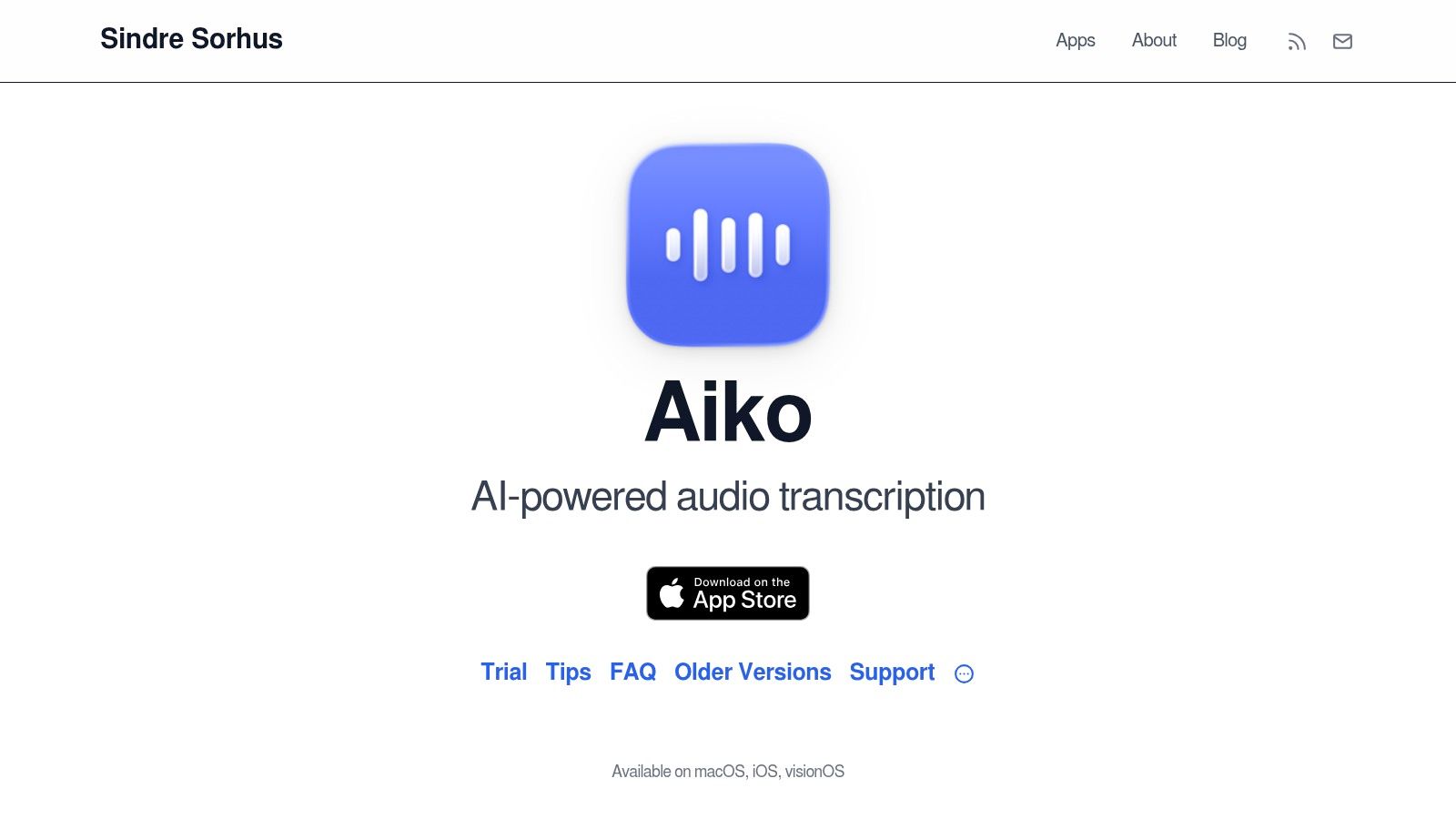
Aiko is a good answer for people who want simple local transcription without turning the process into a production system. It runs Whisper on the device, accepts audio and video, and supports drag-and-drop importing from sources such as Voice Memos. The Mac App Store availability makes the installation familiar, and the uncluttered interface suits occasional interviews, lectures, notes, and personal recordings.
Its strongest quality is restraint. You don't get a large meeting dashboard, a collaboration layer, or an elaborate transcript workspace. You get a lightweight application that turns a recording into text and lets you export the result in plain text or subtitle formats.
A useful tool for quick captures
Aiko's Shortcuts integration makes it more capable than its minimal interface suggests. You can connect it to Quick Actions or batch routines, which is useful if recordings arrive regularly from Voice Memos or a repeatable research process. It also avoids a subscription and is available free on the Mac App Store.
The limitation is what happens after transcription. Aiko doesn't include a built-in text editor, so cleanup takes place after export in another application. It also doesn't provide live, real-time transcription, which rules it out for direct meeting notes or cursor-level dictation.
Aiko works best on Apple Silicon with sufficient memory. On compatible hardware, local processing keeps the recording private and avoids cloud dependence. On an older or constrained Mac, you should test a representative recording before committing to a large batch.
Choose Aiko for quick, private file conversion. Choose MacWhisper when you need a more developed batch and subtitle workflow, and choose Voice Control Pro when you need the words to appear while you're composing.
The accuracy of either local tool will depend on microphone quality, room noise, overlapping speakers, terminology, and model selection. A clean single-speaker memo is a much easier task than a panel discussion with people interrupting one another, so export a short sample and inspect names, jargon, punctuation, and timestamps before processing a larger archive.
4. Otter.ai
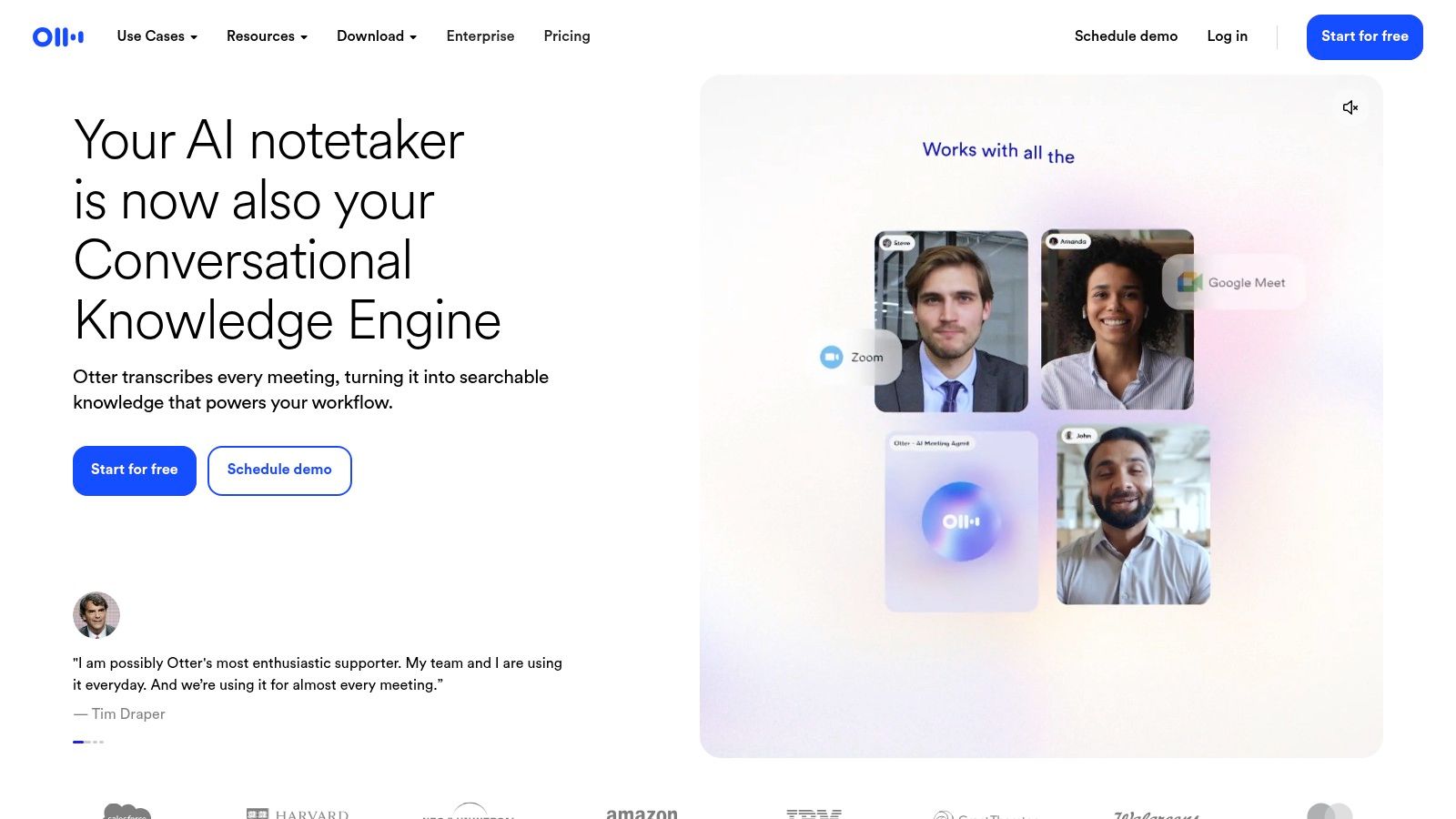
Otter.ai is designed around live meeting capture, not ordinary dictation. Its Mac experience connects to a broader web and mobile environment, with live transcription for Zoom, Microsoft Teams, and Google Meet, speaker identification, searchable transcripts, highlights, summaries, templates, and team-oriented meeting workflows.
That makes it useful when the meeting itself is the source of truth. A sales team can review a conversation, a project group can find an earlier decision, and a manager can share notes without asking one person to type continuously. The cross-device experience is also a practical advantage for people who move between a Mac, browser, and mobile device.
The cost of meeting convenience
Otter is a cloud-first meeting product. That supports collaboration and makes the service available across devices, but it also means your recordings and transcripts belong inside a service workflow rather than staying entirely on the Mac. Review your organization's rules for client calls, employee conversations, regulated data, and consent before enabling automatic capture.
Plan limits matter here more than they do for a one-off local app. Otter uses per-user subscriptions, and import minutes, recording allowances, and advanced meeting features vary by tier. Higher or business plans are where the complete collaboration feature set becomes more useful, but the cost can rise when every team member needs access.
Use Otter when the requirement is live notes, speaker-aware records, searchable history, and shared follow-up. Don't use it as your primary tool for drafting a long email or filling out a CRM field while you speak. For that job, a cursor-level utility is faster and avoids creating a meeting object for a simple writing task. This voice-to-text workflow overview helps separate those two use cases.
5. Descript
Descript makes sense when the transcript is part of an audio or video editing workflow. You import media, receive an editable transcript, and make changes through text rather than spending the entire session scrubbing a timeline. Removing a sentence, tightening a passage, or locating a spoken phrase becomes a text operation that remains connected to the underlying media.
That changes the value calculation. If you only need a TXT file from a voice memo, Descript is more software than you need. If you're producing a podcast, interview, course, or social video, the transcript becomes the control surface for editing, captions, exports, and collaboration.
Strong editing, more plan complexity
Descript combines transcription with multitrack editing, subtitle exports, collaboration, Studio Sound processing, and creator-oriented tools such as Overdub. Its native Mac build and Apple Silicon improvements make it a credible desktop editing environment, although a full media project can still demand more from the machine than a lightweight transcription app.
The trade-off is subscription and credit complexity. You need to understand what your selected plan includes for transcription, exports, storage, AI functions, and collaborators. Those limits matter if you publish frequently or manage several shows, because the cheapest entry point may not match the actual production volume.
Descript is also cloud-oriented, so privacy review belongs in the setup process. For confidential recordings that must stay on the computer, MacWhisper or Aiko is a better starting point. For a creator who wants to edit by reading, remove filler, create captions, and hand work to a collaborator, Descript's broader workflow justifies the additional complexity.
6. Notta
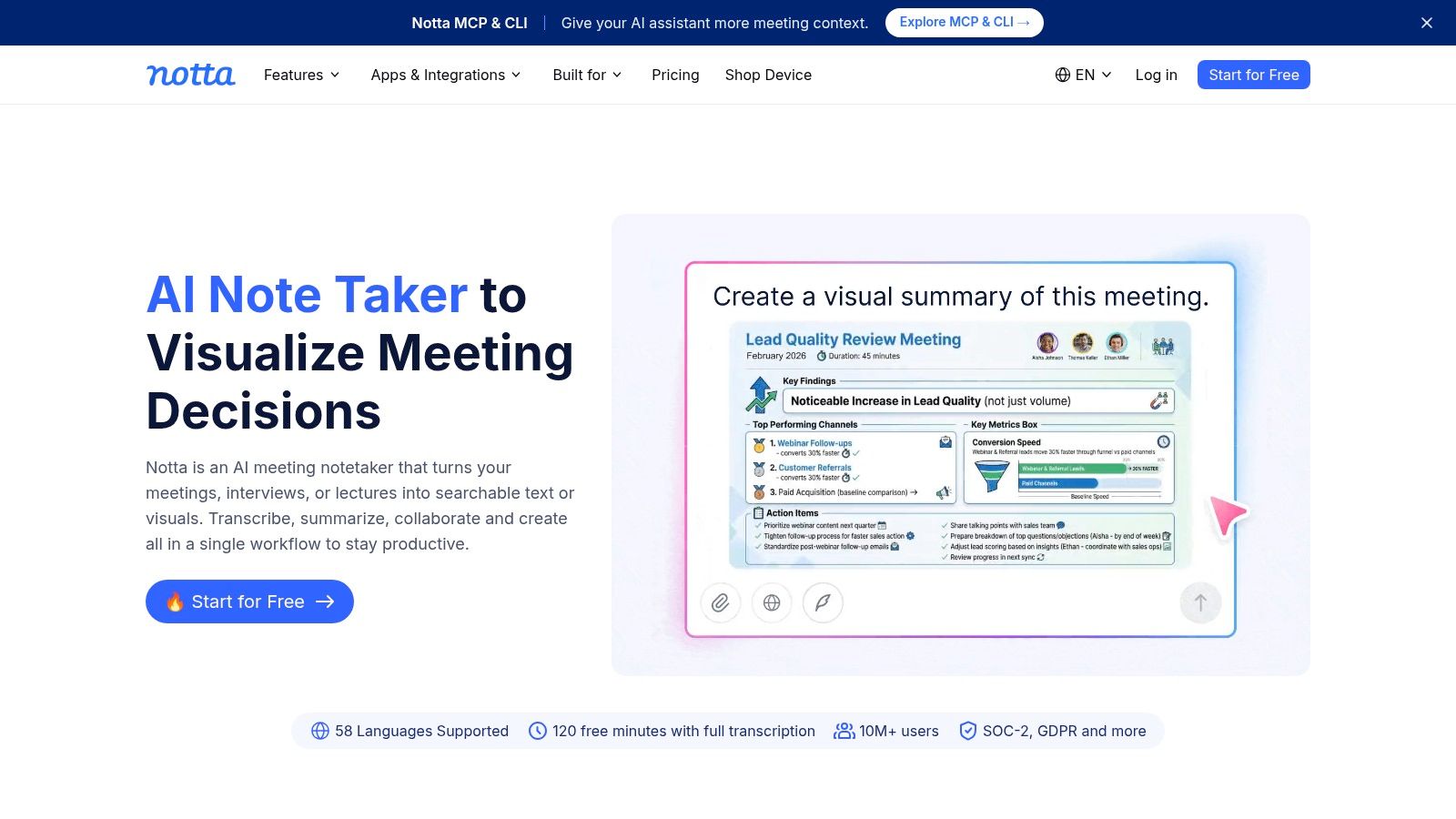
Notta sits between a meeting recorder and a cross-platform professional transcription workspace. Its Mac desktop app can record and transcribe directly, while the web and mobile services keep notes available across devices. AI summaries, translations, integrations, and synchronization make it useful for people who don't want a meeting bot to be the only way to capture a conversation.
That desktop capture model is important. You can record from the Mac without designing your process around an external participant joining the call. The result is still connected to cloud features, so local capture shouldn't be confused with end-to-end local transcription.
Useful for mixed-language and distributed work
Notta supports multilingual transcription and translation, along with AI-generated summaries and notes. Those features help teams that work across languages or need a compact decision record after a long call. Enterprise buyers can also investigate its published SOC 2 and ISO 27001 claims, then confirm the details in the applicable security and data-processing documentation.
The limitations are plan-based. The most useful recording allowances and AI features sit on higher tiers, and some functions require newer macOS versions and Apple Silicon. Check compatibility before deploying it across a mixed fleet.
Notta is the wrong fit for a user who wants a completely offline archive or unlimited local processing. It is also more than you need for instant dictation into a text field. Its sweet spot is recording conversations on a Mac, generating summaries, translating content, and continuing the work from another device.
7. Trint
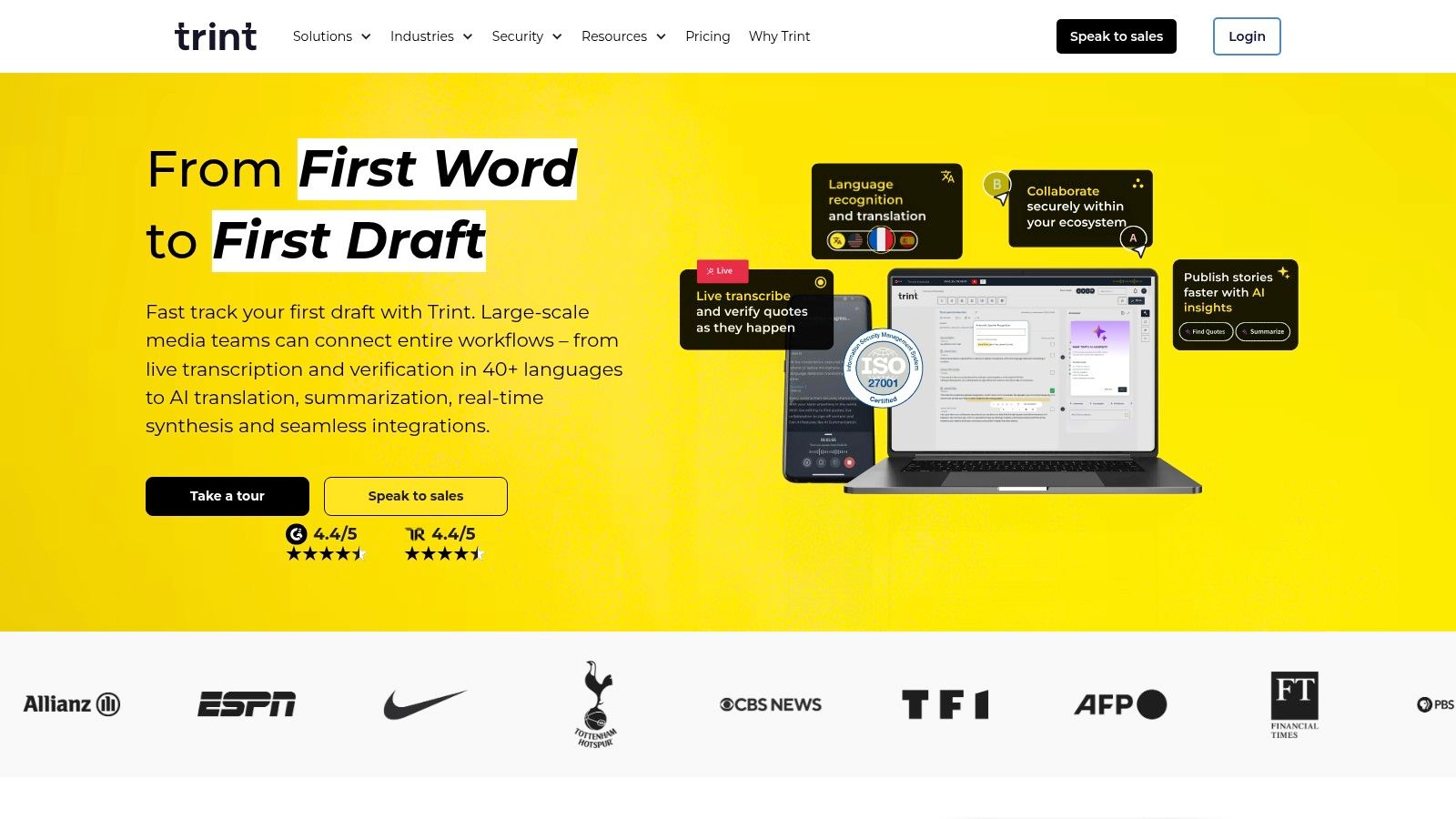
Trint is built for teams that turn recordings into publishable content. Its Mac installers support Intel and Apple Silicon, while the broader platform provides a web editor, automated transcription, live capture, highlights, collaboration, and translation workflows. Newsrooms, communications groups, and editorial teams can work on the same material instead of passing a rough transcript through disconnected applications.
The collaborative editor is the main reason to consider it. A solo user who needs a private transcript may find the platform unnecessarily elaborate, but a group that needs review, comments, reusable content, and controlled publishing benefits from a system designed around editorial handoffs.
An enterprise decision, not a casual download
Trint's security posture includes an ISO 27001 claim and encryption, but security language should never replace a procurement review. Ask where recordings are stored, which people can access them, how long data remains available, and whether your contract addresses sensitive source material.
Pricing is less transparent publicly and may be quote-based. That can be appropriate for a newsroom or enterprise with defined users and governance, but it is inconvenient for an individual trying to compare costs before uploading files. The platform is aimed at teams, so solo users should weigh whether collaboration and editorial controls will be used.
Trint is a strong option for shared content production and newsroom-style review. It isn't the obvious choice for offline work, instant text insertion, or a one-time transcription of a private recording.
8. Sonix
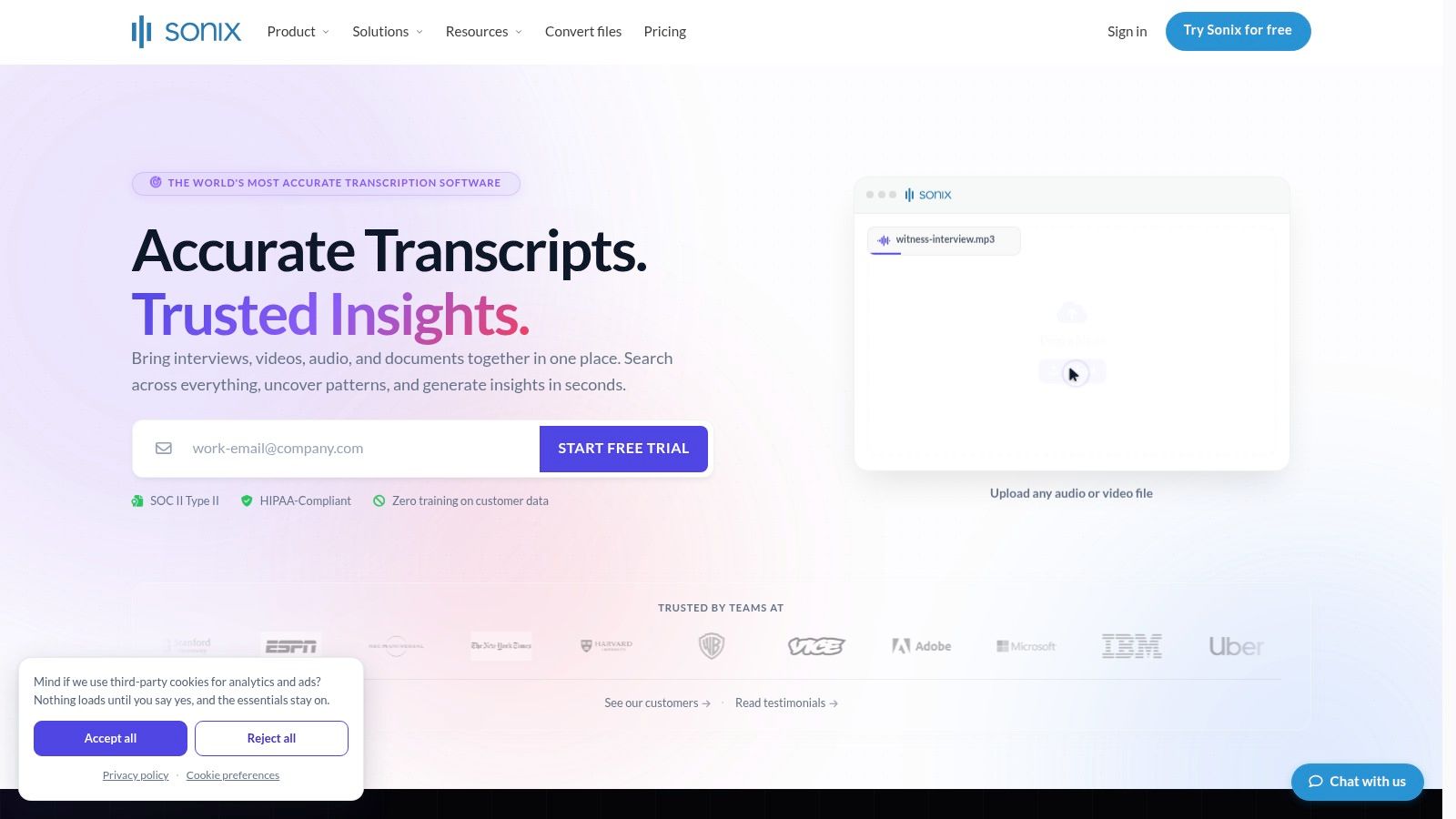
Sonix is a browser-based platform for batch transcription, translation, and subtitle production. On a Mac, the operating system matters less because the main workflow happens in the browser. Upload a recording, work in the in-browser editor, identify speakers, and export text or captions in the format your publishing process requires.
That makes Sonix convenient for distributed work and language-heavy projects. It supports automated transcription and translation across many languages, with subtitle and caption exports. Speaker voiceprint training can also help tag voices on later uploads, which is useful for recurring interview series or a stable group of contributors.
The pricing model deserves close attention. Usage-based billing can become expensive at high volume, while enterprise features such as webhooks and quotas are reserved for higher tiers. A clear plan breakdown and trial make it easier to test, but calculate the cost against your actual recording hours rather than choosing based only on the entry price.
Sonix is not an offline Mac app. Audio is uploaded for processing, and you need a connection to use the core service. That rules it out for air-gapped work or recordings that cannot leave the device. It is a sensible choice when speed, language coverage, browser access, and export flexibility matter more than local processing.
The market context explains why these tools now serve business workflows rather than only accessibility needs. One 2026 industry summary estimated the global AI transcription market at $4.5 billion in 2024 and projected $19.2 billion by 2034, while citing a U.S. transcription market estimate of $30.42 billion in 2024 and a projected $41.93 billion by 2030. The industry summary provides those market projections. Those are market estimates, not a prediction of what Sonix will cost or how accurately it will transcribe your files.
9. Express Scribe
Express Scribe serves a different user from almost every other product here. It is manual transcription playback software, not an automatic speech-to-text engine. Professional typists load an audio or video file, control playback with hotkeys or a foot pedal, slow difficult passages, add bookmarks and timestamps, and type the final document in a separate editor.
That sounds old-fashioned beside AI notetakers, but manual control remains useful when wording must be checked closely. It also works well after an AI tool has produced a rough transcript. Instead of listening to the entire recording at normal speed, a reviewer can use the generated text as a starting point and return to the audio only where names, figures, terminology, or overlapping speech need confirmation.
Built for controlled review
Express Scribe supports many audio and video formats, recorder transfers, variable-speed playback, and a wide range of foot pedals. Its interface is utilitarian rather than modern, but that can be an advantage when the workflow is repetitive and the typist wants predictable controls rather than AI suggestions.
It offers free and Professional editions with per-license options. The important limitation is simple: it won't create the transcript for you. If you need live captions, speaker labels, summaries, or searchable meeting history, use Otter.ai, Notta, or another automated service instead.
Express Scribe is the right fit for manual playback, transcript cleanup, legal or medical review, and accuracy-sensitive work where a person must listen carefully. It can also complement MacWhisper or Rev, turning automated output into a document that has been checked against the source.
10. Rev
Rev is the practical option when you need to choose between fast AI output and human-reviewed transcription. The service is accessible through the web on a Mac and supports AI transcription, editing, integrations such as Zoom, captions, subtitles, and legal or enterprise-oriented workflows.
The distinction matters because not every recording deserves the same review budget. An internal brainstorming session may only need a searchable rough transcript. A legal interview, published quote, accessibility deliverable, or client record may justify sending the file to a human transcription service and paying for additional verification.
When review is worth the cost
Rev's AI workflow is faster and suited to files with clear audio, but accuracy still depends heavily on microphone quality, background noise, speaker overlap, accents, and specialist vocabulary. Human transcription costs more than AI, yet it offers a different level of accountability when a person needs to check the wording rather than accept a machine draft.
Pricing and available features vary by plan and add-on. Confirm turnaround, formatting, speaker labeling, confidentiality terms, and whether the selected service includes the review standard you need. Don't assume that an AI transcript and a human transcript are interchangeable just because they appear in the same dashboard.
Rev isn't the best tool for offline privacy or spontaneous dictation into a Mac app. It is strongest when you have a recording, can upload it securely, and need a pay-as-you-go path to either speed or human verification.
Top 10 Mac Transcription Software Comparison
| Product | Core Features ✨ | UX / Quality ★ | Price / Value 💰 | Target Audience 👥 |
|---|---|---|---|---|
| Voice Control Pro 🏆 | ✨ Global press‑and‑hold dictation; Hey Max (rewrite, screen Q&A, app launch); Fly Mode & on‑device model | ★★★★★, instant, polished in‑app insertion | 💰 Free tier (2k words/wk); Max $9/mo; 14‑day trial | 👥 Knowledge workers, students, sales/support, devs |
| MacWhisper | ✨ Fully on‑device Whisper; batch file workflow; SRT/VTT exports; Apple Silicon optimized | ★★★★, accurate offline file transcription | 💰 Free + one‑time Pro upgrade option | 👥 Journalists, podcasters, researchers |
| Aiko | ✨ 100% on‑device Whisper; Voice Memos import; Shortcuts integration; plain‑text/subtitle exports | ★★★★, simple, fast file transcriptions | 💰 Free on Mac App Store | 👥 Quick transcribers, Apple users |
| Otter.ai | ✨ Live meeting capture; speaker ID; summaries & highlights; cross‑device support | ★★★★, excellent for real‑time meetings & collaboration | 💰 Freemium; paid/team plans (can be pricey) | 👥 Teams, meeting note takers |
| Descript | ✨ Transcript‑first audio/video editor; Overdub; Studio Sound; captions & collaboration | ★★★★, powerful creator workflow | 💰 Freemium; subscription tiers for creators | 👥 Podcasters, video creators, editors |
| Notta | ✨ Desktop recording + transcription; AI summaries; translations; cross‑device sync | ★★★★, solid accuracy and summaries | 💰 Freemium; higher tiers for more minutes/features | 👥 Professionals needing desktop capture & cloud sync |
| Trint | ✨ Live capture; 50+ language transcription; team collaboration & editorial tools | ★★★★, enterprise‑grade collaboration & security | 💰 Quote/enterprise pricing (team focused) | 👥 Newsrooms, enterprise teams |
| Sonix | ✨ Fast web transcription & translation; diarization; rich export options | ★★★, strong for batch web workflows | 💰 Usage‑based; can be expensive at scale | 👥 Businesses/researchers with language‑heavy workloads |
| Express Scribe | ✨ Variable playback, foot‑pedal & hotkeys; timestamps/bookmarks; format support | ★★★, manual transcription specialist tool | 💰 Free & Pro per‑license options | 👥 Professional typists, legal/medical transcribers |
| Rev | ✨ AI + human transcription; editor & integrations; captioning services | ★★★★, human service ≈99% accuracy; AI varies | 💰 Pay‑as‑you‑go AI; human service higher per‑min cost | 👥 Users needing certified/high‑accuracy transcripts |
Choose by Workflow, Not Feature Count
The best transcription software for Mac is the one that matches the moment the words enter your process. Choose Voice Control Pro when you need to speak into Gmail, Slack, a document, a CRM, or an AI prompt and have clean text appear at the cursor. Its local mode and Fly Mode give privacy-conscious users a way to keep dictation on the computer, while cloud refinement, history, custom vocabulary, and Hey Max support more advanced writing.
Choose MacWhisper or Aiko for private file transcription. MacWhisper is the stronger choice when you need batch processing, subtitle exports, model selection, or a more developed file workflow. Aiko is better when you want a lightweight, free Mac App Store utility for occasional recordings and don't mind editing after export.
For live collaborative meetings, Otter.ai is the clearest fit. It turns calls into searchable shared records with speaker identification, highlights, summaries, and meeting workflows. Choose Notta when desktop capture, cross-device access, translation, and multilingual work matter. Choose Trint when an editorial or enterprise team needs collaboration, content review, and governance rather than a personal transcript.
Descript belongs with podcast and video production. Its transcript is useful because it controls the edit, captions, audio processing, and publishing workflow. Sonix is a better match for browser-based batch work, translations, subtitles, and teams that need broad export options without installing a full media editor.
For manual cleanup, Express Scribe remains the specialist choice. It gives a typist precise playback, hotkeys, bookmarks, timestamps, and foot-pedal control. Use it to create a transcript manually or to verify an AI draft against difficult audio. When human review is worth the added cost, Rev gives you the choice between AI speed and a human transcription service.
Apple's own tools still have a place. Built-in Dictation has privacy controls that let users delete Siri and Dictation history associated with a random identifier. Apple says that history can include audio recordings and transcripts less than six months old, and deleting it requires an internet connection. Apple documents the history controls and connection requirement. That detail is a useful reminder that local-feeling productivity features can still depend on account infrastructure for administration.
Before choosing, run this short setup check:
- Test representative audio: Use the microphone, accents, terminology, background noise, and speaker overlap you handle.
- Confirm the processing model: Decide whether the recording goes to a cloud service, stays on the Mac, or uses a hybrid workflow.
- Check the hardware path: Local models may need a capable Apple Silicon Mac, while cloud tools shift processing away from your computer.
- Review plan limits: Check recording length, import allowances, language features, exports, collaborators, AI credits, and usage-based charges.
- Choose the output format: Plain text, a searchable meeting record, SRT or VTT captions, an editable media project, or a human-reviewed document each points to a different product.
- Set privacy permissions deliberately: Review microphone, screen recording, account, storage, retention, and sharing settings before capturing sensitive material.
- Decide between live and file-based work: Live dictation and meeting capture solve immediate input. File transcription and manual playback solve review and production.
A short test is more reliable than a feature checklist. Record a representative passage, inspect the transcript manually, and ask whether the tool removes work from your workflow or only moves it to another window.
Voice Control Pro is built for the part of transcription that many meeting tools miss, clean voice input directly wherever your cursor is on your Mac, with local dictation and Fly Mode for privacy-sensitive writing. Try Voice Control Pro when you want to draft emails, update CRM records, refine documents, or iterate on prompts without breaking your flow.