
Find the Perfect Voice-to-Text Tool in 2026
You probably have a few tabs open right now comparing dictation apps, review sites, and AI transcription tools that all claim to be the best fit. Meanwhile, your actual work is waiting. Emails need replies, notes need cleanup, and your hands are already tired from typing the same kinds of sentences all day.
That's why speech recognition software reviews matter more than they used to. The category isn't just about whether a tool can turn speech into text. It's about where that text lands, how much cleanup it needs, whether it works across your apps, and whether you trust the privacy model enough to use it for real work. Buyers also face a fast-growing market. One forecast places the global speech recognition market at USD 9.66 billion in 2025, projected to reach USD 23.11 billion by 2030 at 19.1% CAGR.
Modern tools can help with a lot more than raw transcription. Some insert text directly where your cursor is. Some rewrite rough dictation into polished prose. Some work locally for better privacy. If you're working on a laptop, tablet, or mixed-device setup, it also helps to understand adjacent workflows like optimizing voice to text on Chromebook.
This guide gets to the useful part fast. First, the standout productivity tool I'd put in front of most professionals right now. Then, the review sources worth checking regularly so you can keep evaluating speech recognition software reviews for yourself.
Table of Contents
- 1. Voice Control Pro
- Why it stands out in daily work
- Where it fits best
- 2. TechRadar
- Best for quick buying decisions
- 3. Zapier Blog
- Best for workflow-first testing
- 4. TechCrunch
- Best for spotting new winners early
- 5. Tom's Guide
- Best for real writing tests
- 6. Digital Trends
- Best for privacy and platform rollout context
- 7. G2
- Best for volume of user feedback
- 8. Capterra
- Best for building a shortlist
- 9. TrustRadius
- Best for deeper enterprise context
- 10. GetApp
- Best for fast comparisons across many tools
- Top 10 Speech Recognition Review Sources Comparison
- The Future of Input Is Your Voice
1. Voice Control Pro
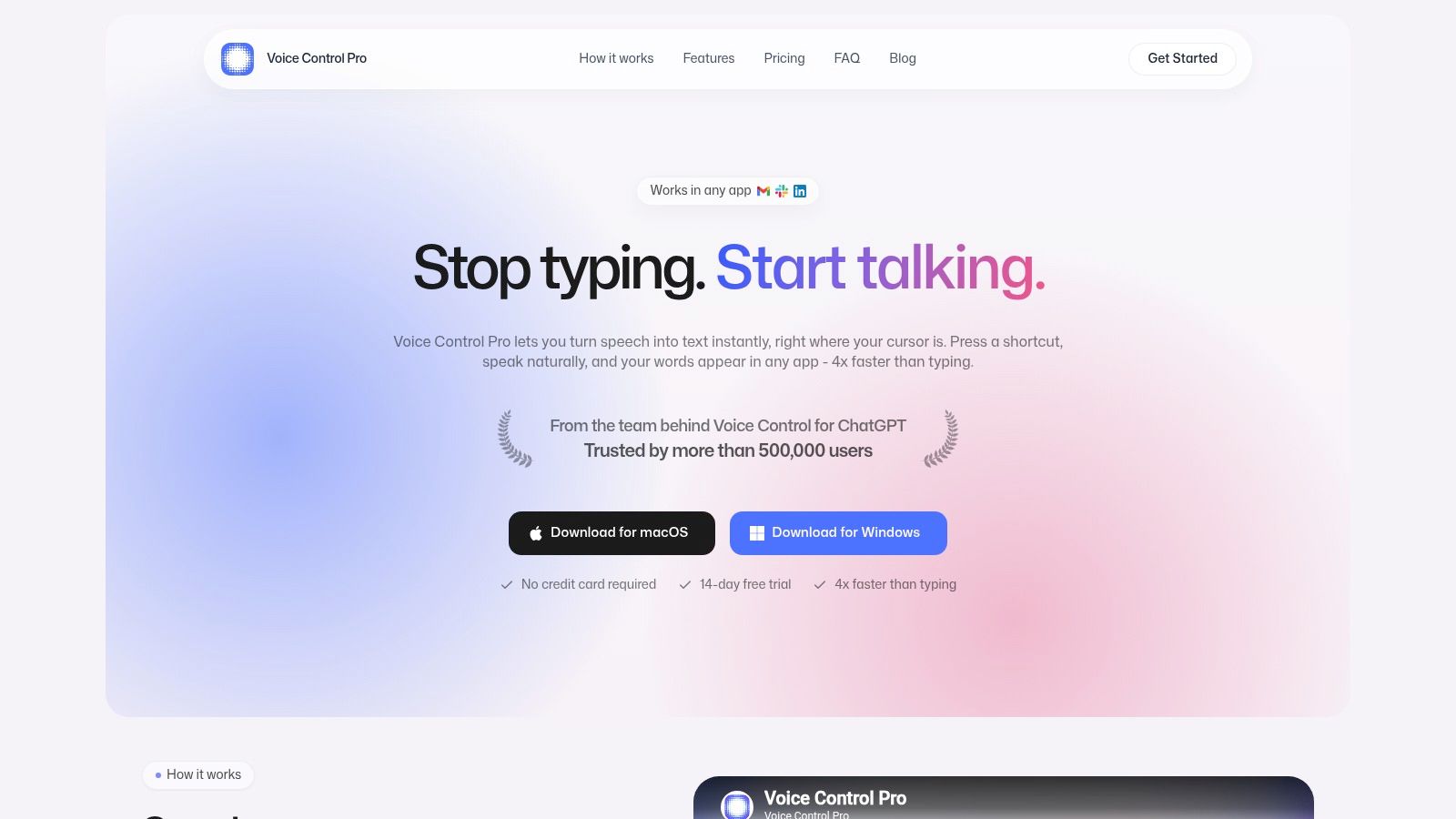
Voice Control Pro is the rare speech tool that feels built for actual computer work, not just demos. Instead of forcing you into a separate recording window, it uses a global press-and-hold shortcut so you speak, release, and get clean text inserted directly wherever your cursor already is. That sounds simple, but in practice it changes everything. Slack, Gmail, docs, CRMs, notes, prompts, support replies. The friction drops fast.
The product's own positioning is clear: cross-platform dictation for macOS and Windows, direct insertion into any app, and a setup that doesn't require a long learning curve. If you want a plain-language overview before trying it, the company's guide to what speech to text software actually does is a useful starting point.
Why it stands out in daily work
What separates Voice Control Pro from a lot of tools in speech recognition software reviews is that it doesn't stop at transcription. It also includes Hey Max, which can rewrite selected text, answer contextual questions about what's on screen, and launch installed apps by voice. That matters when your bottleneck isn't capturing words. It's cleaning them up and moving to the next task without breaking focus.
Privacy is another strong point. Fly Mode pauses cloud features and keeps processing local, and the free local mode offers unlimited on-device dictation. If your work includes confidential drafts, internal notes, or customer data, that local option is a practical reason to shortlist it.
Practical rule: If a speech tool can't insert text cleanly where you already work, you'll use it less than you expect.
A few details make the upgrade path feel reasonable rather than pushy. The free tier includes core features plus a weekly cloud allowance, while Max adds unlimited cloud transcription, broader language support, advanced cleanup levels, custom dictionary support, transcription history, and the full Hey Max toolkit. There's also a no-credit-card trial, which is exactly what I want to see in a tool that depends on personal fit.
Where it fits best
Voice Control Pro makes the most sense for people who write in short bursts across many apps. Knowledge workers, support teams, sales reps, students, researchers, developers, and anyone managing repetitive strain all fit that pattern. The company says it's trusted by more than 500,000 users, and that kind of traction usually shows up in the polish of onboarding and the rough edges they've already removed.
The trade-off is straightforward. Some of the best features sit behind the Max plan, and there's no native mobile app listed. Like every voice tool, microphone quality and room noise still matter.
- Best use case: Fast insertion and cleanup across desktop apps.
- Big advantage: Local dictation plus assistant features in the same workflow.
- Main drawback: Desktop-focused, with premium features reserved for paid users.
- Website: Voice Control Pro
2. TechRadar
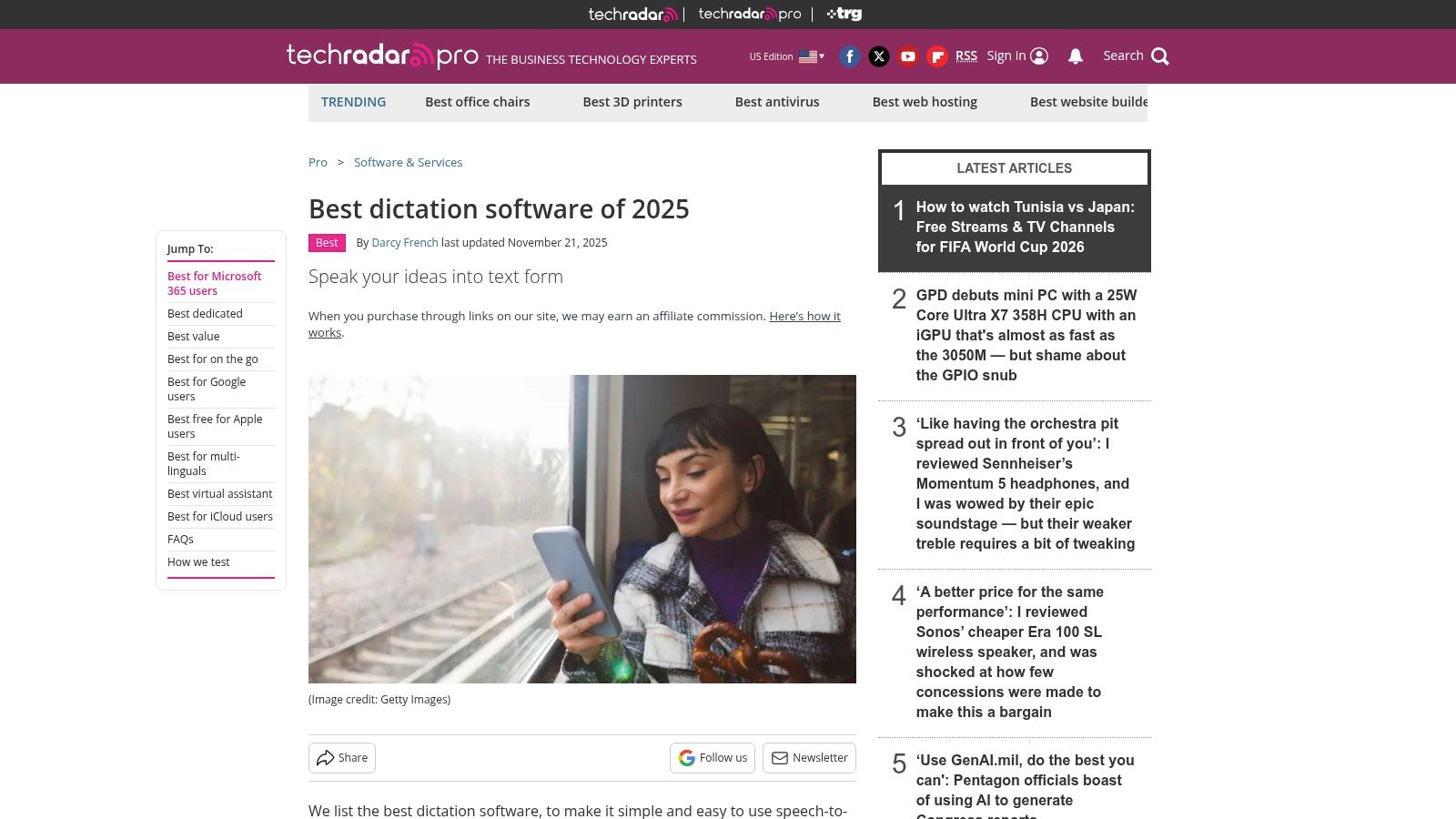
TechRadar is one of the better places to start when you need a buyer-friendly overview and don't want to read ten vendor pages first. Their best-of roundups usually do a solid job of separating built-in dictation, mobile voice typing, and paid desktop tools without assuming every reader has the same setup.
That broad coverage matters because the category has shifted far beyond old desktop dictation software. Recent vendor analysis says only five engines cover about 95% of real builds in 2026, and top systems now target sub-300 ms streaming latency with real-time factor goals under 0.5 for responsiveness, according to Forasoft's analysis of AI speech recognition software. That's why good review sites now compare language coverage, latency, and workflow fit instead of only saying one tool is “accurate.”
Best for quick buying decisions
TechRadar's practical strength is speed. You can usually tell within a few minutes which tools are aimed at casual device dictation and which are meant for heavier work. That's useful if you're trying to decide whether you even need a third-party app.
What it doesn't always do is stay perfectly aligned with every very new entrant. Some roundups lag a bit, especially when a fast-moving AI category changes between annual refreshes.
A review site earns trust when it tells you a built-in tool may be enough. TechRadar does that better than many affiliate-heavy lists.
- Best use case: Fast shortlisting for general users.
- What it does well: Clear pros, cons, and use-case summaries.
- Main drawback: Update cadence can trail the newest launches.
- Website: TechRadar dictation software guide
3. Zapier Blog
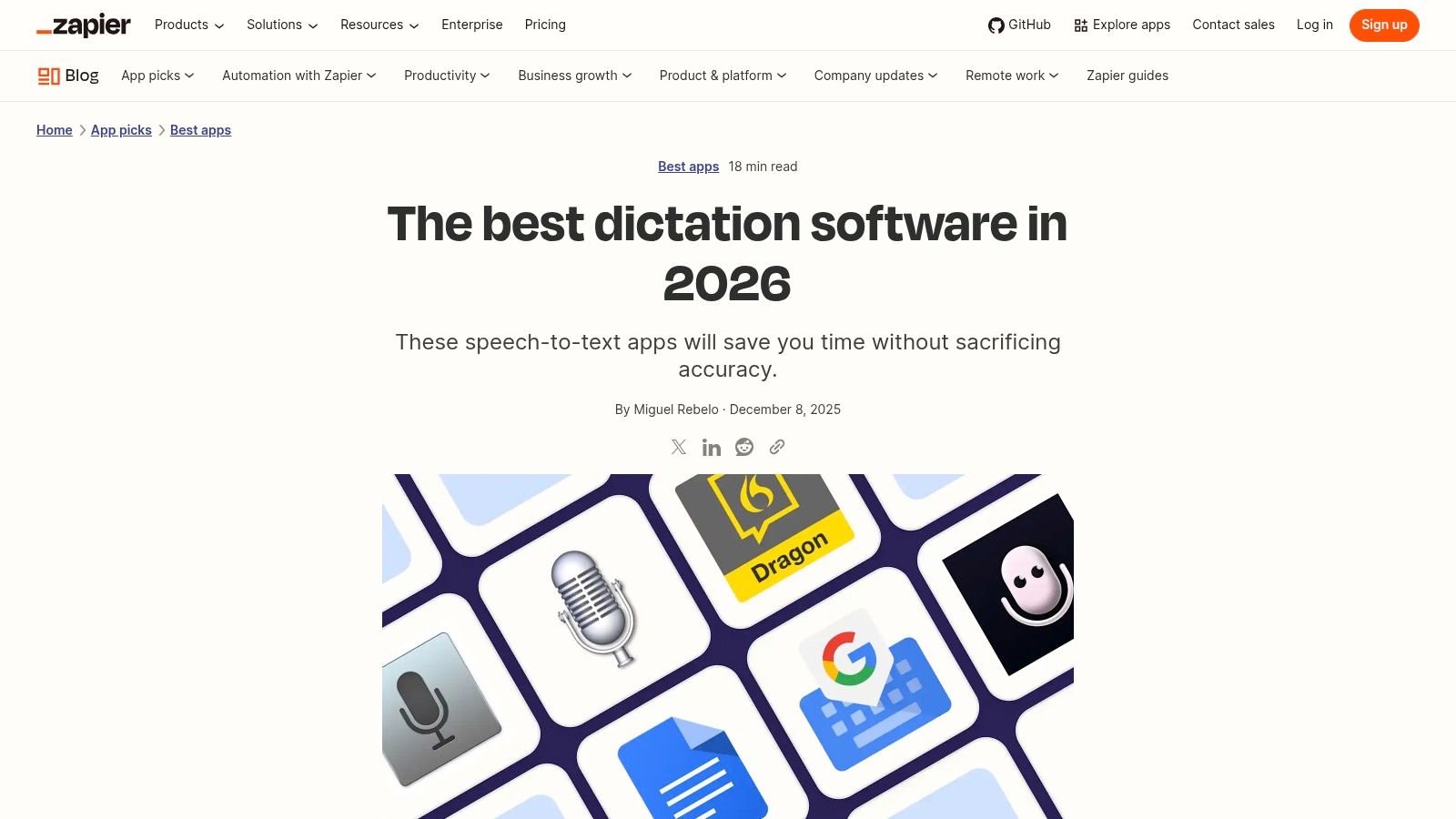
Zapier's blog is one of the few places where the testing method usually feels visible in the writing. That matters because speech recognition software reviews are only useful when the reviewer distinguishes live dictation from file transcription, occasional note capture from all-day writing, and cloud tools from local ones.
I like Zapier most when the goal is workflow matching. Their roundups tend to explain why a tool is better for app insertion, mobile use, document drafting, or meeting notes, instead of flattening everything into one “best overall” winner.
Best for workflow-first testing
The best thing about Zapier's coverage is that it tracks how a product behaves inside real work, not just whether it transcribes clean audio. That lines up with what matters to buyers. Independent guidance from G2's category coverage emphasizes integration, low latency, smart formatting, and structured-information extraction rather than word accuracy alone in its voice recognition software category.
That distinction is easy to miss. A tool can score well in a clean demo and still be annoying when you need to insert text into a CRM, preserve formatting, or move quickly between tasks.
- Best use case: Professionals comparing tools by workflow, not hype.
- What it does well: Methodical picks with practical reasoning.
- Main drawback: It favors broadly useful tools over every niche option.
- Website: Zapier's dictation software roundup
4. TechCrunch
TechCrunch is helpful when you want a sharper read on what's changing right now, especially with AI-first dictation apps. It won't give you a giant database, but it often surfaces the products and features that are starting to matter before slower review directories catch up.
That's valuable in a category where the product definition keeps expanding. Some tools now combine dictation, rewriting, contextual assistance, and local model options in one app. Traditional list pages often miss that transition.
Best for spotting new winners early
TechCrunch's hands-on comparison style works best for readers who already know the basics and want a more current shortlist. You'll usually get stronger context on free tiers, model choices, cleanup features, and whether an app has meaningful offline functionality.
The downside is scope. It's curated journalism, not a market map. So if you need a long comparison set, use it as an early filter, then verify with broader review sources.
The most useful tech journalism doesn't just say what launched. It shows what changed in the buying decision.
- Best use case: Tracking emerging AI dictation tools.
- What it does well: Timely comparisons of newer entrants.
- Main drawback: Shortlist depth instead of full-directory breadth.
- Website: TechCrunch on AI-powered dictation apps
5. Tom's Guide
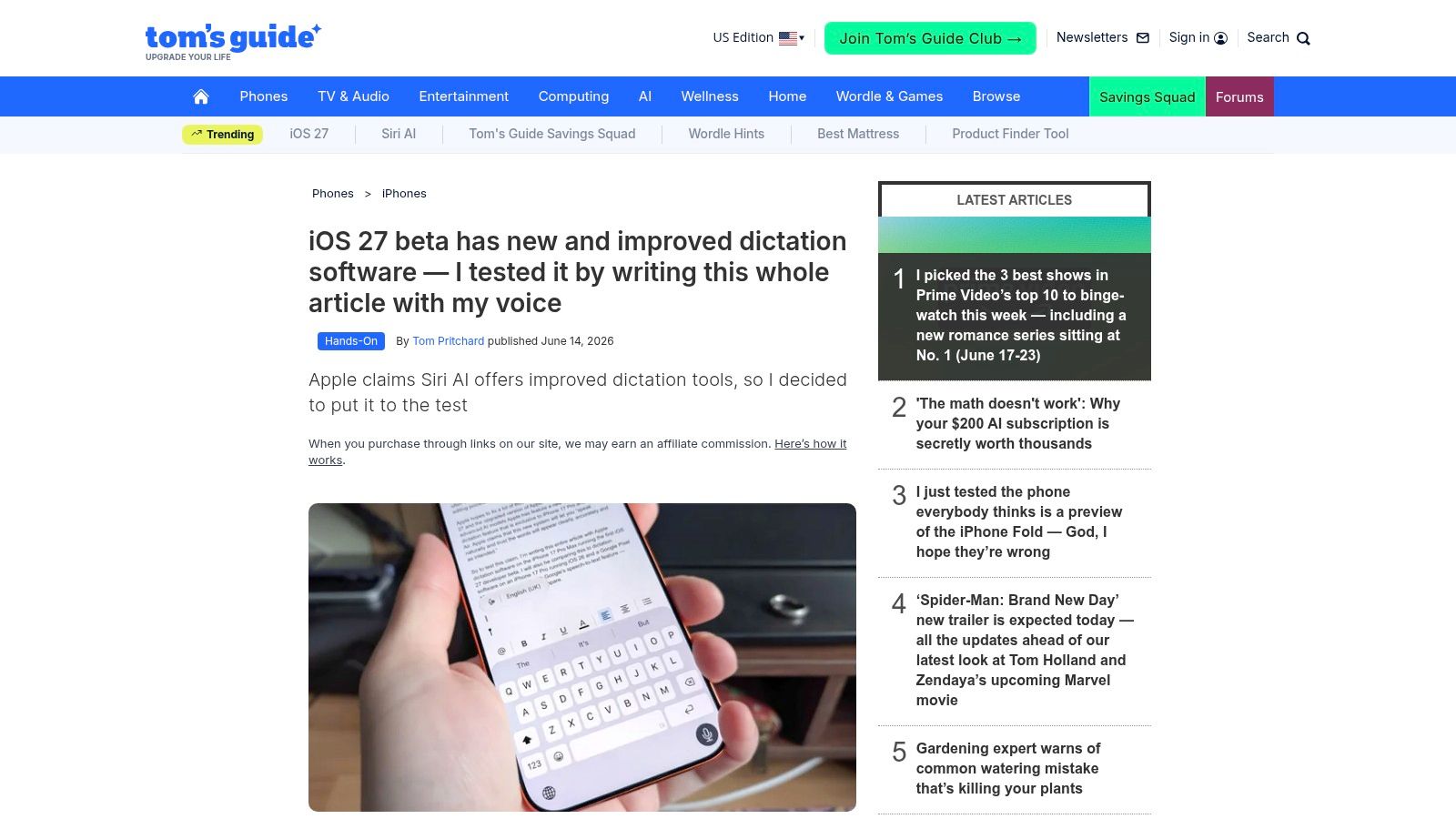
Tom's Guide is useful because it often tests dictation the way normal people use it, not in a sterile benchmark. In a draft, on a phone, in a live writing session, with punctuation and cleanup mistakes that show up fast when the novelty wears off.
That style catches issues many roundup pages miss. A tool can feel impressive in short bursts and frustrating over a longer piece of writing if formatting drifts, punctuation guesses poorly, or editing the output takes too much effort.
Best for real writing tests
I trust Tom's Guide most when I want evidence from a practical writing scenario instead of a feature grid. Their coverage is often piece-by-piece rather than category-wide, but that's also why it feels grounded. You see what happens when someone tries to write with the software.
For buyers, that's a healthy correction to review pages that over-focus on headline claims. In healthcare and similar documentation-heavy contexts, a systematic review found controlled-study word-error rates ranged from 0.087 in ideal conditions to more than 2.9 in real-time, multi-specialty outpatient encounters, with wide variation by domain and workflow in this review of AI speech recognition and transcription software. Real conditions matter.
- Best use case: Understanding practical writing performance.
- What it does well: Scenario-based testing and fast update coverage.
- Main drawback: Less useful as a standing directory.
- Website: Tom's Guide dictation testing
6. Digital Trends
Digital Trends is worth reading when the question isn't just “which app is best?” but “what just changed, and should I care?” It tends to cover launches, platform additions, and privacy angles in a way that's accessible without being oversimplified.
That's especially useful if you're comparing paid tools against new free or built-in options. A lot of people don't need the most advanced app. They need to understand what they give up if they stay with a default keyboard dictation feature.
Best for privacy and platform rollout context
One reason I keep an eye on Digital Trends is that it often frames the privacy and rollout trade-offs clearly. That matters more now because many users are deciding between cloud-heavy products and local processing modes.
A practical reality from offline speech guidance is that setup quality can matter more than model hype. A good microphone may matter more than a model upgrade, tiny or base Whisper variants can hallucinate or skip words on imperfect audio, technical terms still benefit from custom vocabulary, and auto-formatting can introduce errors, according to this 2026 offline speech recognition guide. That's the kind of context news-style review coverage should surface, and Digital Trends often does.
- Best use case: Understanding what's new across platforms.
- What it does well: Clear analysis of privacy and rollout implications.
- Main drawback: More news-driven than exhaustive.
- Website: Digital Trends on dictation software updates
7. G2
G2 is where I go when I want volume. Not polished editorial testing. User patterns. If a speech tool causes friction with app integration, support, billing, latency, or formatting, enough G2 reviews usually expose it.
That doesn't mean every rating is perfectly balanced. Review campaigns can tilt sentiment. But for speech recognition software reviews, a large pile of firsthand accounts is still one of the fastest ways to catch repeat complaints.
Best for volume of user feedback
G2 is particularly useful for comparing how products feel in different environments. Team size, operating system, and use case can change the experience a lot. If you're evaluating desktop insertion tools, it also helps to compare what users expect from the category against focused guidance like this roundup of best speech to text software for real workflows.
One broader market signal supports paying attention to more than raw recognition performance. A 2025 market report says the speech recognition segment commands approximately 68% share and ties that position to AI, NLP, and machine learning integration in SNS Insider's speech and voice recognition market report. User reviews often reveal whether that integration helps or just adds clutter.
- Best use case: Validating real-world user satisfaction and pain points.
- What it does well: High review volume and useful filters.
- Main drawback: Review incentives can introduce noise.
- Website: G2 voice recognition category
8. Capterra
Capterra is less opinionated than editorial review sites, and that's often a good thing. When you need a broad scan of the category, including lesser-known products, deployment models, and role-specific tools, it's one of the easiest places to build a longlist.
I usually use Capterra after I already know my top contenders. That's when it helps uncover alternatives I might have missed, especially vertical tools or products positioned more as infrastructure than end-user apps.
Best for building a shortlist
Its filtering is the main appeal. Pricing model, deployment style, and feature tags make it easy to separate enterprise APIs from everyday dictation apps. If privacy is a deciding factor, it pairs well with a practical framework like this breakdown of cloud vs local speech recognition trade-offs.
The caution with Capterra is simple. Some product descriptions feel close to vendor marketing copy. I wouldn't rely on summary cards alone. Click into detailed reviews before deciding anything.
- Best use case: Broad market scan and shortlist building.
- What it does well: Strong filtering and wide vendor coverage.
- Main drawback: Listing quality varies by product.
- Website: Capterra software categories
9. TrustRadius
TrustRadius is slower, denser, and often more useful because of it. The reviews tend to be longer and more structured, which makes them better for understanding deployment context, support quality, and whether a product held up after rollout.
That style is especially helpful if you're buying for a team instead of for yourself. Short star ratings don't tell you much about admin friction, onboarding, or whether a product was only good in a narrow pilot.
Best for deeper enterprise context
TrustRadius also does a better job than many platforms of surfacing why a tool was chosen over alternatives. That's the kind of detail you need if you're deciding between a specialist product and a more general speech layer.
Healthcare is a good example of why this matters. The global medical speech recognition software market was estimated at USD 1.52 billion in 2023 and is forecast to reach USD 3.17 billion by 2030 at 11.16% CAGR in SNS Insider's medical speech recognition market coverage. In regulated environments, long-form user reviews are often more valuable than flashy benchmark claims.
Enterprise buyers usually regret buying on the demo. They regret it less when they read implementation reviews first.
- Best use case: Team and enterprise evaluation.
- What it does well: Structured, detailed narrative reviews.
- Main drawback: Smaller catalog in some sub-niches.
- Website: TrustRadius voice recognition listings
10. GetApp
GetApp is the fastest of the big directories when I want side-by-side browsing without committing to a deep research session. It's not where I'd make a final decision, but it's very good at helping you reduce a field of many options into a manageable few.
That matters because speech recognition software reviews can become a rabbit hole fast. When every vendor says they support multiple languages, strong accuracy, and broad workflows, you need a filter-first tool before you need a long read.
Best for fast comparisons across many tools
GetApp's most practical feature is its comparison-friendly layout. Screenshots, feature checklists, user ratings, and update timestamps make it easy to spot stale listings or products that haven't changed much in a while.
It's still a surface-level resource. Use it to discover and compare, not to decide. The value is speed, not depth.
- Best use case: Fast filtering and side-by-side comparison.
- What it does well: Easy browsing across many products.
- Main drawback: Thin summaries unless you dig into profiles.
- Website: GetApp speech recognition software listings
Top 10 Speech Recognition Review Sources Comparison
| Product | Core features | UX / Quality (★) | Price / Value (💰) | Target audience (👥) | Unique selling point (✨) |
|---|---|---|---|---|---|
| 🏆 Voice Control Pro | Speak‑to‑insert; Hey Max assistant; local Fly Mode | ★★★★★ Fast, clean transcription | 💰 Free tier (2k wks) → Max $9/mo (unlimited) | 👥 Knowledge workers, support/sales, students, prompt engineers | ✨ Insert text anywhere + on‑device privacy + rewriting & screen Q&A |
| TechRadar | Editor‑tested roundups; platform coverage | ★★★★ Lab-style accuracy & latency notes | 💰 Free (ad-supported guides) | 👥 Consumers & buyers researching dictation apps | ✨ Clear decision-oriented buyer's guides |
| Zapier Blog | Workflow-focused roundups; selection criteria | ★★★★ Practical, hands-on picks | 💰 Free (affiliate-supported) | 👥 Professionals mapping tools to workflows | ✨ Workflow-centric testing & privacy notes |
| TechCrunch | Comparative hands-on AI dictation testing | ★★★★ Timely journalist testing | 💰 Free (news/reviews) | 👥 Tech-savvy readers tracking AI trends | ✨ Focus on model support, cleanup & offline options |
| Tom's Guide | Real-world stress tests; punctuation & cleanup | ★★★★ Real writing scenario assessments | 💰 Free (ad-supported reviews) | 👥 Consumers testing long-form dictation | ✨ Deep real-world performance testing |
| Digital Trends | News & reviews; privacy/offline tradeoffs | ★★★★ Concise, consumer-friendly analysis | 💰 Free (news/reviews) | 👥 General consumers & early adopters | ✨ Highlights privacy vs. subscription tradeoffs |
| G2 | Verified user reviews; feature ratings & filters | ★★★★ Large volume of firsthand feedback | 💰 Free (review database) | 👥 Buyers seeking peer feedback & enterprise filters | ✨ Thousands of reviews + filterable insights |
| Capterra | Product catalog & filters; pricing snapshots | ★★★★ Broad coverage including niche tools | 💰 Free (comparison hub) | 👥 Enterprises & buyers shortlisting options | ✨ Region pricing & vertical discovery |
| TrustRadius | Long-form structured reviews; ROI focus | ★★★★ Detailed narratives for decisions | 💰 Free (review platform) | 👥 Enterprise buyers & ROI-focused teams | ✨ Structured ROI-centric reviews |
| GetApp | Filterable lists; screenshots; last-updated stamps | ★★★★ Quick side-by-side summaries | 💰 Free (comparison + exports) | 👥 SMBs & role-specific discovery | ✨ Easy shortlist exports & timestamped updates |
The Future of Input Is Your Voice
Speech recognition isn't a novelty category anymore. It's becoming part of how people draft, reply, document, research, and move through desktop work with less friction. That shift shows up in both product design and review quality. Better speech recognition software reviews now look at workflow fit, latency, language coverage, local processing, formatting behavior, and whether the output lands where you need it.
That's also why I'd separate tools into two buckets. First, products you use to get work done every day. Second, sources you use to keep evaluating the market. Voice Control Pro sits firmly in the first bucket. It's practical, desktop-focused, and built around the primary bottleneck for many professionals, which is getting polished text into the exact app you're already using without breaking concentration.
The rest of this list matters because the category won't stand still. New entrants will keep adding AI cleanup, local modes, multilingual support, and assistant features. Review directories and editorial sources each catch different parts of that story. TechRadar and Zapier help with fast practical comparison. TechCrunch, Tom's Guide, and Digital Trends help you track what's changing. G2, Capterra, TrustRadius, and GetApp help you validate whether those changes improve life for users.
One pattern is already clear. The market is expanding, but buyers are getting pickier. They're less impressed by generic “high accuracy” language and more interested in whether a product handles their vocabulary, app stack, privacy needs, and editing habits. That's a healthy change. It pushes vendors to build software that works in real conditions, not just in polished examples.
If you're choosing right now, don't overcomplicate it. Start with one tool that matches your actual work, not your imagined perfect workflow. Test it in the apps where you spend the most time. Try it with your own microphone, your own terminology, your own background noise, and your own tolerance for cleanup. Then use the review sources above to sanity-check what you're seeing.
Voice input is becoming a standard part of modern computing, especially for people who write a lot or want to reduce strain. If your work includes global audio, multilingual teams, or media workflows, adjacent practices like podcast localization techniques are part of the same bigger shift. Your keyboard isn't going away. But for a growing share of work, it doesn't need to be the starting point anymore.
If you want the most practical place to start, try Voice Control Pro. It gives you the part most professionals need first: speak, release, and get polished text inserted directly into the app you're already using. If that workflow clicks for you, the added privacy options, local dictation mode, and Hey Max assistant features make it a strong long-term upgrade rather than just another dictation app.