
You're probably feeling the same friction most developers feel right now. One minute you're reviewing a pull request, the next you're fixing a flaky pipeline, then answering Slack, then updating a ticket, then documenting a workaround nobody had time to write down properly. Every switch costs focus. Every extra tool promises speed, but some of them just add another panel, another notification, another thing to maintain.
That's why developer productivity tools matter more than ever. AI coding assistants have become the most impactful category of developer productivity tools, saving professional developers an average of 195 minutes per week according to developer productivity tools research for 2026. But speed alone isn't the whole story. If your stack is fragmented, you can easily trade one bottleneck for another. That's the part teams often miss when they buy tools faster than they clean up workflows.
I've found the best setups are practical, not maximal. You want one tool for faster code generation, one for issue flow, one for terminal work if your current shell is slowing you down, and one low-friction input layer that works everywhere. If your team also relies heavily on preview environments and async feedback, it's worth seeing how PinDrop's Vercel feedback process keeps review loops tighter without turning them into meeting debt.
This roundup gets straight to the tools. These ten picks cover coding, editing, issue tracking, terminal work, automation, collaboration, and voice input. I'm grouping them by how they help in real work, not by marketing category, so you can decide what belongs in your stack and what would just become tool sprawl.
Table of Contents
- 1. Voice Control Pro
- Why it stands out
- Best use cases for developers
- 2. GitHub Copilot
- Where Copilot fits best
- 3. Cursor
- Why teams choose Cursor
- 4. Sourcegraph Cody
- Best for large codebases
- 5. Raycast
- Where it saves time
- 6. Warp
- Terminal work that scales better
- 7. JetBrains AI Assistant
- Strong fit for JetBrains shops
- 8. Codeium / Windsurf
- Good free path, different team story
- 9. Linear
- Why engineers like it
- 10. Zed
- Where Zed shines
- Top 10 Developer Productivity Tools, Feature Comparison
- Next Steps Build Your Productivity Stack
1. Voice Control Pro
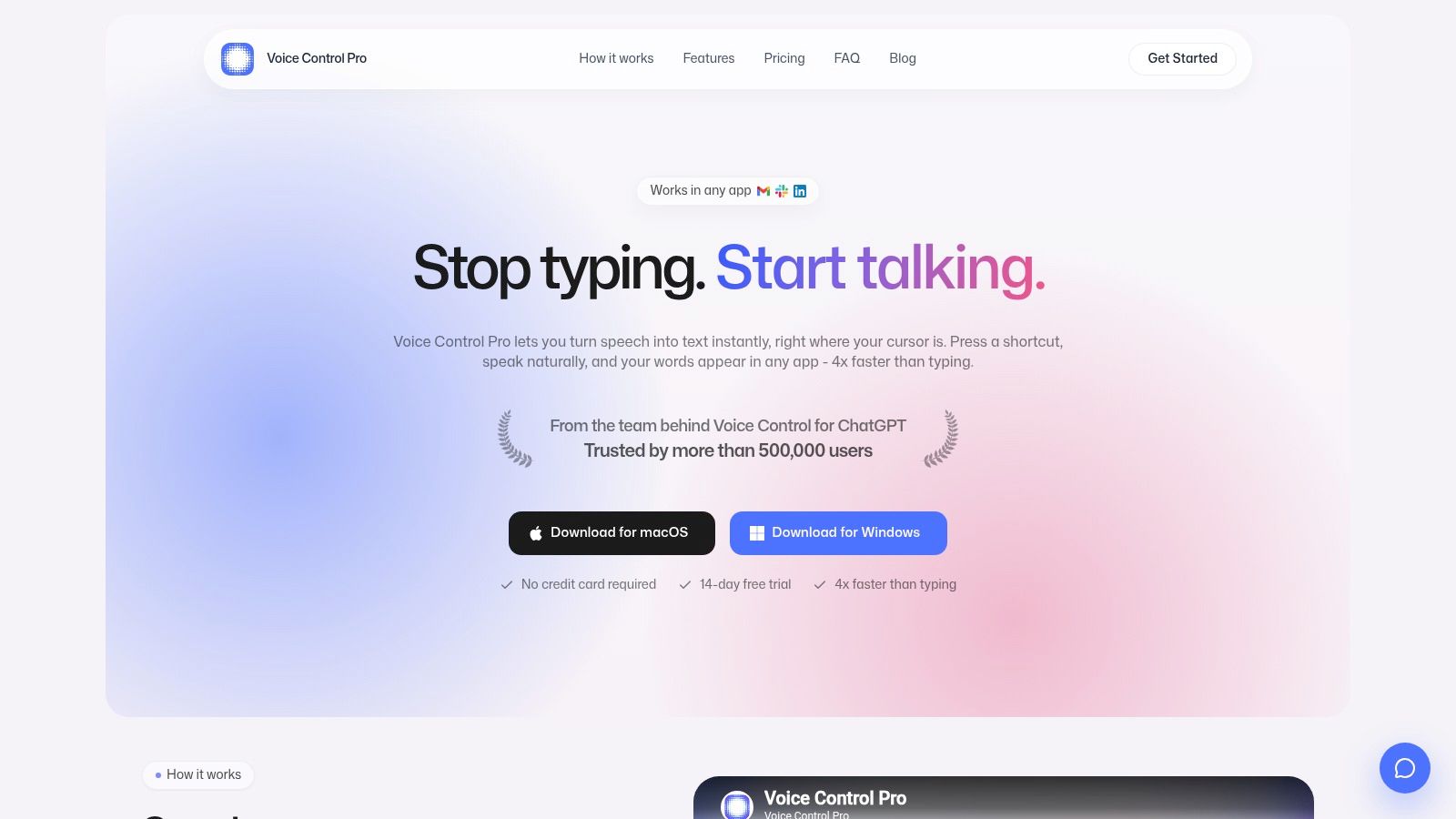
Voice Control Pro is the tool I'd put in a different category from most developer productivity tools. It doesn't replace your IDE, terminal, or issue tracker. It speeds up the input layer across all of them. That matters because a surprising amount of developer time isn't spent writing perfect production code. It's spent drafting comments, explaining trade-offs, writing docs, summarizing bugs, answering teammates, and turning rough ideas into usable text.
Why it stands out
The core interaction is simple. Hold a global shortcut, speak, release, and clean text appears wherever your cursor is. That works in Slack, Gmail, Docs, Linear, terminals, and code editors on macOS and Windows. It's a much lower-friction model than opening a separate dictation window or bouncing through a browser tab.
The built-in Hey Max assistant is what pushes it beyond standard voice input. You can rewrite selected text, ask context-aware questions about what's on screen, analyze content, and launch apps by voice. For developers, that's useful in the messy parts of work where typing isn't the bottleneck by itself. Clarity is.
Practical rule: Use Voice Control Pro for comments, commit message drafts, bug reports, ADR notes, support replies, and prompt iteration. Use your coding assistant for code generation. Those are different jobs.
Voice Control Pro also takes privacy seriously. Fly Mode runs processing locally and pauses cloud features, and there's a free local mode for on-device dictation. If your team handles sensitive internal discussions or client material, that flexibility matters.
Best use cases for developers
The sweet spot isn't replacing keyboard-driven coding. It's reducing the overhead around coding.
- Code review replies: Speak the rationale for a change, then tighten it with cleanup tools.
- Documentation bursts: Draft setup notes or architecture explanations while reading code.
- Issue triage: Turn rough observations into clear tickets without stopping to wordsmith.
- Accessibility and strain reduction: Give your hands a break during long writing-heavy sessions.
If you're exploring hands-free workflows, the company's guide to coding by voice for developers is worth reading because it maps voice input to actual IDE tasks instead of treating dictation as a novelty.
There are trade-offs. The best cloud features and unlimited usage sit behind the Max plan, and performance still depends on your microphone and environment. But as a workflow layer, it avoids the productivity trap described in research on tool sprawl and fragmented workflows. That's why it earns the featured spot here. It fits into the tools you already use instead of demanding one more interface.
2. GitHub Copilot
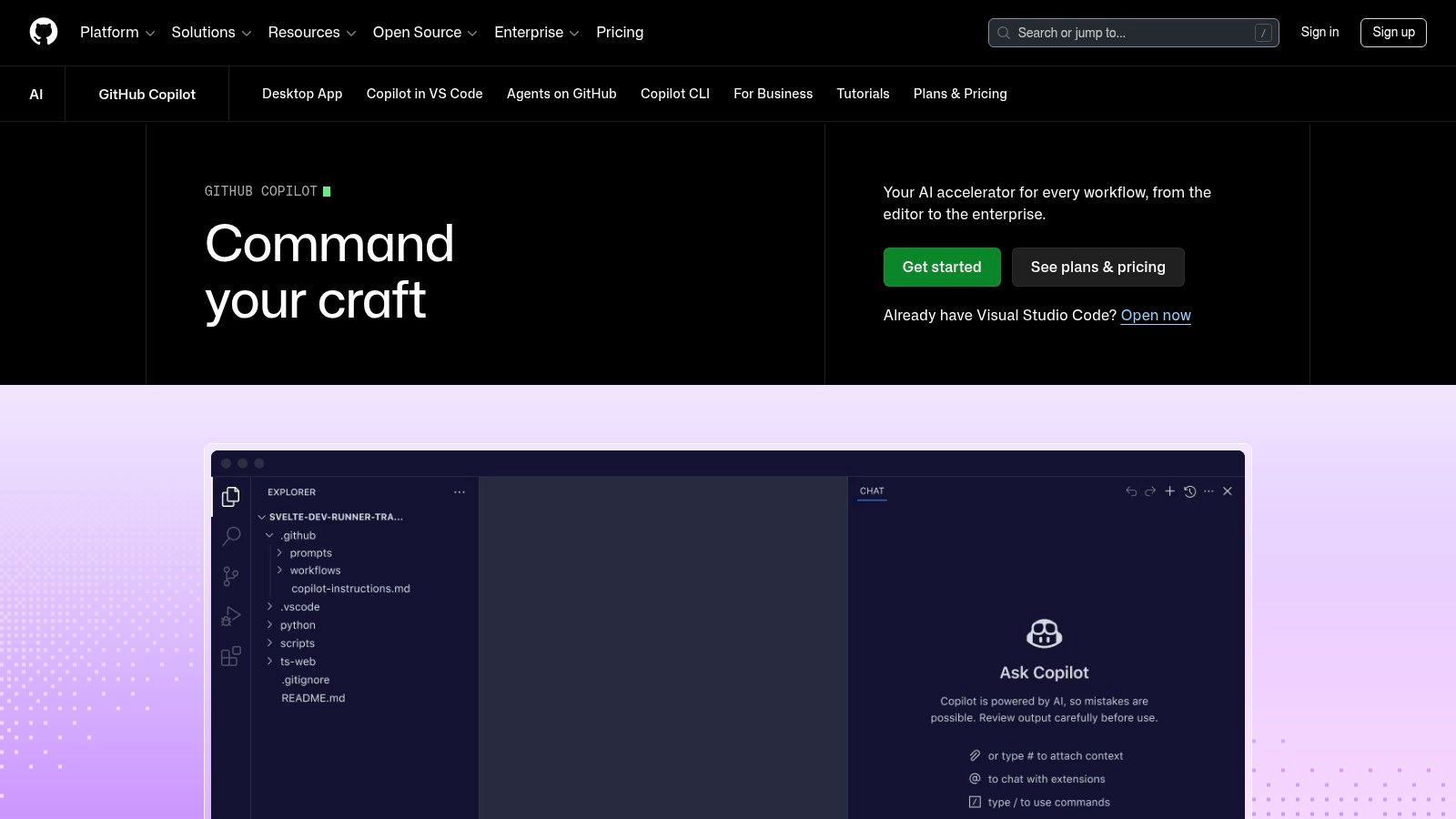
GitHub Copilot is still the default recommendation for teams that live in GitHub and want AI help without redesigning their workflow. It sits where developers already work. Inside the editor, inside pull requests, and inside repo context. That's why adoption is so broad.
Copilot is especially good at repetitive implementation work. Boilerplate, tests, straightforward transformations, and “show me the first draft” tasks are where it saves time fastest. In active real-world use, 81% of GitHub Copilot users complete tasks faster, and active users who rely on it at least five days per week show 55% higher productivity according to the 2026 developer productivity tools benchmark.
Where Copilot fits best
If your team already uses GitHub for source control, review, and security workflows, Copilot's integration is the big advantage. You don't need to teach people a new editor to get value.
That said, there are two practical cautions:
- Budgeting can get fuzzy: The usage-based AI credit model needs clear ownership before rollout.
- Policy review matters: Teams with strict data handling rules should inspect training and telemetry settings carefully.
I usually recommend Copilot to platform-standardized teams that want broad adoption with minimal switching cost. I'm less enthusiastic when a team already feels overloaded by GitHub notifications and wants a more opinionated AI-first editing experience. In that case, Cursor or a JetBrains-native option may fit better.
For readers comparing assistant categories beyond coding, Voice Control Pro's write-up on natural language processing tools in everyday workflows gives a useful wider lens. Copilot handles code generation well. It doesn't solve the rest of the communication workload around engineering.
3. Cursor
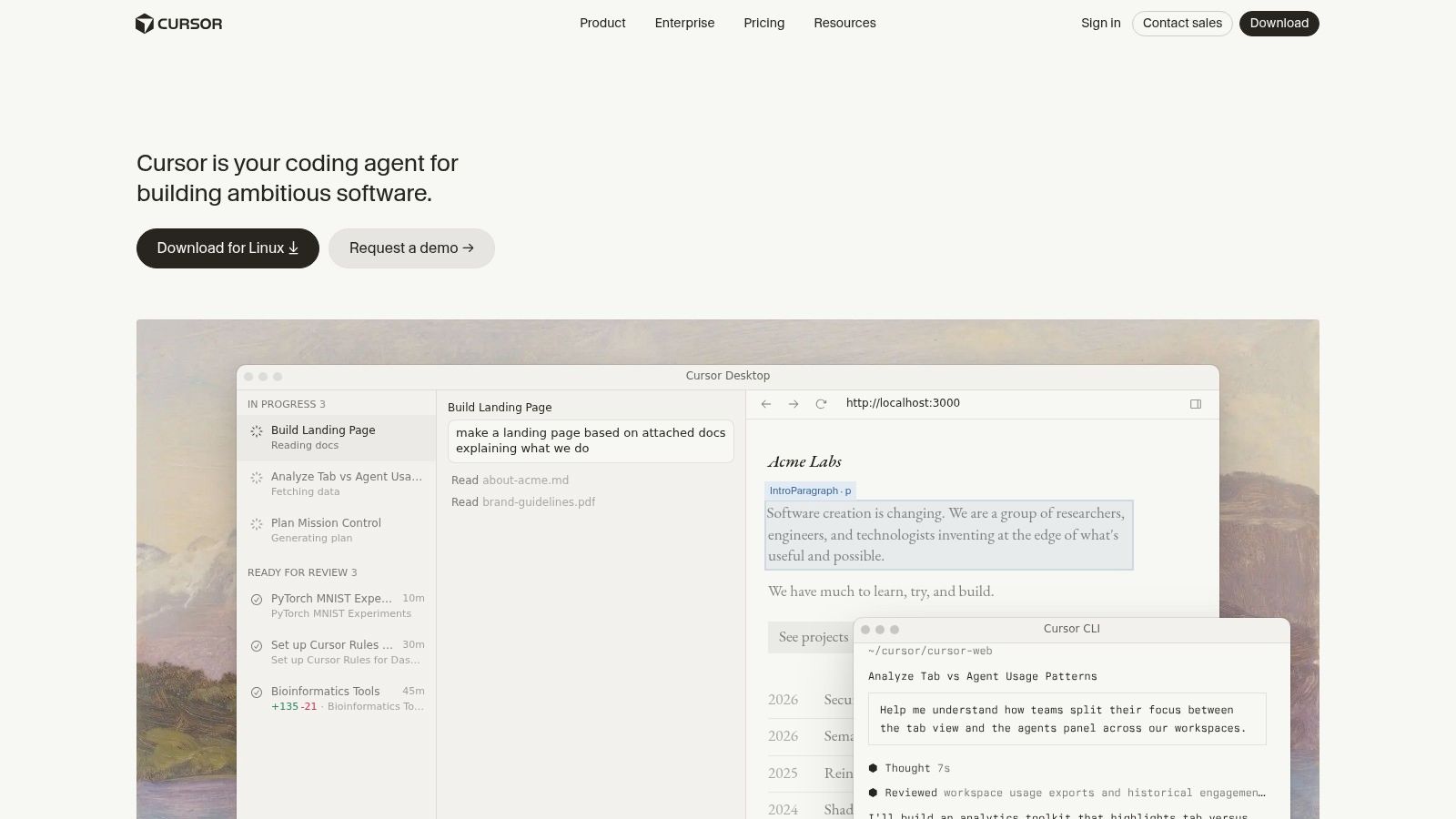
Cursor is what I suggest when a team wants more than autocomplete and is willing to adopt an AI-native editor. It feels familiar if you come from VS Code, which lowers the migration pain, but the experience is centered on editor-integrated chat, inline edits, and larger refactor flows.
Why teams choose Cursor
Cursor works well when developers want to stay in one place while iterating on broader changes. Ask for a refactor, inspect the diff, revise the prompt, apply again. That loop is often smoother than jumping between a chat tool and an editor.
It also gives teams more control over model choices through BYO-model options and token-billed usage. That matters for organizations balancing privacy, provider preference, or cost management.
The teams that get the most from Cursor usually treat it as a focused editing environment, not as a magic autopilot.
The trade-off is planning. Token and usage billing can become hard to forecast at team level, especially if some developers use it lightly and others run long context-heavy sessions all day. I'd avoid rolling it out without setting budget expectations and usage norms first.
Cursor is a strong pick for startup teams, product engineers, and individual developers who want an AI-first coding experience without abandoning familiar keybindings and extensions. It's less compelling if your organization has standardized on another IDE and doesn't want editor fragmentation.
4. Sourcegraph Cody
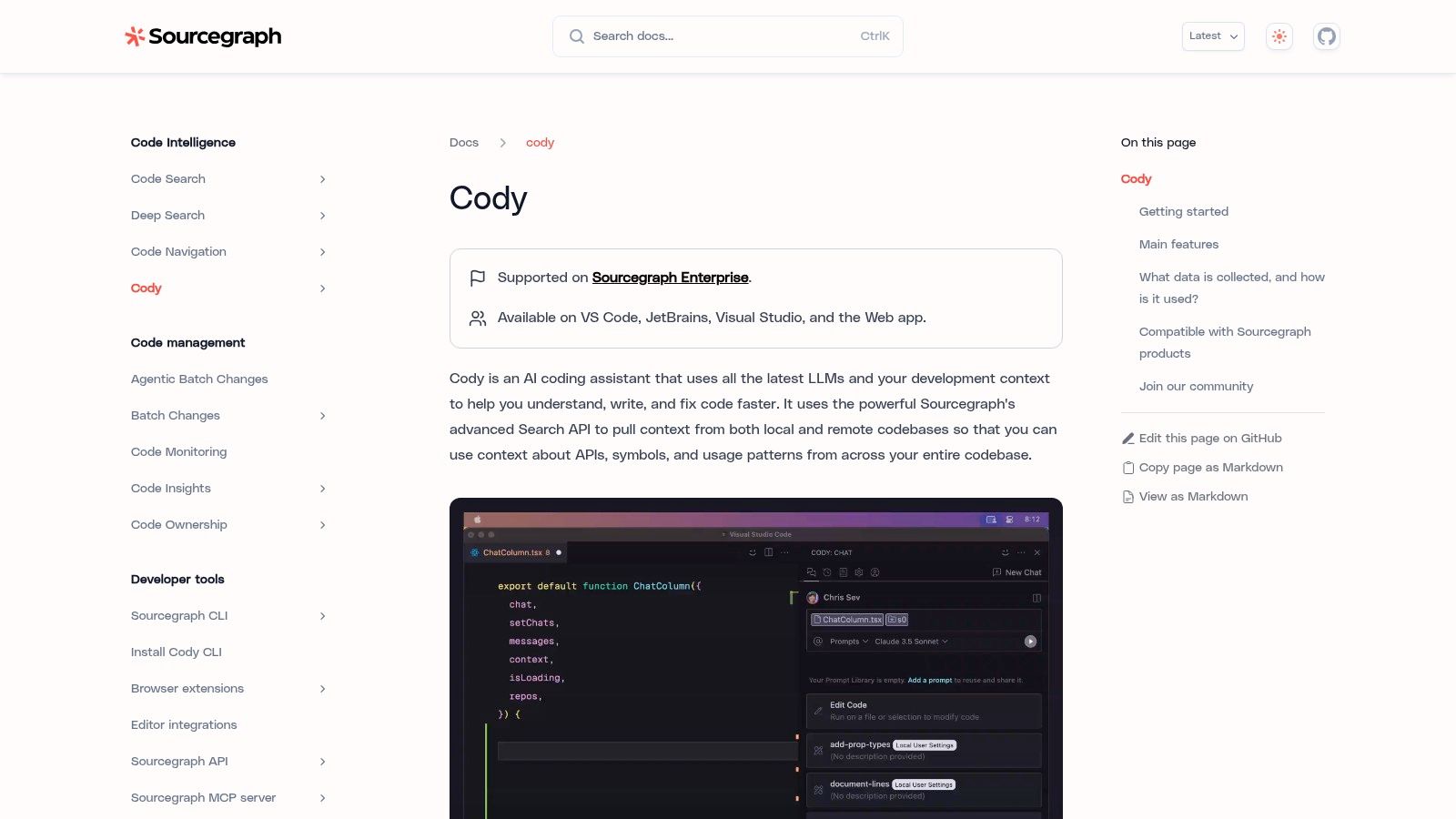
Sourcegraph Cody earns its place when the problem isn't generating code. The problem is understanding a large codebase. In a monorepo or mature enterprise system, that's often the primary bottleneck.
Best for large codebases
Cody benefits from Sourcegraph's code intelligence and search capabilities. It's built to reason across files, dependencies, and repository structure, which makes it more useful for “where is this pattern implemented?” and “what else does this change affect?” questions than many lightweight assistants.
That strength shows up in a few scenarios:
- Monorepo navigation: Finding the right service, package, or historical pattern quickly.
- Multi-file changes: Making edits that need broader repository awareness.
- Onboarding: Helping new developers understand how pieces connect.
The main limitation is straightforward. Cody often delivers the most value when it's part of the broader Sourcegraph platform. As a standalone assistant, it can still help, but some of the depth that justifies the choice comes from being embedded in Sourcegraph's wider search and code graph ecosystem.
For engineering organizations with sprawling internal systems, Cody is one of the better fits on this list. For small teams working in a compact repo, it may be more tool than you need.
5. Raycast
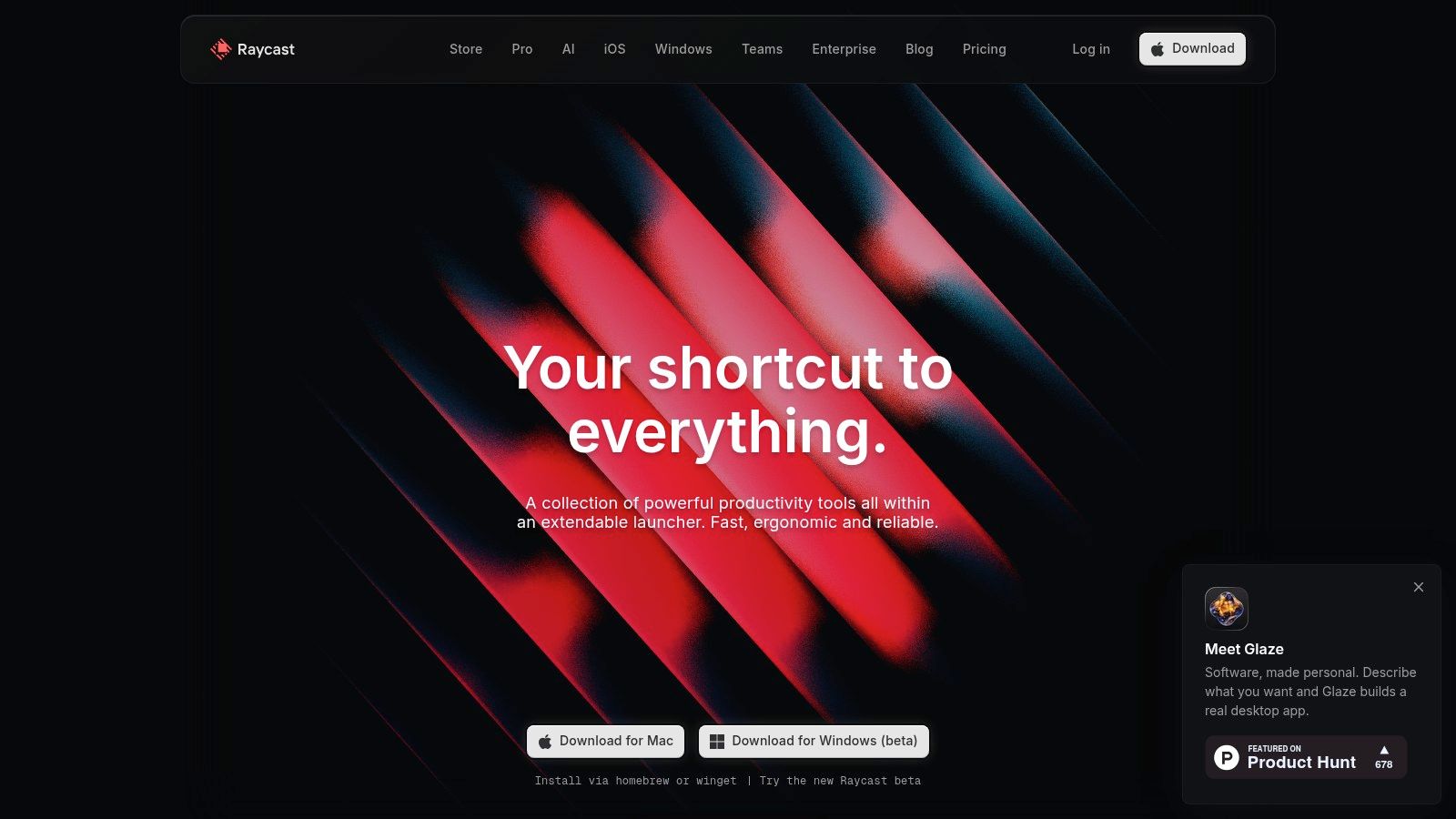
Raycast isn't a coding assistant first. It's a keyboard-driven control layer for macOS. That distinction matters because many productivity gains don't come from writing code faster. They come from reaching the right tool, script, issue, command, or note without leaving flow.
Where it saves time
Raycast is excellent for developers who already work keyboard-first. Open GitHub issues, trigger scripts, search documentation, jump into project commands, and automate small repetitive tasks from one launcher. The extension ecosystem is broad enough that most engineering teams can wire it into daily work quickly.
Raycast AI adds summarization and text transformation, but I think the larger win is command consolidation. It reduces hunting. That's often more important than adding another AI pane.
A few strong use cases stand out:
- Issue and repo navigation: Fast access to GitHub, Jira, or Linear items.
- Small automations: Script commands for repetitive engineering chores.
- Context preservation: Staying on the keyboard instead of mousing across tools.
If your team is trying to cut repetitive busywork, Voice Control Pro's overview of process automation benefits across workflows pairs nicely with Raycast's philosophy. One is voice-driven insertion and command help. The other is keyboard-driven launch and automation.
The downside is simple. Raycast is macOS-only. Mixed-OS teams can't standardize on it cleanly, so I usually recommend it as an individual productivity layer rather than a universal team mandate.
6. Warp
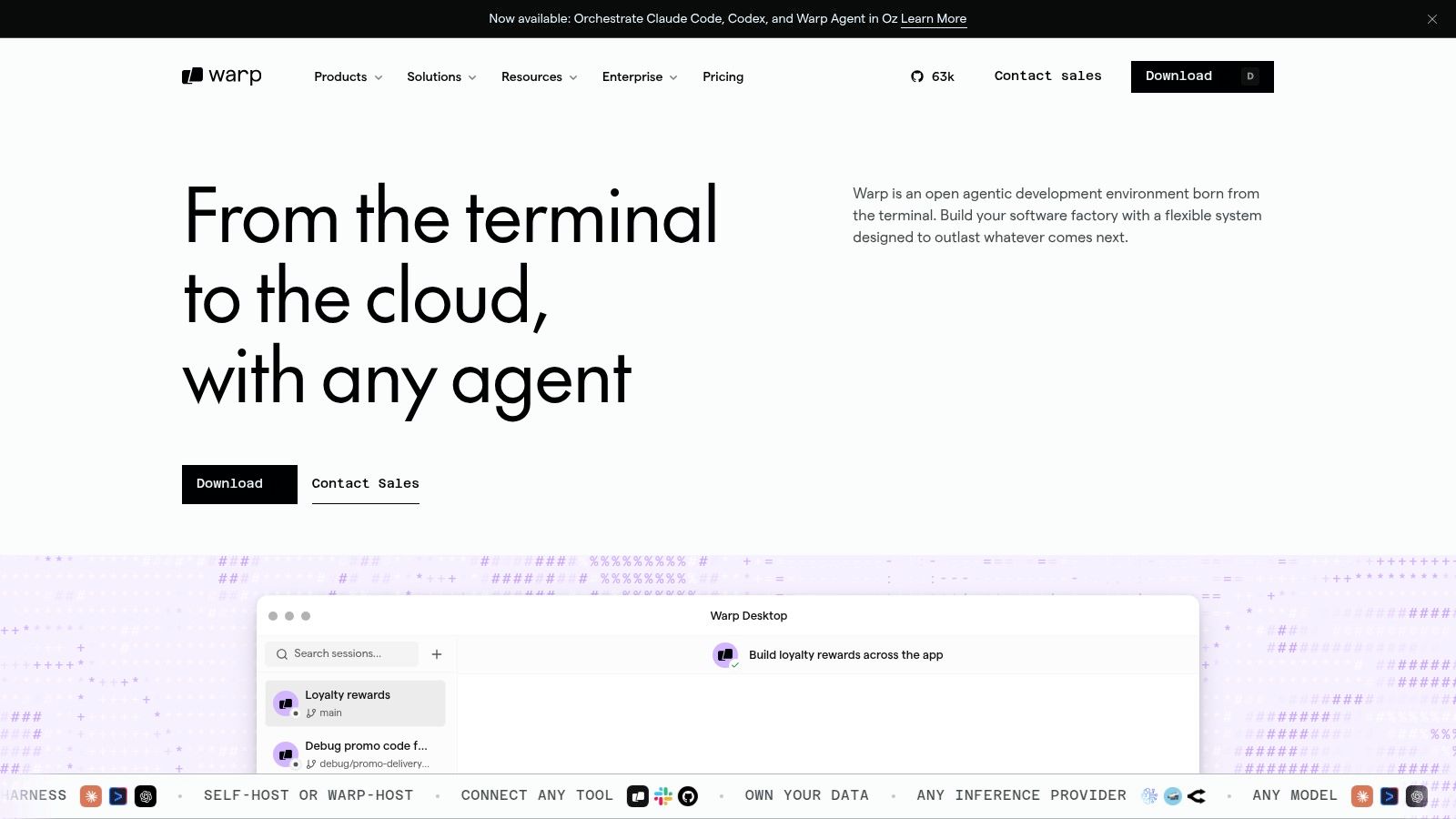
Warp is the terminal I recommend to developers who spend serious time in shell workflows but are tired of pretending terminal UX peaked years ago. Its block model changes the experience in a practical way. Commands and outputs become structured units you can scan, select, copy, and revisit more easily.
Terminal work that scales better
That sounds cosmetic until you're debugging deployment steps, replaying setup commands, or teaching a teammate how to reproduce an issue. Suddenly the terminal becomes easier to read and easier to share.
Warp's AI Agent Mode adds another layer. You can ask for troubleshooting help, shell command drafts, and workflow guidance without leaving the terminal context. Team features like Drive and runbooks also make it useful for shared operational knowledge.
Field note: Warp is most valuable when your terminal is part of collaborative engineering, not just personal preference.
I like Warp for DevOps-heavy roles, backend developers who live in CLI tooling, and teams that rely on repeatable shell routines. I'm more cautious for organizations that need very stable pricing assumptions. Warp's plans and naming have changed over time, so teams should verify current limits and overage behavior before broad adoption.
If your command line work is already disciplined and minimal, Warp may feel like a nice upgrade. If your team constantly copies shell fragments through chat and docs, it can be a bigger workflow improvement than expected.
7. JetBrains AI Assistant

JetBrains AI Assistant makes the most sense when your team already runs on IntelliJ, PyCharm, WebStorm, Rider, or the broader JetBrains ecosystem. In that setup, using an AI layer built directly into the IDE is usually cleaner than pushing everyone toward a separate editor.
Strong fit for JetBrains shops
The tool handles the common AI tasks well. Generate code, write tests, explain snippets, draft docs, produce commit messages, and support refactoring work inside the same IDE experience developers already know. The coding agent story is also evolving through Junie, which makes the product more than just a sidebar assistant.
What I like here is consistency. JetBrains users tend to care a lot about IDE ergonomics. AI Assistant respects that. It doesn't feel bolted on in the way some cross-editor tools can.
The trade-off is licensing complexity. Teams already paying for JetBrains products need to budget for a separate AI subscription, and usage is managed through AI credits. That's not necessarily a problem, but it should be explicit before rollout.
JetBrains AI Assistant is usually the safe recommendation for enterprise Java, Kotlin, and polyglot teams that have standardized on JetBrains for years. If that's your environment, switching editors just to chase AI features usually creates more friction than value.
8. Codeium / Windsurf
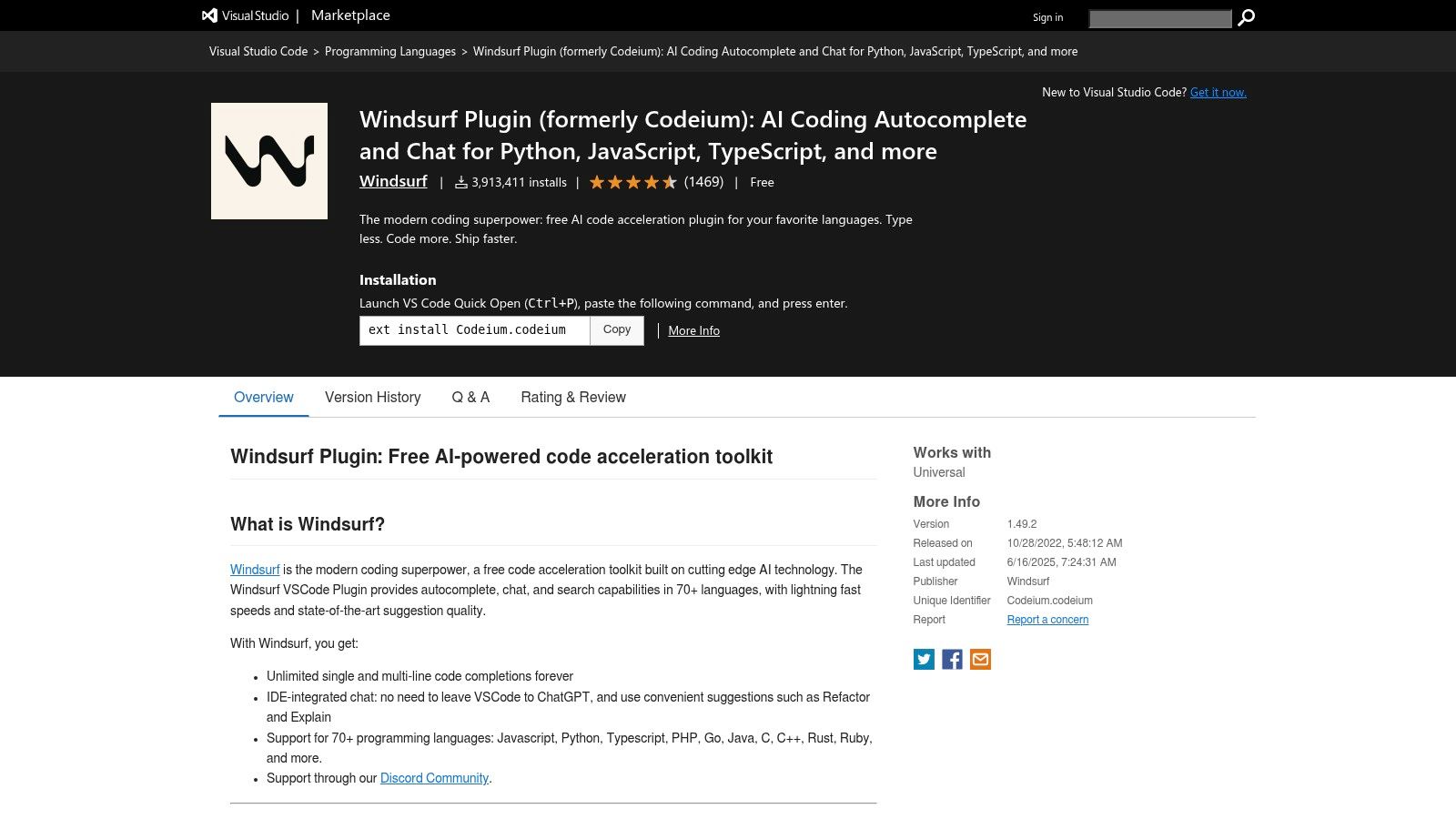
Codeium and Windsurf are best considered together because they solve adjacent problems. Codeium gives you AI autocomplete and chat across multiple IDEs through extensions. Windsurf pushes further with an AI-native IDE and more agentic workflows.
Good free path, different team story
For individuals, the appeal is obvious. There's a generous free path through editor extensions, which makes it easy to try without a purchasing process. That lowers the barrier for freelancers, students, and developers experimenting with AI assistance on personal projects.
Windsurf becomes more interesting when you want multi-file agent flows that reduce manual navigation. Repetitive edits, broad refactors, and end-to-end coding tasks are where it starts to feel distinct from simple autocomplete products.
There are still rollout caveats:
- Team pricing needs confirmation: plans and limits have changed over time.
- Workflow differences matter: some developers love agent-first tooling, others find it disruptive.
- Governance matters more at scale: broad autonomy can create uneven usage patterns.
Global AI coding tool adoption reached 90% among developers as of January 2026, and 74% had moved beyond general-purpose chatbots to specialized coding assistants or agentic agents according to global AI developer tool statistics for 2026. Codeium and Windsurf fit that second wave well. They're not just about suggestions. They're about restructuring how code changes get carried out.
9. Linear
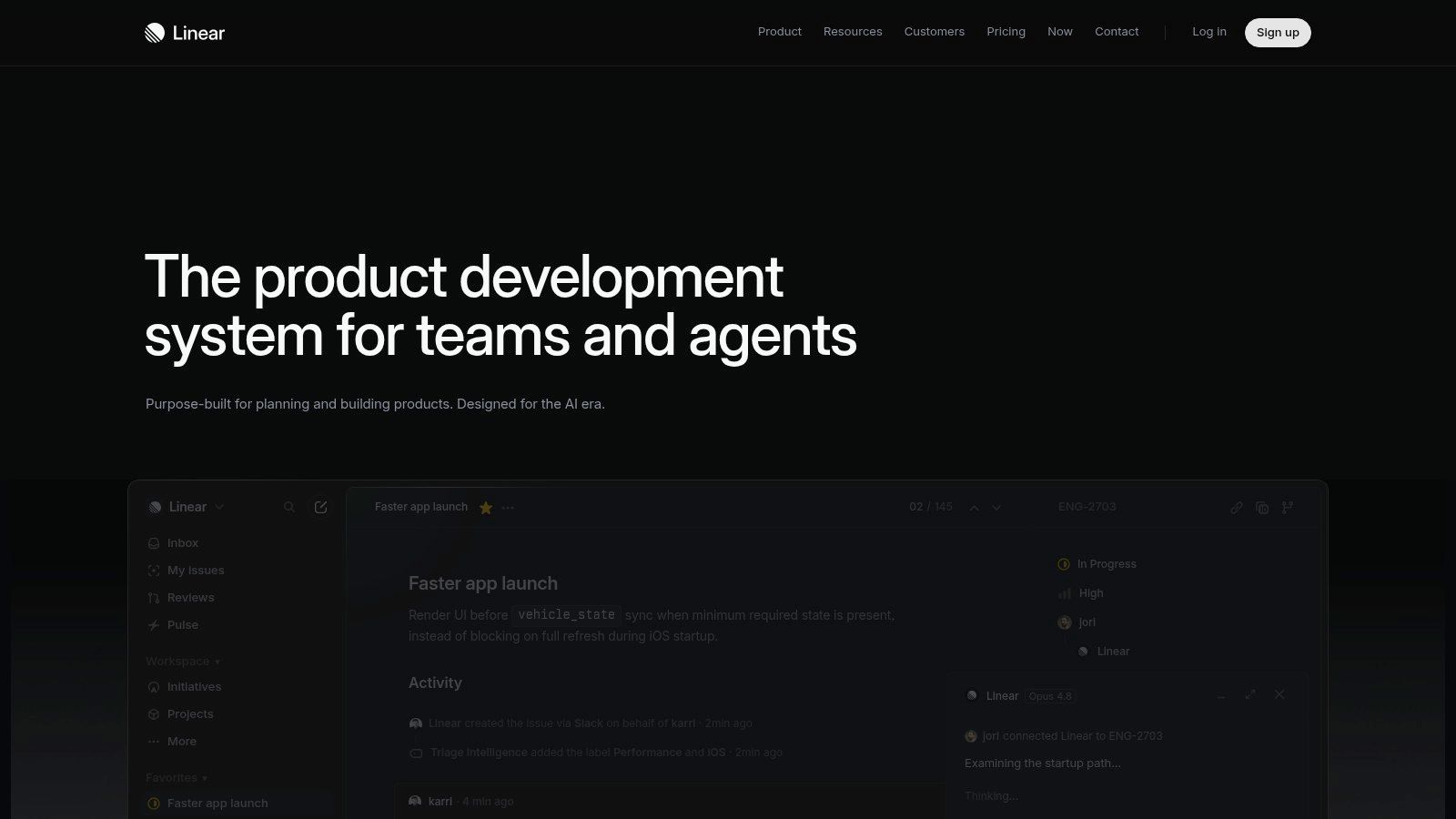
Linear is the issue tracker I recommend when a team's current project management setup feels heavier than the work itself. Engineers usually like it for one reason first. It's fast.
Why engineers like it
Speed sounds trivial until you compare it with the drag of bloated ticketing tools. A responsive interface, solid keyboard shortcuts, sensible defaults, and low-friction issue updates remove a lot of admin overhead that slowly drains engineering time.
Linear also has growing AI support for summarization, classification, and triage. That helps, but I still think its biggest strength is operational discipline. It encourages concise, visible, high-signal work tracking.
Use Linear if your team wants:
- Fast issue handling: less waiting, less form fatigue.
- Opinionated workflows: enough structure to keep work moving.
- Strong integrations: especially with GitHub, GitLab, and Slack.
The downside is the same thing some teams love about it. It's opinionated. Highly customized organizations that expect every process to mirror an internal taxonomy may push against its design. In practice, that's often a sign the team should simplify process rather than force the tool to recreate every legacy workflow.
10. Zed
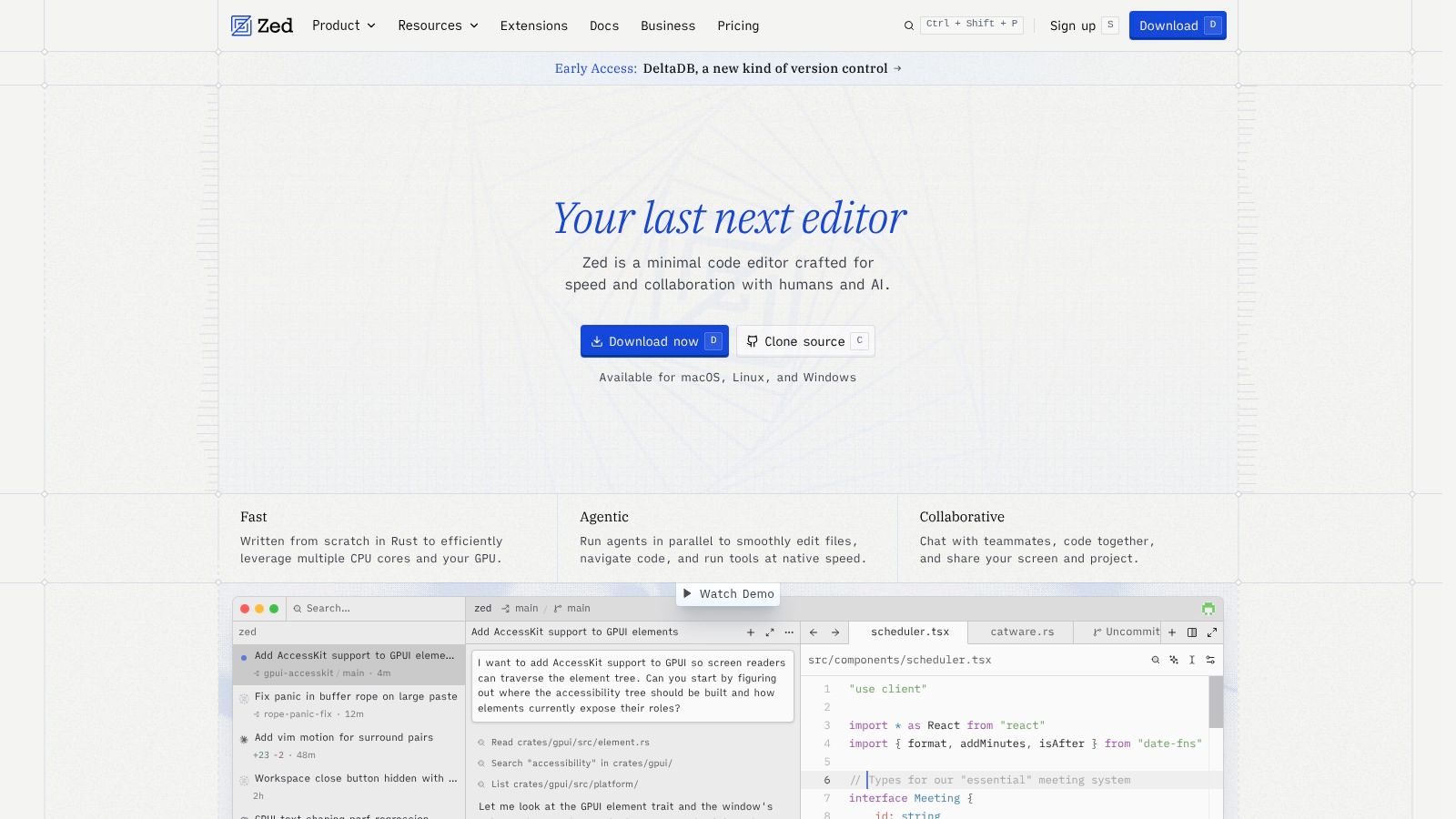
Zed is the editor on this list that feels most built around speed and collaboration as first principles. It's written in Rust, it's fast, and its multiplayer editing model is a real differentiator for teams that pair or mob program regularly.
Where Zed shines
If your workflow includes live collaboration, Zed is worth serious consideration. Real-time editing and communication reduce the awkwardness of “you drive, I talk” sessions where one person shares a screen and everyone else waits. It's a better fit for active collaboration than many traditional editors retrofitted with sharing features.
Zed also offers optional AI capabilities with hosted models or BYO keys. That gives teams flexibility on provider choice and cost control, which is useful if you want AI assistance without hardwiring yourself to one model path.
I wouldn't recommend Zed purely on ecosystem maturity yet. Some workflows and extensions are still catching up with incumbent editors. But for teams that value low latency, pair programming, and a modern editor model, it has a clear point of view.
The broader software development tools market is projected to grow from USD 7.44 billion in 2026 to USD 15.72 billion by 2031 at a 16.12% CAGR according to software development tools market projections. Editors like Zed are part of that shift. Teams are no longer choosing between speed and collaboration. They expect both.
Top 10 Developer Productivity Tools, Feature Comparison
| Product | Core features | UX & Quality (★) | Price & Value (💰) | Target audience (👥) | Unique selling points (✨) |
|---|---|---|---|---|---|
| 🏆 Voice Control Pro | Global press‑and‑hold speak-to-insert, Hey Max assistant, Fly Mode & local on-device dictation | ★★★★☆ Polished, fast; up to 4× typing speed | 💰 Free tier (2k words/wk); Max $9/mo, unlimited & 99+ languages | 👥 Knowledge workers, devs, students, accessibility users, sales/support | ✨ Universal insertion across apps; local privacy; screen-aware Hey Max |
| GitHub Copilot | Contextual code completion, in‑IDE chat, PR assistance, repo-aware | ★★★★ Deep GitHub/IDE integration | 💰 Usage-based via GitHub AI credits / subscription | 👥 Developers & teams using GitHub | ✨ Deep repo + security context for code suggestions |
| Cursor (AI Code Editor) | Editor chat, inline edits, VS Code compatibility, BYO-model option | ★★★★ Familiar VS Code UX with powerful refactors | 💰 Token/usage & BYO-model flexibility (variable cost) | 👥 VS Code users, privacy-conscious teams | ✨ BYO-models and inline multi-step refactors |
| Sourcegraph Cody | Deep code-search, code-graph context, multi-file IDE/terminal/web client | ★★★★ Excels on large monorepos and multi-file tasks | 💰 Enterprise pricing; best value with Sourcegraph platform | 👥 Enterprise teams, large-repo maintainers | ✨ Code-intelligent multi-file assistance and search |
| Raycast | Command palette, extensions, AI summarization & automations (macOS) | ★★★★ Extremely fast, keyboard-first (macOS only) | 💰 Free core; Pro/extensions may require subscription | 👥 macOS power users, engineers, ops | ✨ Rich extension ecosystem + command-driven automations |
| Warp | Block-structured terminal, AI agent mode, Team Drive & runbooks | ★★★★ Faster troubleshooting, repeatable workflows | 💰 Subscription tiers; BYOK & pay-as-you-go AI options | 👥 Dev teams, SREs, CLI power users | ✨ Atomic command+output blocks and shared runbooks |
| JetBrains AI Assistant | In-IDE prompts, code/test/doc generation, multiple model providers | ★★★★ Native IntelliJ UX, quota visibility | 💰 Separate AI subscription + IDE licenses; credit-based | 👥 Teams standardized on JetBrains IDEs | ✨ Deep native IDE integration with credit transparency |
| Codeium / Windsurf | AI autocomplete, chat, Windsurf AI IDE, Cascade agent workflows | ★★★★ Generous individual UX; agentic multi-file flows | 💰 Generous free individual plan; team tiers/token billing | 👥 Individual devs and teams exploring agents | ✨ Free individual access + end-to-end agent workflows |
| Linear | Keyboard-first issue tracking, AI summarization & triage, integrations | ★★★★ Very fast UI, minimal admin overhead | 💰 Subscription tiers; free trial available | 👥 Engineering teams, PMs, fast-moving startups | ✨ Speed-focused, opinionated workflows with AI triage |
| Zed | Low-latency Rust editor, real-time multiplayer, AI (hosted/BYO) | ★★★★ Excellent for pair/mob programming | 💰 Free/paid tiers; token-metered AI or BYO keys | 👥 Pair/mob programmers, cross-OS teams | ✨ Real-time collaboration + low-latency editing
Next Steps Build Your Productivity Stack
The mistake I see most often isn't picking the wrong tool. It's adding too many tools at once, then hoping productivity will somehow emerge from the pile. That rarely happens. Developers already lose enough time to meetings, handoffs, review delays, and context switching. More software can help, but only if each tool has a clear job.
Start with your biggest source of drag. If developers spend too much time writing boilerplate and routine tests, begin with a coding assistant like GitHub Copilot, Cursor, JetBrains AI Assistant, or Codeium. If the main problem is navigating a giant codebase, Sourcegraph Cody is often the better purchase. If terminal work is slowing down troubleshooting and handoffs, Warp can clean that up. If issue management feels like a tax on engineering, Linear is the easiest fix on this list.
Then look at your input layer. Many teams leave gains on the table in this area. Developers don't just code. They explain, document, review, summarize, and coordinate all day. Voice Control Pro is useful because it improves those tasks across tools instead of competing with them. That's a smarter place to gain advantage than buying a second or third overlapping AI coding product.
There's also a broader reason to be disciplined here. Productivity measurement in 2026 needs a multi-dimensional approach that includes at least three of five dimensions: adoption, AI code share, complexity-adjusted velocity, code quality, and ROI, as described in software development tool benchmarks for 2026. In other words, don't judge your stack by vibes or by one metric. Faster output doesn't help much if code quality slips or if nobody uses the tool consistently.
That matters because the gains are real, but so are the risks. AI-assisted development can speed up task completion, and many teams report meaningful weekly time savings, but quality oversight still matters. In one 2026 data summary, AI usage correlated with a 4x increase in duplicate code and a 26% rise in code churn in some environments, according to AI coding tool quality statistics. The lesson isn't “avoid AI.” It's “pair acceleration with review discipline.”
For role-based setups, I'd keep it simple:
- Solo developer or freelancer: Cursor or Codeium, Linear, and Voice Control Pro.
- GitHub-heavy product team: GitHub Copilot, Linear, Raycast on macOS, and Voice Control Pro.
- Enterprise monorepo team: Sourcegraph Cody or JetBrains AI Assistant, Warp for terminal-heavy work, and Linear or an equivalent tracker.
- Pair-programming or collaboration-heavy team: Zed, Linear, and a lightweight voice layer for notes and reviews.
Roll tools out incrementally. Give each one a real use case. Decide what “better” means before you adopt it. That could be cleaner reviews, fewer drafting bottlenecks, faster issue triage, or smoother handoffs. Keep the stack lean, document the workflows that work, and remove tools that create overlap instead of creating value.
Developer productivity tools work best when they disappear into the job. The right stack feels lighter after a month, not louder.
If you want one upgrade that improves writing, issue triage, code review replies, documentation, and prompt drafting across your entire workflow, try Voice Control Pro. It fits on top of the tools you already use, works across apps, offers local privacy modes, and gives developers a faster way to turn rough thinking into clean text without breaking flow.