
How much of your workday disappears into typing the same sentence a faster way? In a 2025 multi-country study of more than 1,000 clinicians and health workers, the medRxiv study of dictation versus keyboard entry reported a median keyboard speed of 21.4 words per minute and a median dictation speed of 93 words per minute. That gap explains the appeal, but it doesn't tell you which tool to trust.
I judge the best dictation program for Mac by three workflow questions. Where does the text land, how much cleanup does it need, and does your audio stay on the machine? Raw accuracy matters, but a tool that forces you into one editor, keeps listening between thoughts, or sends confidential replies to the cloud can cost more time than it saves. That's true whether you're drafting reports, answering customers through tools built on live chat technology for small businesses, or iterating prompts.
The seven picks below split cleanly by job. You'll find an assistant led option, Apple's built in baseline, polished cross app writing, a tinkerer's toolkit, one time pricing, free local dictation, and a lightweight shortcut workflow.
Table of Contents
- 1. Voice Control Pro
- What Hey Max Adds
- 2. Apple Dictation
- Where It Falls Short
- 3. Wispr Flow
- 4. Superwhisper
- Who Should Skip It
- 5. MacWhisper
- 6. Spokenly
- Three Ways to Run It
- 7. VoiceInk
- 7 Mac Dictation Programs at a Glance
- Pick Your Shortcut and Start Speaking
- Test Two Tools This Week
1. Voice Control Pro
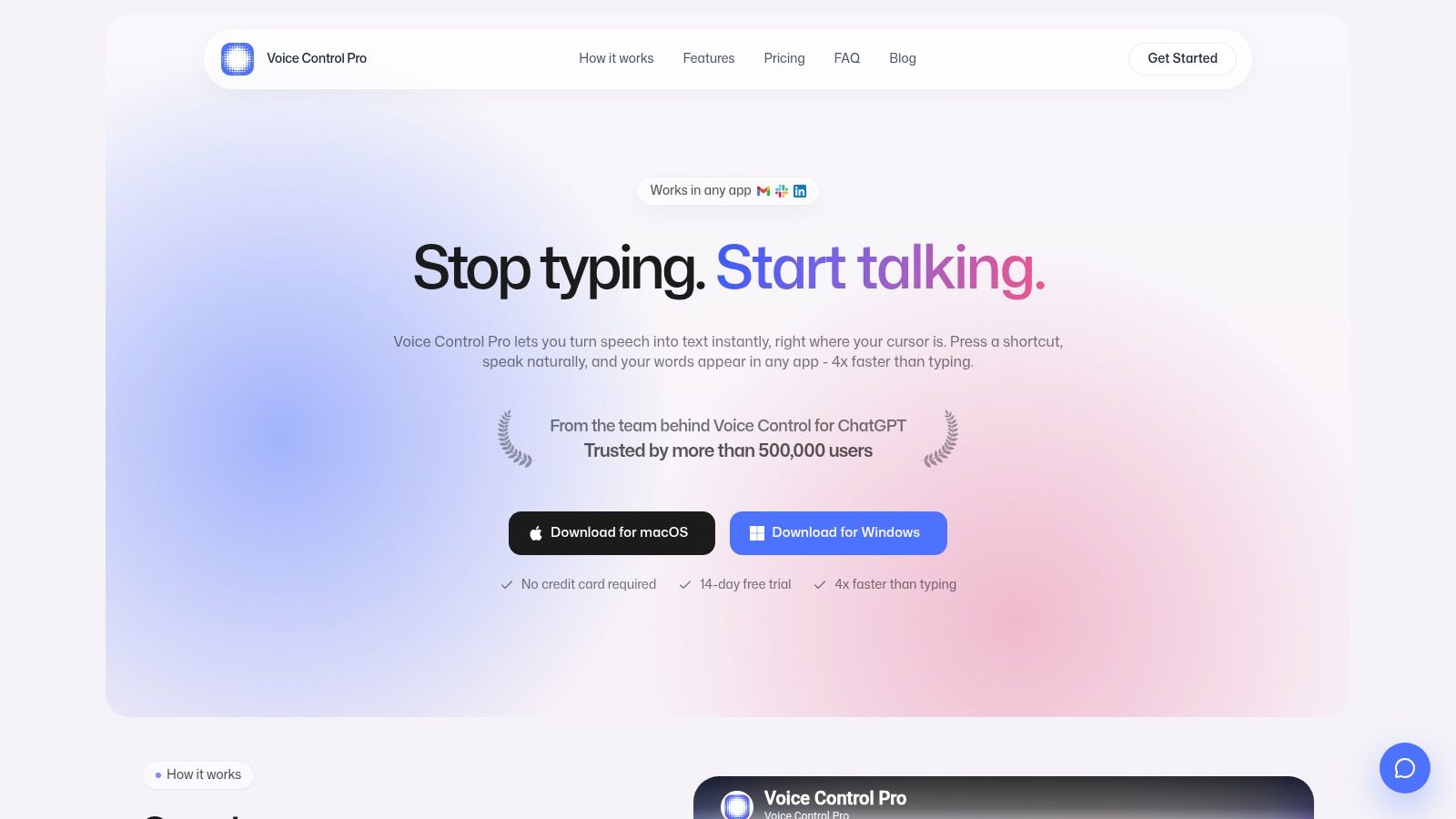
Need text in the app you're already using, without leaving a microphone on between thoughts? Voice Control Pro works with a press-and-hold global shortcut: speak in any app, release, and the transcription appears where your cursor is. It's available for macOS and Windows, and inserts text into Slack, Gmail, documents, notes, and AI tools.
The difference is the controlled workflow. You choose when the app listens, then get clean transcription without dictating into a separate window and pasting. Voice Control Pro is also 4x faster than typing. For setup and shortcut guidance, see this desktop dictation setup guide.
What Hey Max Adds
Select a support reply and tell Hey Max to make it warmer or shorter. It replaces the selection in place. You can also start with Hey Max to ask a question and get an answer near your cursor, or say the name of an installed app to open it.
Fly Mode pauses cloud-powered features and runs voice processing locally on your computer. That suits confidential drafts or work without an internet connection, though cloud features pause while Fly Mode is on.
- Pricing and languages: Max costs $9 per month for unlimited weekly words. It adds support for 99+ languages, with automatic language detection or the option to choose one.
- Trial: New users get a 14-day free trial, with no credit card required.
- Track record: Voice Control Pro is trusted by more than 500,000 users and comes from the team behind Voice Control for ChatGPT.
Practical rule: Choose this if you want dictation and rewriting in the same shortcut-driven workflow.
Voice Control Pro suits people who move between apps and revise as they draft. Local transcription keeps recordings and transcriptions on your device; cloud transcription offers broader language coverage. That choice, along with whether you want Hey Max's rewriting and question-answering tools, is more useful than comparing transcription accuracy alone.
2. Apple Dictation
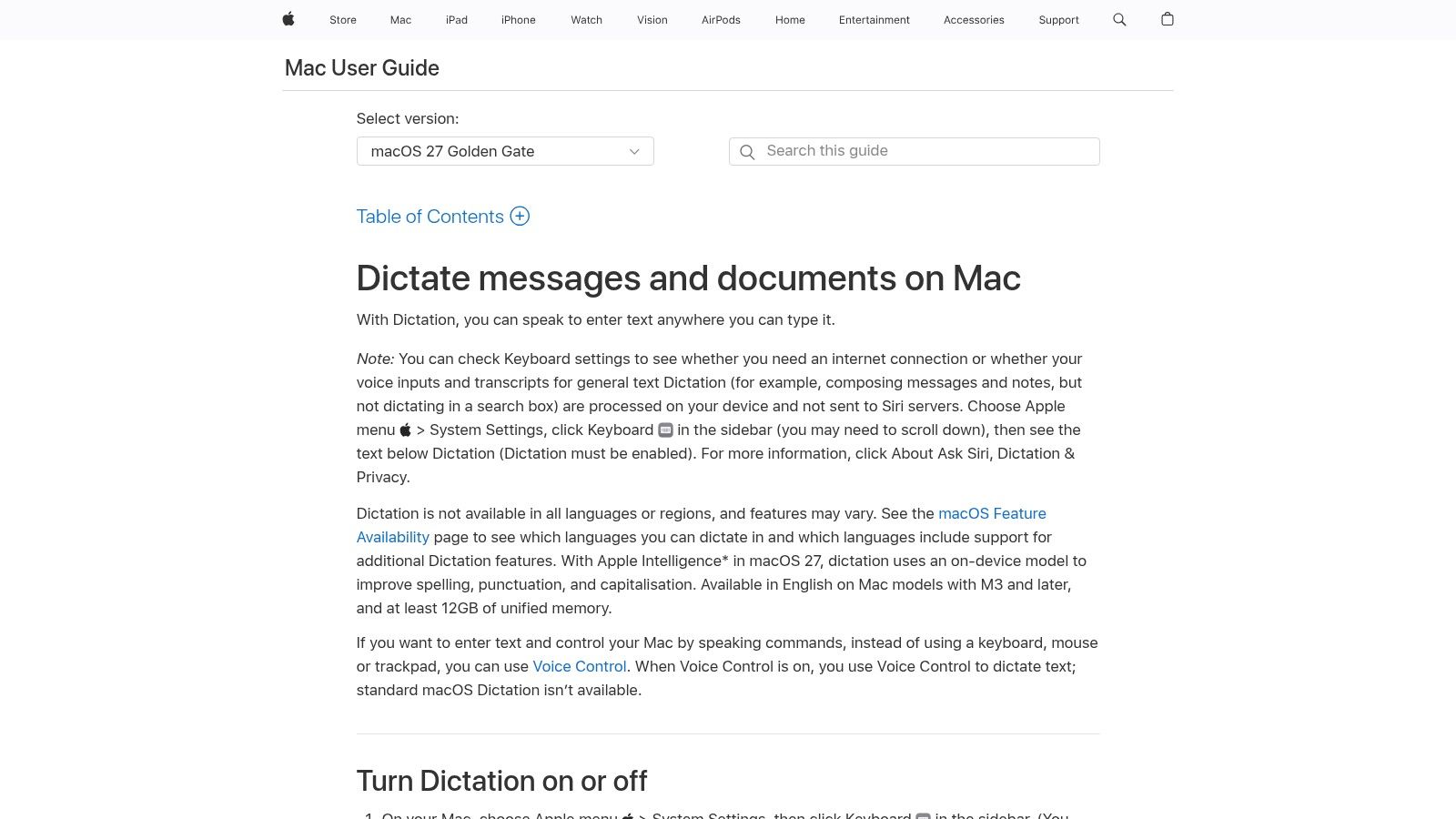
Start here if you want to spend nothing and install nothing. Apple Dictation is built into macOS, works in places where you can type, and handles spoken punctuation, simple formatting commands, and emoji. For short notes and quick emails, that's often enough.
Apple set this platform baseline years ago. According to Apple's Voice Control technical brief, Voice Control arrived with macOS Catalina in 2019, was announced on June 3, 2019, and supported all 40 languages previously available through Enhanced Dictation. Voice Control remains the separate accessibility feature for operating the whole Mac by voice.
Where It Falls Short
Don't confuse the two features. Standard Dictation is unavailable while Voice Control is on, and it lacks the integrated editing and AI cleanup that dedicated apps add. You'll fix filler words, names, and paragraph breaks yourself, which adds up over a long report.
Privacy needs a check, not an assumption. The Apple support guide for using Dictation on Mac explains that availability varies by language and region and that processing depends on your settings and configuration. Verify whether your language processes locally before dictating confidential material. If you're weighing the built in option against a paid workflow, this head to head comparison with Apple Dictation lays out the differences.
Configure it in System Settings, then Keyboard, try a real email thread, and note your correction time. That number tells you whether free is free.
3. Wispr Flow
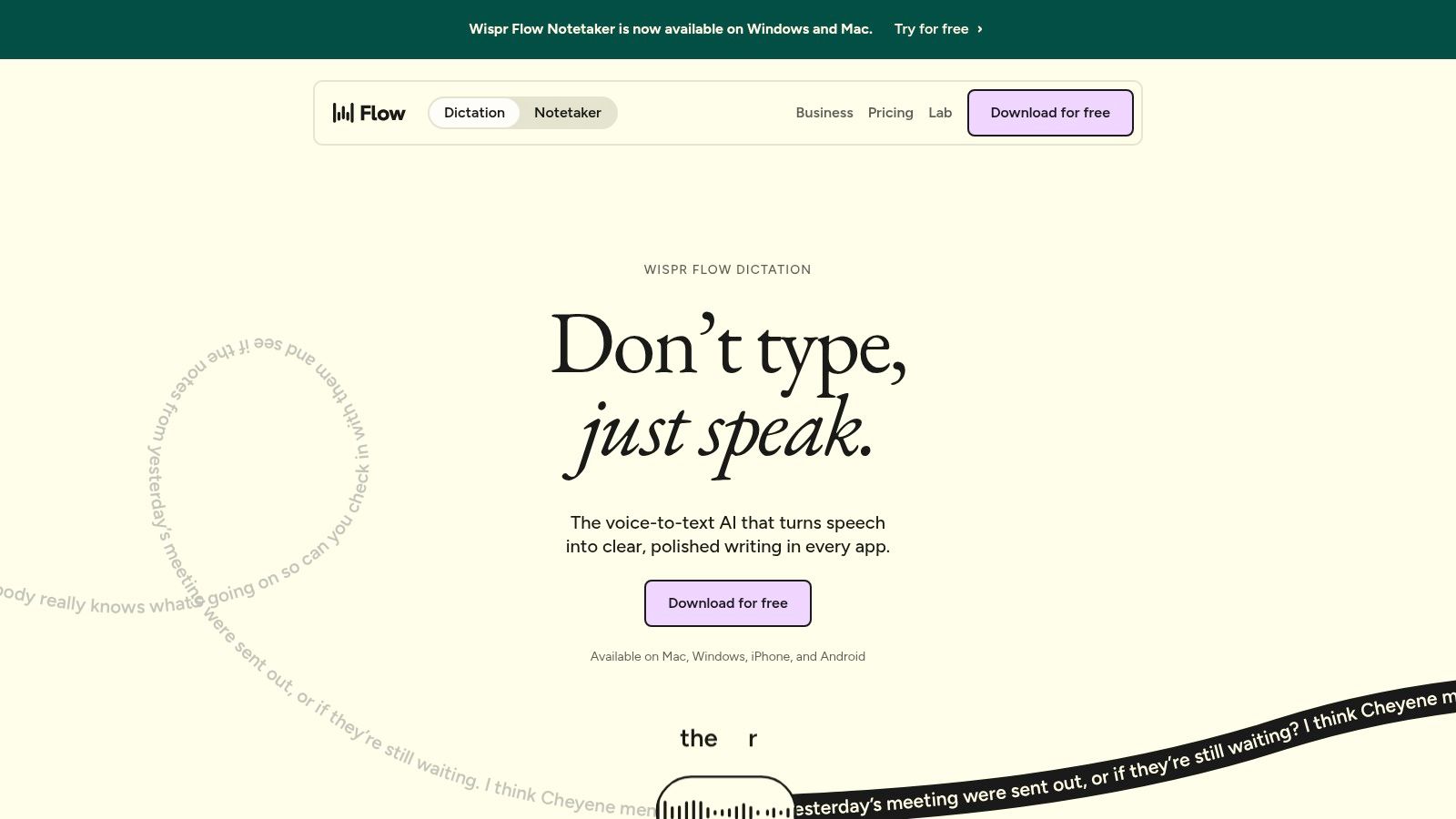
Wispr Flow is built for people who dictate all day across email, chat, and documents and want formatted text without babysitting punctuation. It's a system level layer, so the same habit works from app to app instead of living inside one editor.
Judge it with your own vocabulary, not a demo script. An independent 2026 benchmark testing 13,023 recordings across five languages, described in this comparison of Mac speech to text engines, found a 5.2% English word error rate with WhisperKit. More usefully, technical jargon errors fell from roughly 20% to 10% when a proofreading layer was applied. That's the case for cleanup in one sentence.
- Cross app dictation: Speak into text fields across supported Mac apps with consistent formatting.
- Language range: Its pricing page lists support for more than 100 languages.
- Personal vocabulary: Paid plans add personal or shared dictionaries and snippets, which helps with names and product terms.
- Free entry point: A free plan lets you test the workflow before paying.
The catches are familiar. Unlimited dictation requires a subscription, and user feedback mentions privacy questions, resource use, and setup friction. Plans have changed over time, so check current pricing before committing. If you're choosing between polished cloud cleanup and an assistant led workflow, this comparison with Wispr Flow covers the trade offs directly.
I see it as the polished writing pick. If your main pain is messy first drafts rather than app switching, it earns its shortlist spot.
4. Superwhisper
Do you enjoy tuning prompts and picking models? Superwhisper is the configurable option in this list. You can customize how dictation is processed, and Pro adds personal AI API keys, additional models, translation, and audio or video file transcription.
That control suits technical users who dictate prompts, code comments, and documentation with specific formatting rules. Say you want spoken notes turned into bullet points in one app and plain prose in another. Custom prompt controls let you shape that output instead of editing after the fact.
A flexible tool only saves time if you actually configure it. Budget an hour for setup, or pick something simpler.
Language trade offs deserve attention before you standardize. In a comparative test using the FLEURS dataset, this analysis of Apple Speech versus Whisper reported English word error rate declining from 13.83% to 8.80% with Apple's newer Speech framework. The same test found the newer engine returned results for 21 of 83 tested language configurations, while legacy Dictation returned 33. Newer isn't automatically broader, so test your exact locales.
Who Should Skip It
The free tier covers everyday dictation, and Pro licenses can be used across your devices. But the vendor notes offline models work best on Apple Silicon Macs, and Pro pricing depends on billing term. If you just want to hold a key and write, this is more product than you need.
5. MacWhisper
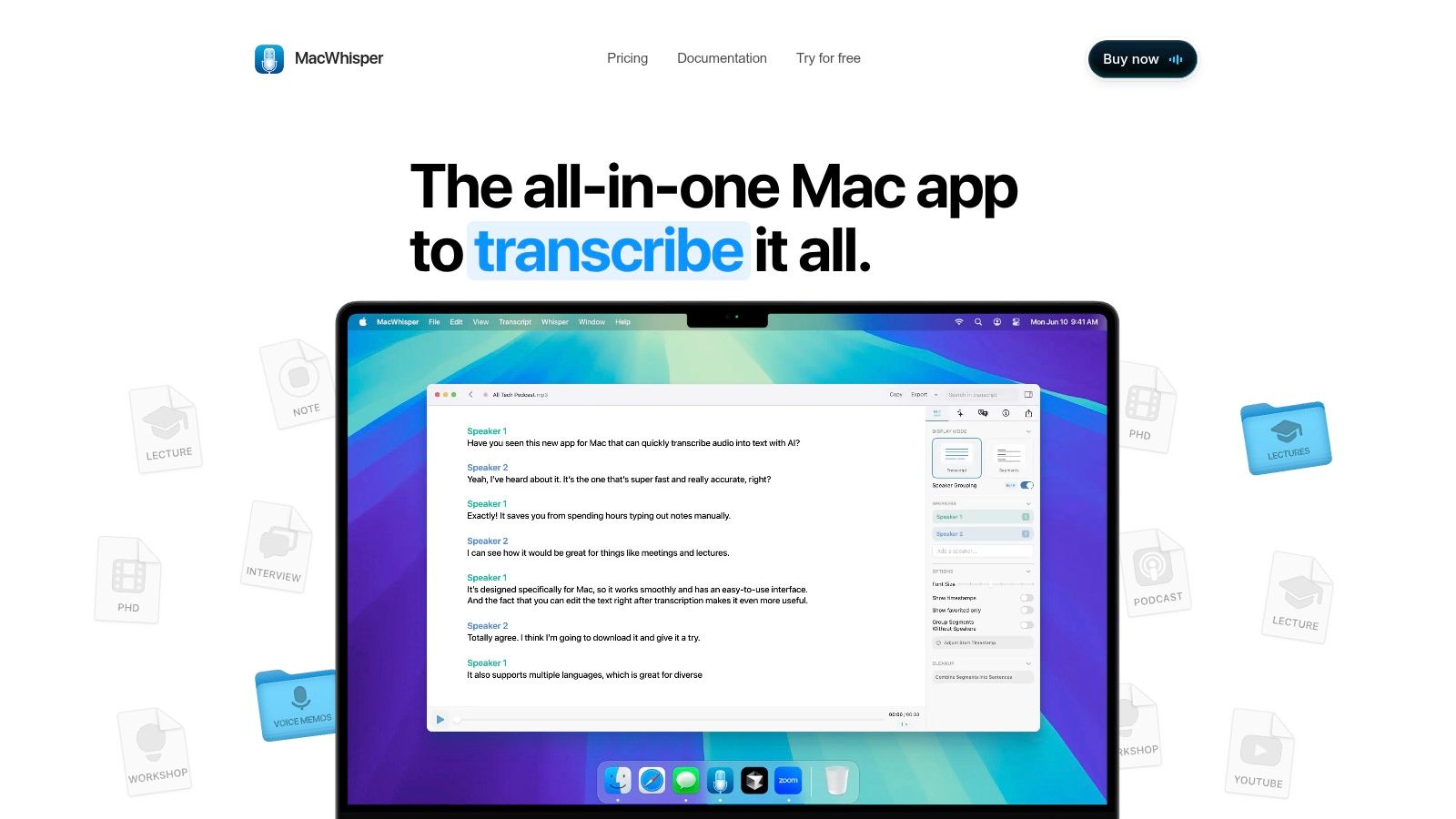
MacWhisper answers a different question. What if half your speech to text work starts from recordings rather than live dictation? It combines system wide dictation with transcription of audio files, so interviews, lectures, and meeting recordings live in the same tool as your quick messages and notes.
That dual role fits researchers and students well. Dictate a summary into your notes app in the morning, then transcribe a recorded seminar in the afternoon without learning a second program. Its website lists support for more than 100 languages, which helps with multilingual source material.
- Two jobs in one app: Live dictation from your microphone plus transcription of saved audio files.
- Free version available: You can test both workflows before paying anything.
- One time Pro license: Pro is advertised with lifetime updates, which suits anyone avoiding subscriptions.
- Feature split to check: Free and Pro feature sets differ, so confirm your must have features before buying.
The downside is focus. If you only want fast voice input at the cursor, recording and file transcription tools add interface weight you'll never use. License terms and compatibility are worth verifying on the product site before purchase too.
I recommend it when recorded audio is a weekly reality, not an edge case. Pure dictation users will find lighter options above and below.
6. Spokenly
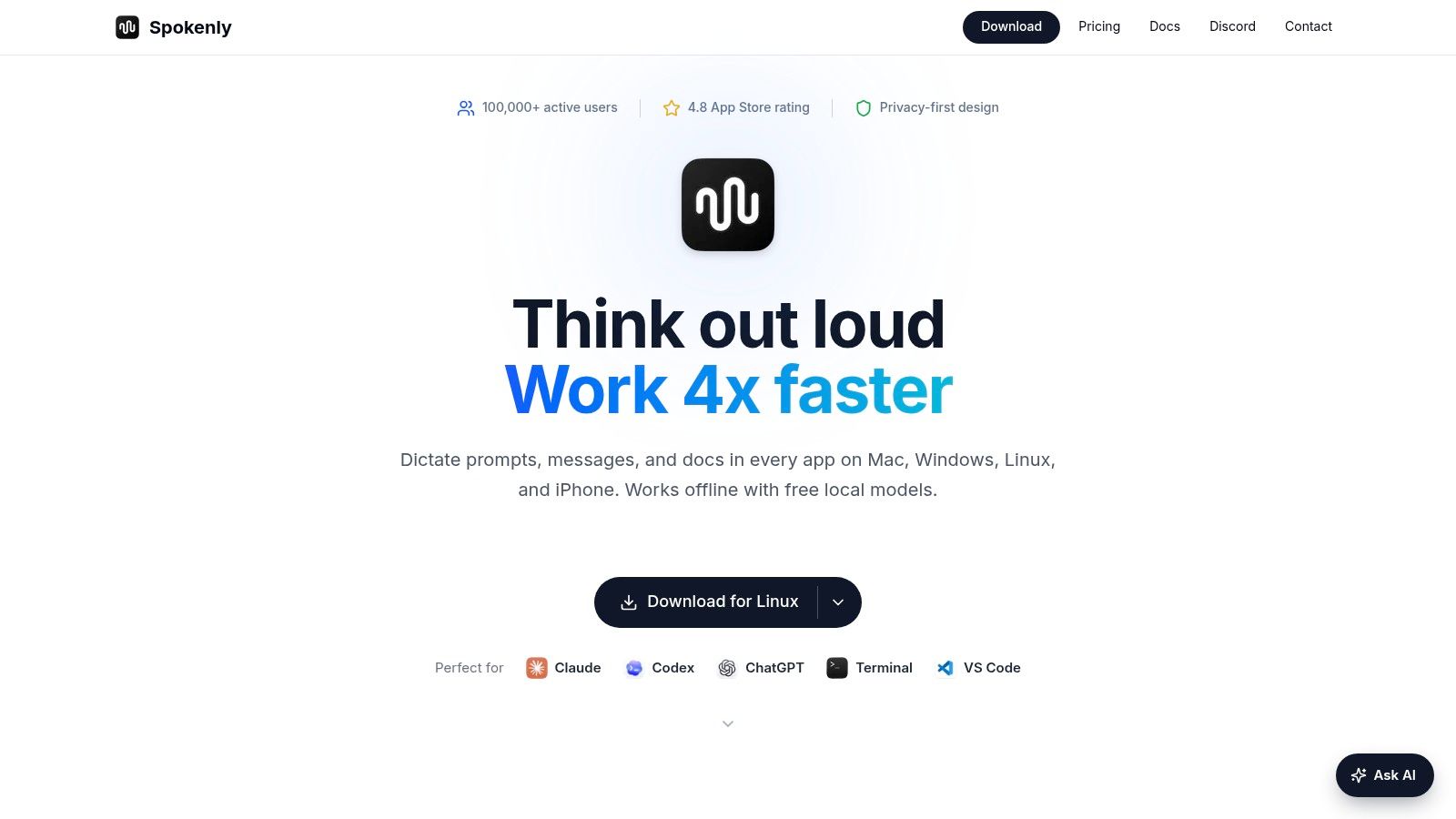
Spokenly makes the strongest free privacy pitch here. Its free plan offers unlimited offline dictation using local Whisper and Parakeet models, and its pricing page says local dictation is free indefinitely. No account is required for the local model plan.
That matters for confidential work. When processing stays on your Mac, there's no cloud fallback to investigate and no transcript retention policy to parse. You can dictate on a plane, in a regulated environment, or anywhere without internet and get the same behavior every time.
Three Ways to Run It
- Local models: Unlimited on device dictation at no cost, across macOS, Windows, Linux, and iOS.
- Bring your own API key: Use your preferred provider, with separate setup and provider billing on your side.
- Pro cloud plan: Managed cloud transcription, AI cleanup, and syncing if you'd rather not maintain keys yourself.
The trade offs are complexity and polish. Premium cloud models and hosted text processing cost money, and choosing between models and processing modes takes time. First time users may spend longer on setup than with a single mode app.
Privacy shortcut: If a vendor cannot state plainly where your audio goes, treat that silence as your answer.
Pick Spokenly if unlimited free local dictation is your top requirement and you're comfortable making a few technical choices up front.
7. VoiceInk
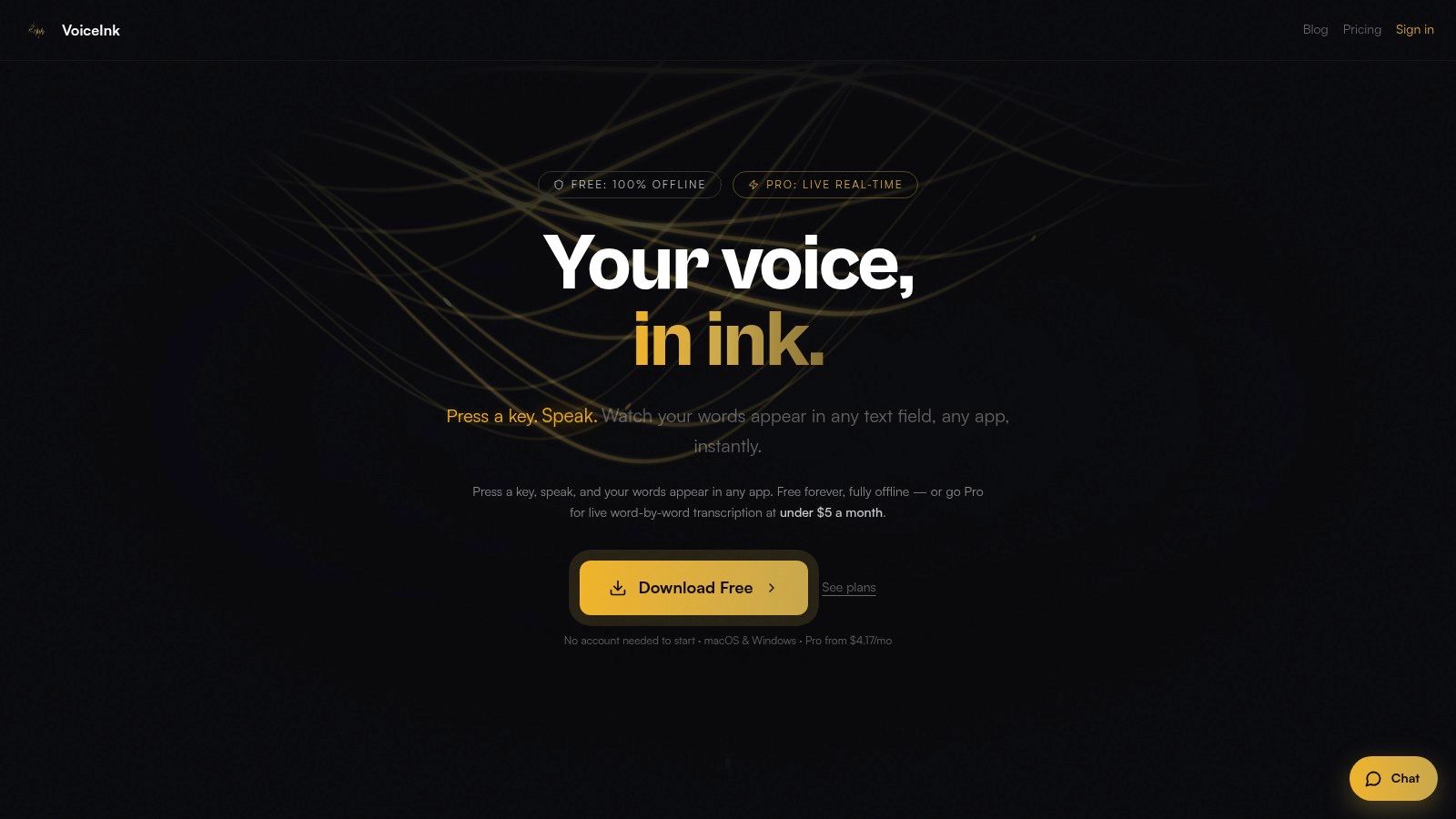
VoiceInk's workflow is built around a shortcut: press it, speak, and insert text at the cursor. It's a focused dictation app for macOS and Windows, rather than a full writing suite or transcription platform.
The free tier uses local Whisper processing and supports custom vocabulary. You can start without an account, then dictate short messages, notes, or prompts without sending audio to a cloud service. That local workflow suits quick input, though it offers less real-time feedback than live transcription.
For longer sessions, the distinction between local and cloud processing matters. VoiceInk's Pro plan adds live, word-by-word transcription through a cloud speech service. That can make spoken text appear as you talk, but it requires an internet connection and sends audio for cloud processing.
- Simple shortcut workflow: Speak in any app and send text to the cursor.
- Local free tier: Process everyday dictation on your device.
- Cloud live transcription: Choose Pro when seeing words appear as you speak matters more than keeping processing local.
VoiceInk fits people who dictate in short bursts and value a direct shortcut-to-text routine. For sustained writing, weigh the live cloud workflow against the local option before choosing.
7 Mac Dictation Programs at a Glance
The key difference is where speech is processed and how the text reaches your work. Use this table to compare the main workflow and trade-offs.
| Item | Free Option | Pricing Model | Local/Offline Processing | Best For |
|---|---|---|---|---|
| Voice Control Pro | Free plan; new users get a 14-day trial | Free plan; Max is $9/month for unlimited weekly words | Fly Mode runs voice processing locally and pauses cloud features | Cross-app dictation with AI assistance on macOS and Windows |
| Apple Dictation | Included with macOS | No extra cost | Depends on macOS version, language, and Mac model | Basic dictation integrated into macOS |
| Wispr Flow | Free plan available | Free plan; subscription for unlimited dictation and added features | Cloud-based transcription; an internet connection is required | Cross-app dictation with formatting for regular use |
| Superwhisper | Free tier for everyday dictation | Free tier; paid Pro, with pricing depending on billing term | Offline models available; they work best on Apple Silicon Macs | Customizable dictation with model and prompt controls |
| MacWhisper | Free version available | One-time Pro license advertised with lifetime updates | Local transcription is available with downloaded models; cloud models require an internet connection | Live dictation and recorded-audio transcription |
| Spokenly | Unlimited local Whisper and Parakeet use | Free local plan; paid cloud features; optional personal API key | Unlimited local offline models on free plan | Free on-device dictation across multiple platforms |
| VoiceInk | Local Whisper, limited to 20 transcriptions per day | Free tier; Pro advertised at $50/year | Free tier uses local Whisper offline processing | Shortcut-based dictation with local processing |
Pick Your Shortcut and Start Speaking
Match the tool to the job you repeat most. Apple Dictation is the zero cost baseline for short, low stakes text. MacWhisper suits anyone who wants one time pricing and moves between live dictation and recorded audio. Spokenly is the clear pick when unlimited free local dictation matters most.
Superwhisper rewards tinkerers who'll configure prompts and models. VoiceInk fits lightweight shortcut bursts, while Wispr Flow suits polished cross app writing with strong cleanup. Voice Control Pro is my recommendation when you want dictation plus an in place assistant that rewrites selections, answers questions, and launches apps without window switching.
Test Two Tools This Week
Don't decide from feature lists. Install two candidates and run each through one real day of email, chat replies, and document drafting. Time your corrections, because that hidden cost decides whether dictation sticks.
A 2025 systematic review in PubMed Central, summarized in this PubMed Central systematic review of speech recognition productivity, reported speech recognition productivity for secretaries and transcriptionists ranging from 55.8% to 87.3% of standard transcription productivity depending on study group. Workflow and correction habits drive that spread. Your mileage will vary for the same reason.
Comfort counts too. A 2025 ClickUp survey of 527 knowledge workers found 72% experienced typing related discomfort, as reported in ClickUp's talk to text report. If your wrists already ache, even imperfect dictation that cuts keyboard hours has real value.
Whichever tool you choose, verify important outputs before sending or filing them. Speech recognition and AI cleanup can mishear names, numbers, and technical terms, and a ten second skim beats a wrong figure in a customer reply. We require that caution with our own tool, and you can stop using it at any time if the workflow doesn't fit. Pick your shortcut, speak one real paragraph, and let correction time make the decision.
If you want dictation that inserts clean text at your cursor, rewrites selections in place with Hey Max, and keeps processing local in Fly Mode when privacy matters, start your free trial today. Visit Voice Control Pro to download it for Mac, press your shortcut, and dictate your next email instead of typing it.